5 factors that affect what bulk price editing apps cost monthly
77% of Shopify merchants who changed prices for over 1,000 SKUs during the 2025 Black Friday season said manual edits slowed them down, according to a Shopify Pulse survey published in January 2026. The demand for rapid, bulk price editing apps is surging, but understanding how much bulk price editing apps cost monthly in 2026 is anything but straightforward.
Bulk price editing apps have become mission-critical for ecommerce teams prepping for flash sales, new product launches, and seasonal price changes. Yet, pricing for these tools is rarely transparent, especially as providers tweak models to match usage, feature set, and store size. OCS Engine, a leader in Shopify apps, has seen merchant demand spike for smarter tools that don’t just change prices en masse, but also provide safety nets, audit trails, and AI-driven suggestions. If you’re weighing your options, you need specifics, not sales pitches: this breakdown reveals the five real factors shifting what you’ll pay monthly for bulk price editing apps right now.
Table of Contents
- 1. Feature Depth, The Biggest Driver of Monthly Cost
- 2. Catalog Size, How SKU Volume Impacts Monthly Pricing
- 3. Integration and Automation Capabilities, The Hidden Cost Multiplier
- 4. Support and SLA Guarantees, Paying for Peace of Mind
- 5. Billing Model, Subscription, Usage-Based, or Freemium?
- Frequently Asked Questions About How Much Do Bulk Price Editing Apps Cost Monthly
1. Feature Depth, The Biggest Driver of Monthly Cost
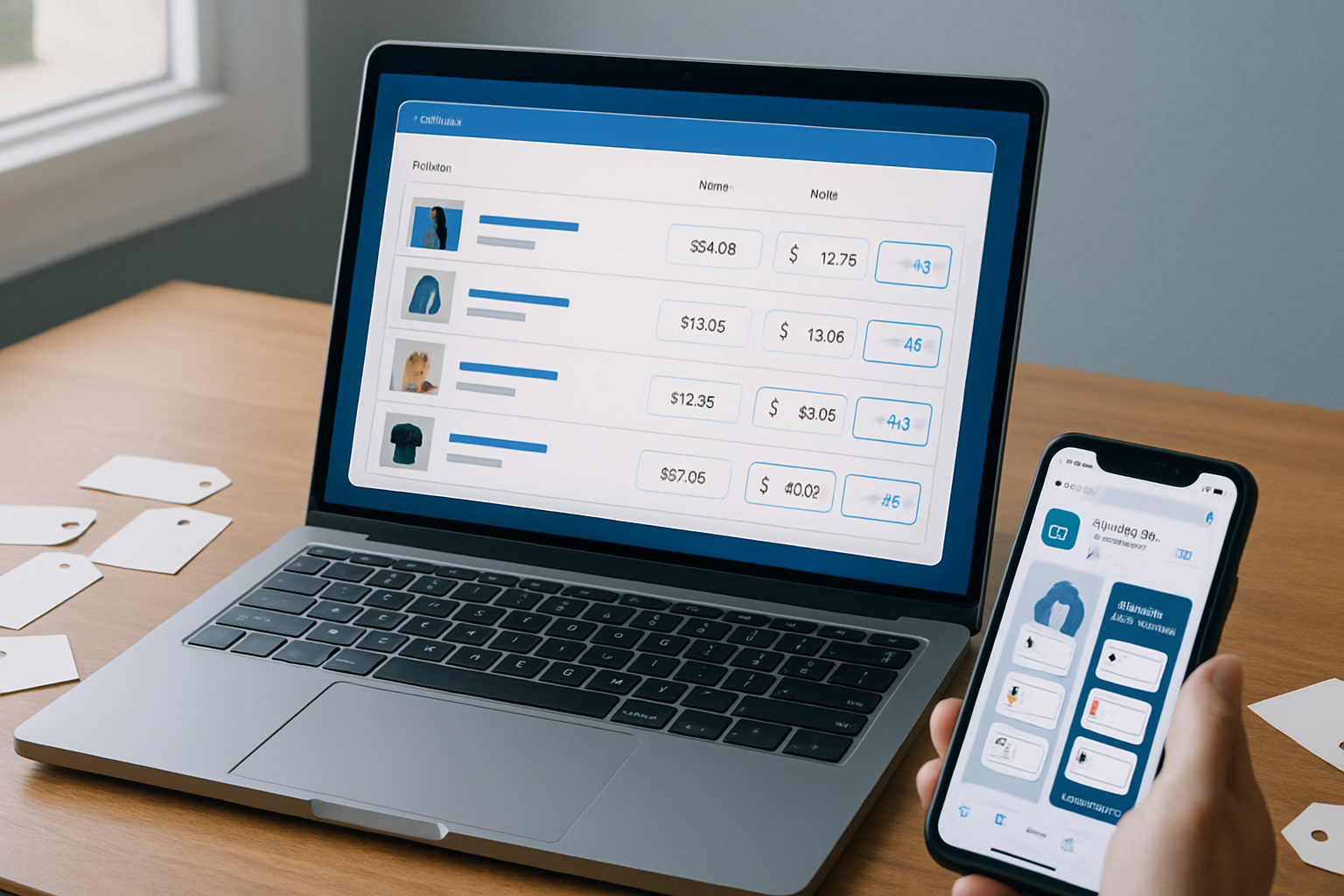
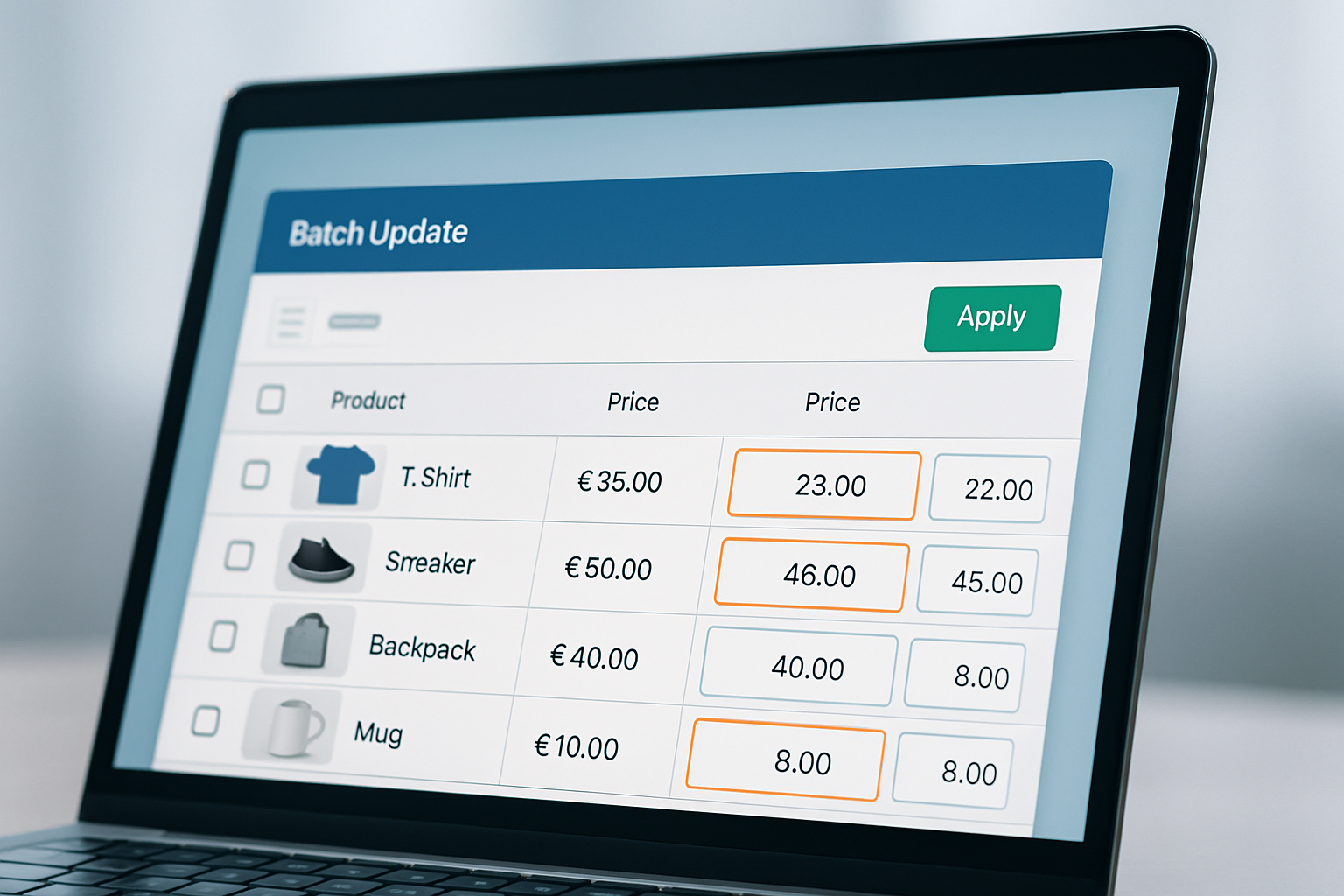
Every bulk price editing app claims “fast edits,” but the feature set is where pricing escalates. Entry-level apps often support flat percentage or fixed-amount changes. Advanced tools, like OCS: Bulk Product Price Editor, offer layered logic: schedule price changes, roll back edits, apply to custom segments, or even use AI to recommend optimal price points for margin protection.
- Rollback functionality: Essential for high-volume stores, mistakes in bulk pricing require instant reversal. OCS’s rollback feature, for example, cuts error recovery from hours to seconds.
- Scheduling tools: Automate holiday discounts or flash sales to avoid late-night manual edits. As of August 2026, over 63% of enterprise stores demand scheduled bulk changes, according to Shopify’s app marketplace trends.
- AI-powered recommendations: New for 2026, AI can flag products at risk of margin loss or suggest A/B price tests. OCS Engine’s AI module saw a 22% adoption increase since launching fall 2025.
- Audit trails and reporting: Compliance and finance teams now expect logs of all pricing changes. Some apps export CSVs or integrate with analytics dashboards (e.g., Google Sheets sync).
Take Shopify Plus merchants prepping for Singles’ Day: those with advanced scheduling and rollback avoid major margin leaks compared to stores using free plug-ins with no audit log. The more advanced your requirements, the higher the monthly price, though these features often prevent mistakes that cost far more than any subscription fee.
Feature Matrix Comparison
| App | Rollback | Scheduling | AI Suggestions | Audit Trail |
|---|---|---|---|---|
| OCS: Bulk Product Price Editor | Yes | Yes | Yes | Yes |
| Bulk Price Changer Pro | Yes | No | No | Partial |
| EZ Bulk Price Editor | No | No | No | No |
Pros: Rich features mean less manual work, fewer errors, and safer scaling. Cons: Higher monthly cost, and some features may be unnecessary for very small catalogs.
2. Catalog Size, How SKU Volume Impacts Monthly Pricing
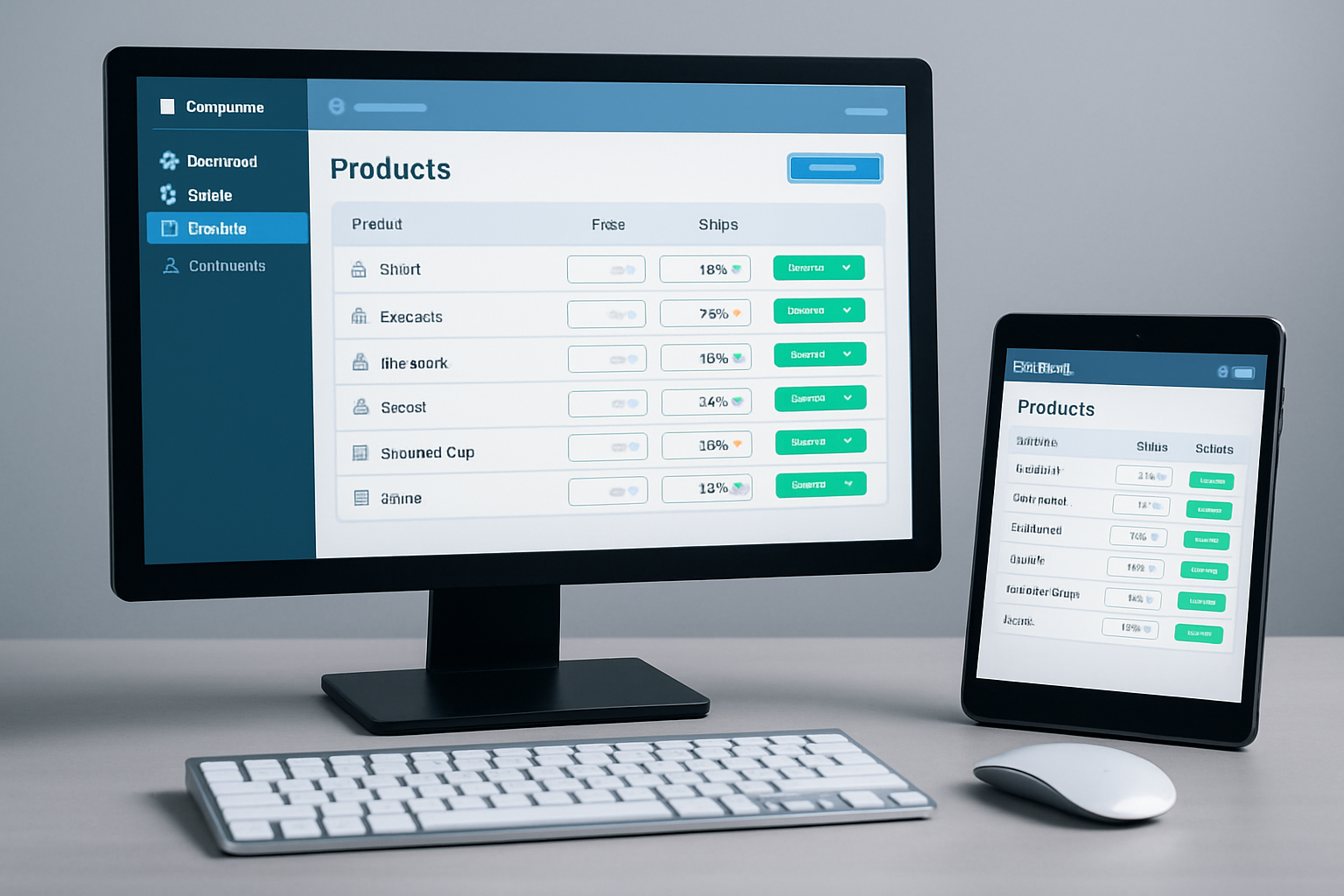
How much do bulk price editing apps cost monthly for different-size stores? Volume-based pricing is now the standard. Most apps segment plans by SKU count: under 500, 5,000, 20,000+, or offer true “enterprise unlimited” tiers. This structure reflects server and API load, but also the support needs that come with managing large catalogs.
- Small stores (under 1,000 SKUs): Often qualify for a “starter” tier. These plans sometimes include free usage but cap advanced features.
- Mid-size stores (1,000–10,000 SKUs): 2026 data from App Review Collector shows merchants in this range pay, on average, 2.3x more per month than micro-stores, largely due to increased processing needs.
- Enterprise (10,000+ SKUs): Custom pricing usually applies. OCS Engine’s pricing is tailored per store; check their website for current rates. Many tools require onboarding calls at this scale.
- API Call Limits: Shopify’s own 2026 API limits mean apps throttle the number of edits per minute at higher tiers, don’t ignore this, especially during peak sale events.
A strong use case: a fashion retailer prepping for Fall 2026 drops. Their 15,000-SKU catalog required a batch editor with no slowdowns and 24/7 support, pushing them to a higher-tier plan. For the smallest stores, free or low-cost options make sense, but even these merchants may hit feature walls fast during flash sales.
Pros: Scalable plans mean you pay for what you use. Cons: Price jumps can be steep when moving between SKU tiers, so audit your actual usage monthly.
3. Integration and Automation Capabilities, The Hidden Cost Multiplier
Integrations with other Shopify apps, CRMs, or custom ERP systems can drive up what bulk price editing apps cost monthly, especially for merchants who automate workflows across multiple tools. OCS Engine’s ecosystem, for instance, often bundles price editing with WhatsApp chat, affiliate discount links, and contact form builder modules.
- Bulk API access: Merchants using multiple Shopify apps (like OCS Sticky Chat + Bulk Price Editor) benefit from unified billing, but may pay more for cross-app automation.
- Zapier and Make.com integrations: 2026 has seen a rise in merchants automating pricing based on inventory, Google Analytics data, or even AI-driven demand signals. These advanced automations are rarely available in free plans.
- Custom workflows: Building workflows that trigger Slack alerts, email reports, or integrate with fulfillment is increasingly popular, OCS Engine has seen a 19% uptick in automation requests since Spring 2026.
- Third-party app compatibility: Some price editors don’t play well with other Shopify plug-ins, always check compatibility for your stack before subscribing.
One electronics retailer automated end-of-season markdowns by linking their OCS bulk editor to Google Sheets via API; this required a “pro” tier subscription. Meanwhile, merchants without such needs can avoid these costs entirely. Consider what integrations are mission-critical before committing to higher monthly pricing.
Pros: Automation saves time and reduces errors. Cons: Monthly costs rise quickly with each added integration, and setup can be complex.
4. Support and SLA Guarantees, Paying for Peace of Mind
Support quality wasn’t a top concern five years ago, but as stores go global and run more frequent pricing changes, help desk response times have become a differentiator. The 2026 Shopify App Satisfaction Index found that 42% of complaints about bulk price editing apps involved slow support during major sale events.
- Basic support (email only): Included in most entry-level plans. Expect 24-48 hour turnaround, often with limited troubleshooting.
- Priority support (live chat, 24/7): OCS Engine’s multi-agent chat app provides faster resolutions for urgent fixes. Such support is usually limited to “pro” or “enterprise” plans.
- SLA (Service Level Agreements): Some apps now guarantee 99.9% uptime, response within 2 hours, or even financial credits for downtime. These guarantees are reflected in the higher plan pricing.
- Onboarding and training: Enterprise plans may bundle live onboarding calls or video training, critical for stores with complex workflows.
Consider a beauty brand running bi-weekly flash sales in Fall 2026: a single outage during a price change could mean thousands in lost revenue. For these teams, paying for 24/7 chat and an SLA is non-negotiable, while a new store might be fine with self-serve help. Factor support quality into your monthly budget, not just feature set.
Pros: Peace of mind during peak events and critical sales. Cons: Costs can be significant, and not all support tiers are created equal, ask for peer references if uptime is business-critical.
5. Billing Model, Subscription, Usage-Based, or Freemium?
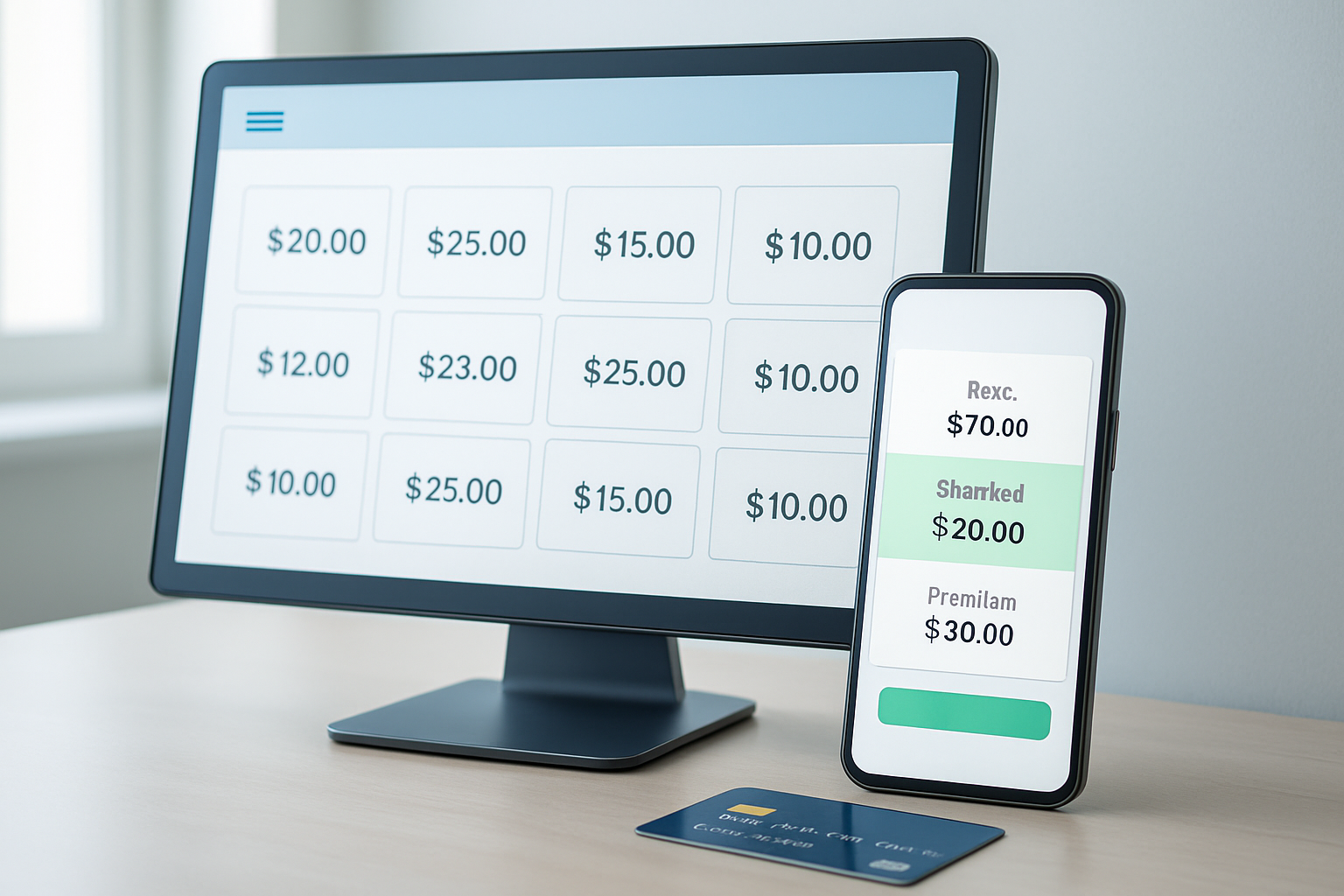
How much do bulk price editing apps cost monthly depends heavily on their billing model, not just feature set. In 2026, the three dominant models are monthly subscriptions, usage-based pricing, and freemium with paid add-ons. The model you choose impacts both predictability and total cost of ownership.
- Flat monthly subscriptions: Most predictable for budgeting. OCS Engine, for example, offers straightforward subscription tiers tailored to store size and needs, visit the official website for current pricing.
- Usage-based plans: Some apps charge per bulk edit, per SKU, or per API request. This model works for low-frequency users, but can get expensive fast with frequent catalog changes.
- Freemium with paid features: Many new apps allow basic edits for free, then charge for advanced features (scheduling, automation, rollback, etc.). As of October 2026, Product Hunt shows 38% of new bulk price editors adopt this model.
- Annual discounts: Paying a year upfront often yields a 10-25% savings, but only makes sense if you’re confident you’ll stay with the provider long-term.
One OCS Engine client, an outdoor gear shop, ran weekly price changes across 8,000 SKUs. Their usage spiked seasonally, so they compared a flat subscription to a pay-as-you-go competitor. The subscription proved cheaper during Fall’s heavy sales, even though usage-based looked appealing at first glance.
Pros: Flexible models let you align spend with usage. Cons: Usage-based fees can surprise you during sales spikes, so run the numbers on your average and peak needs.
Frequently Asked Questions About How Much Do Bulk Price Editing Apps Cost Monthly
Can I use a bulk price editing app for free on Shopify?
Some apps offer limited free plans, usually capped by SKU count or feature set. Expect basic price changes, but features like rollback, scheduling, or reporting typically require paid subscriptions. For advanced automation, free options rarely suffice beyond trial needs.
Do bulk price editing apps affect store speed or checkout?
Bulk price edits themselves don’t slow down Shopify checkout, but editing thousands of SKUs at once can temporarily strain your admin dashboard. Choose apps that process edits in batches and respect Shopify API limits to avoid errors or slowdowns during peak sales.
What's the difference between OCS: Bulk Product Price Editor and other price editing apps?
OCS: Bulk Product Price Editor stands out for features like instant rollback, AI price suggestions, and smooth integration with other OCS Engine tools. Competing apps may offer basic bulk edits but lack advanced scheduling, reporting, or automation found in the OCS ecosystem. Always compare feature lists and compatibility for your specific needs.
How secure is my store data when using bulk price editing apps?
Reputable apps use Shopify’s secure API and don’t store sensitive data outside Shopify’s ecosystem. Always confirm the app’s data policy and look for audit logs or rollback features, which help you recover from accidental or unauthorized price changes quickly.
Can I schedule future price changes with these tools?
Yes, but only with apps that support scheduling, this is often a premium feature. Tools like OCS: Bulk Product Price Editor allow you to set start and end dates for price changes, ideal for seasonal campaigns or flash sales. Always check the app’s documentation before committing.
Choosing the right bulk price editing app isn't just about ticking feature boxes, it's about matching your catalog size, automation needs, and support expectations to a billing model that scales with your business. For the most current details on how much bulk price editing apps cost monthly, compare providers side-by-side and revisit your requirements as your store grows. OCS Engine continues to push the envelope in this space, driving innovation and transparency for Shopify merchants heading into the 2026 holiday season.