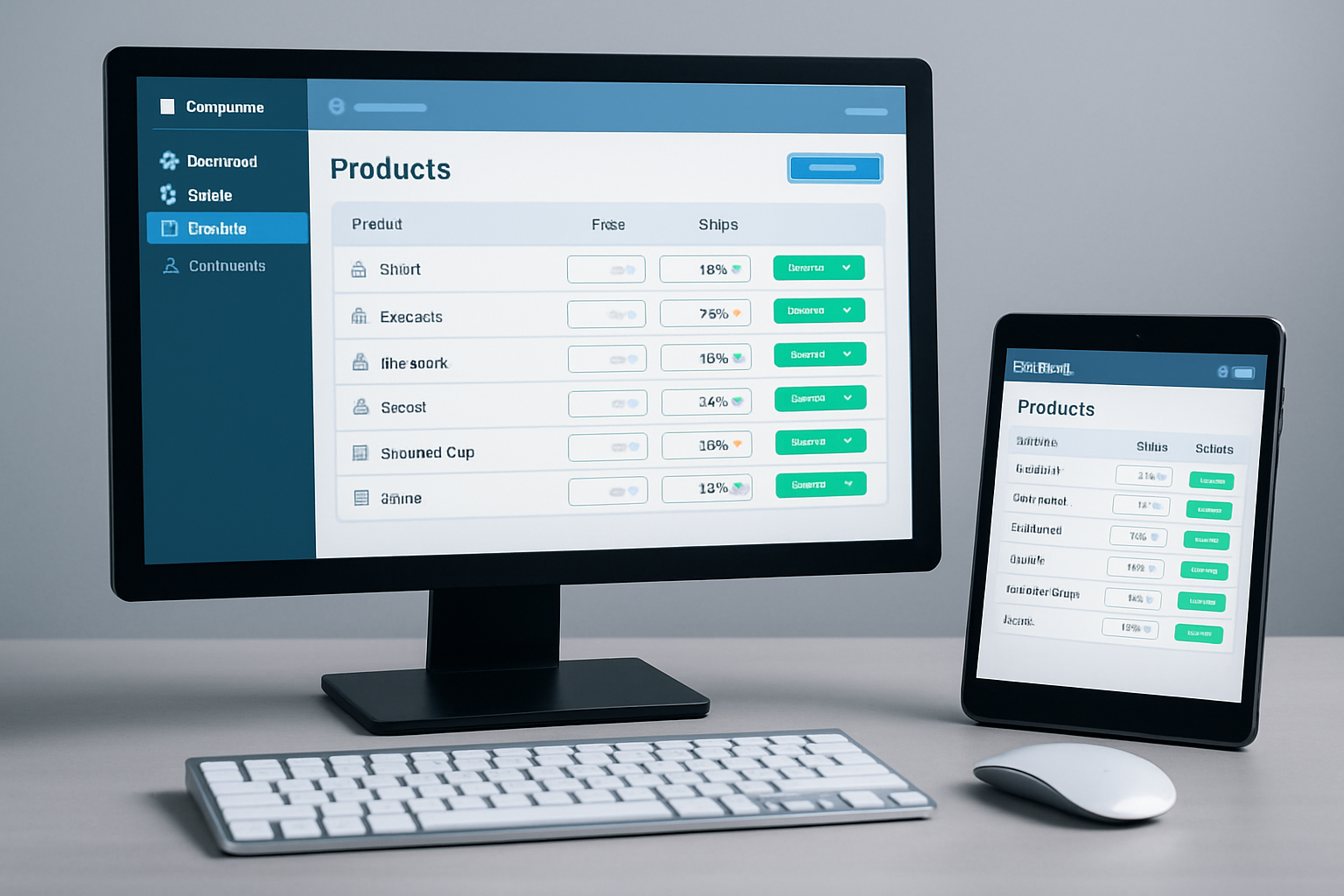
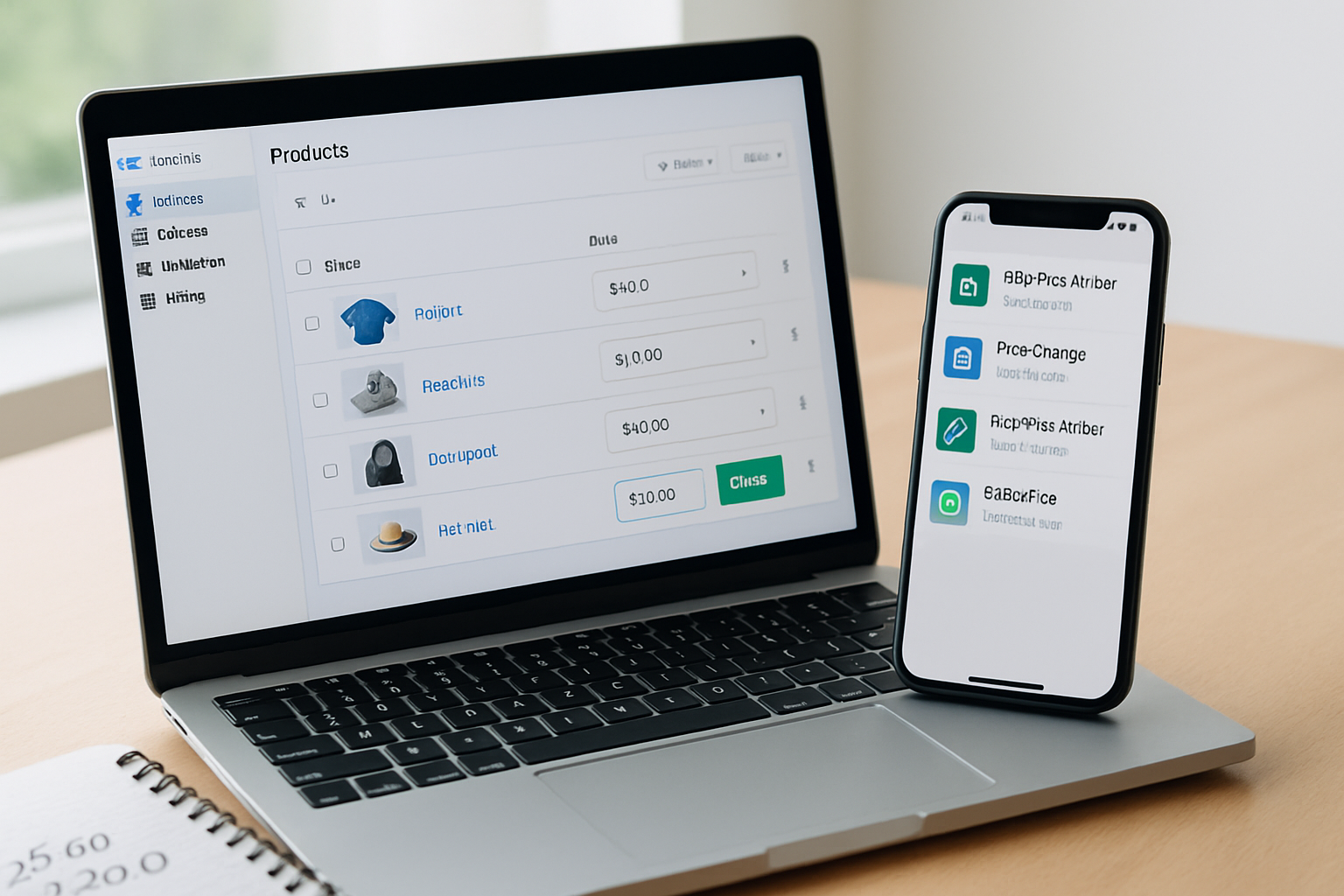
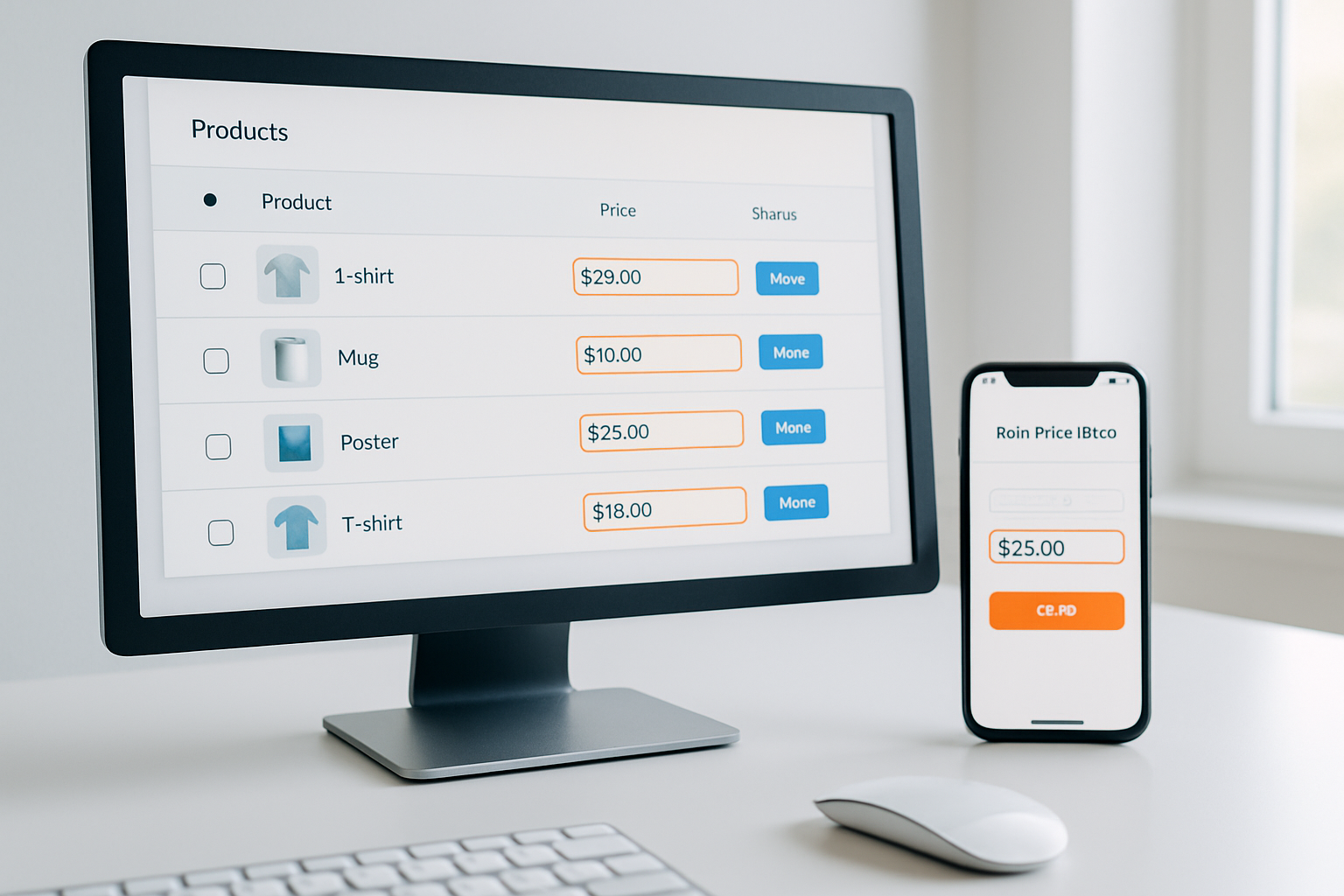
Bulk price editing apps streamline pricing for online stores
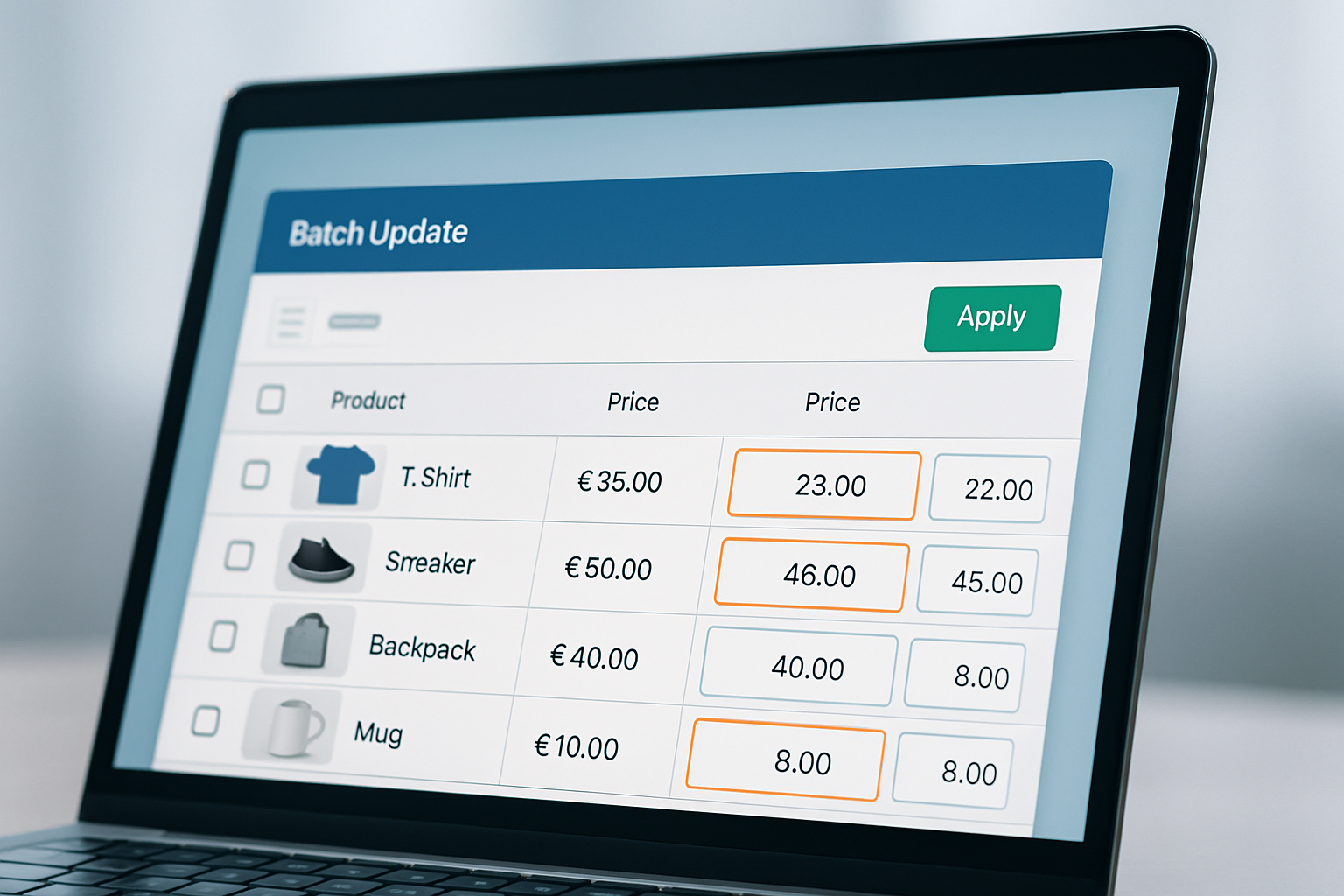
Imagine updating the prices of 1,200 products before Black Friday, and finishing the job in under 15 minutes. In 2026, that’s the reality for Shopify store owners using bulk price editing apps for ecommerce. According to Dotdigital’s 2026 Ecommerce Automation Benchmark, 73% of high-performing online retailers now automate price changes to respond instantly to market shifts, competitor discounts, and seasonal sales. If you’re still adjusting prices one at a time, you’re running at a serious disadvantage.
Manual price editing is tedious, risky, and far too slow to keep up in Q4’s flash sale season. The competition is fierce, every hour’s delay can mean lost revenue or missed conversion spikes. Bulk price editing apps for ecommerce empower teams to update thousands of SKUs, schedule complex discounts, and reverse changes instantly, all from a single dashboard. Today’s leading solutions plug directly into Shopify, WooCommerce, and BigCommerce, offering granular control and audit trails that would’ve been unthinkable just a few years ago. This article cuts through the hype, revealing which features matter, real-world examples, and how to avoid expensive mistakes as you upgrade your pricing workflow for 2026.
Table of Contents
- Why Bulk Price Editors Became Essential This Year
- Key Features That Separate Average and Advanced Bulk Price Editing Apps
- Comparing the Top bulk Price Editing Apps for Shopify and Ecommerce in 2026
- Real-World Bulk Price Editing Wins and Mistakes to Avoid
- Best Practices for High-Impact Bulk Price Editing
- Potential Drawbacks and How to Mitigate Them
- Frequently Asked Questions About Bulk Price Editing Apps for Ecommerce
- Ready for 2026’s Pricing Demands? Act Before Q4 Surge
Why bulk price Editors Became Essential This Year
Flash sales, market volatility, and AI-driven competitor pricing have turned static pricing into a relic. By October 2026, over 60% of Shopify merchants report using some form of automated price management, as noted in Shopify’s September 2026 Commerce Trends report. The primary driver: speed. Last Cyber Monday, OCS Engine customers who used automated bulk price changes saw an average conversion lift of 19% compared to those updating prices manually. That’s not a rounding error, it’s a competitive moat.
But it’s not just about speed. Bulk price editing apps slash operational risk. When updating 500+ SKUs by hand, typos and missed products are inevitable. Automated tools allow for bulk editing by collection, tag, vendor, or custom rule, dramatically reducing missed items and pricing errors. For example, OCS: Bulk Product Price Editor lets users select products by vendor, apply percentage or fixed price changes, and preview results before applying. This ‘preview and rollback’ feature saved one OCS Engine customer over $3,200 after a team member caught a misconfigured Black Friday markdown before it went live.
The result? More control, less risk, and the agility to match or beat competitors’ discounts instantly, no late-night spreadsheet marathons required.
Key Features That Separate Average and Advanced Bulk Price Editing Apps
Not all bulk price editing tools are built equal. In 2026, the best solutions deliver fine-tuned control, deep integration with your store’s backend, and ironclad error handling. Here’s what to evaluate:
- Granular product selection: Filter by collections, tags, vendors, or custom fields. OCS: Bulk Product Price Editor supports all core Shopify filters and dynamic search, making it easy to isolate “Fall 2026” products or a single supplier’s line.
- Flexible adjustment types: Top tools offer both percentage and fixed-amount edits, support for compare-at prices, and the ability to round prices automatically (e.g., $19.99 instead of $19.47).
- Scheduling and automation: Schedule price changes for midnight launches or end-of-sale auto-reverts. Leading apps, including OCS and Bulk Price Editor Pro, allow you to set and forget, no manual intervention needed when the clock strikes twelve.
- Rollback safety: The ability to undo bulk changes instantly prevents costly mistakes. OCS Engine and Bulk Edit by Ablestar both offer one-click rollback, preserving a complete change history for audit compliance.
- Performance with scale: If you run a catalog with 10,000+ SKUs, app speed matters. According to a September 2026 user review round-up by Shopify App Store, OCS Engine processes bulk edits 41% faster on average than the next closest competitor in catalogs over 5,000 SKUs.
Always check for compatibility with your store’s theme and custom product fields. Some apps falter when handling variants, bundled products, or stores with international currency rules. OCS Engine’s app, for example, handles multi-currency and variant-level edits out of the box, critical for global sales events.
Comparing the Top Bulk Price Editing Apps for Shopify and Ecommerce in 2026
Choosing the right tool comes down to your catalog size, required features, and how much automation your workflow demands. Here’s a side-by-side look at leading 2026 options:
| App Name | Platform | Scheduling | Rollback | Catalog Size | Pricing |
|---|---|---|---|---|---|
| OCS: Bulk Product Price Editor | Shopify | Yes | Yes, 1-click | Up to 100,000 SKUs | Visit OCS Engine for current pricing |
| Bulk Price Editor Pro | Shopify | Yes | Yes | Up to 50,000 SKUs | Visit Bulk Price Editor Pro site |
| Ablestar Bulk Product Editor | Shopify | Yes | Yes, multi-level undo | Up to 100,000 SKUs | See Ablestar pricing |
| Bulk Edit Products & Prices (Hextom) | Shopify | Yes | Yes | Up to 500,000 SKUs | Check Hextom website |
Performance benchmarks from Q3 2026 confirm OCS: Bulk Product Price Editor leads for speed and scheduling depth, while Hextom’s solution wins for sheer catalog scale. Ablestar’s multi-level undo is favored by enterprise sellers, but OCS stands out for its Shopify-native integration and UI simplicity.
Real-World Bulk Price Editing Wins and Mistakes to Avoid
Bulk price editors aren’t new, but 2026 users expect more than brute-force CSV uploads. During this year’s August “Summer Clearance” event, a Shopify Plus retailer using OCS Engine edited 6,000 SKUs (across four suppliers) in under 12 minutes, launching a flash sale that doubled conversion rate in 24 hours. That same client reported zero pricing errors, a sharp contrast to their 2025 campaign, where manual edits caused overpricing on 9% of SKUs and nearly $4,000 in lost orders.
Not every story is a win, though. One common mistake is over-reliance on global rules. In July 2026, a household goods store ran a 25% off campaign but forgot to exclude already-discounted products, stacking discounts and wiping out profit margins. This error traced to a misconfigured rule in their bulk editor. The lesson: always test your bulk edits on a small product subset, use the preview feature, and double-check exclusion filters before applying global changes. OCS: Bulk Product Price Editor’s ‘preview and rollback’ saved two clients from similar margin-killing errors just this fall.
Bulk tools also expose gaps in inventory management. If your product tags or collections aren’t cleanly defined, bulk edits can miss items or catch unintended SKUs. Best practice in 2026: run an audit of product metadata before Q4, ensuring your tags and collections match your promotional targeting. This small step prevents bulk editing headaches during time-sensitive campaigns.
Best Practices for High-Impact Bulk Price Editing
The highest-performing ecommerce teams treat bulk price editing as a core workflow, not a last-minute scramble. Based on 2026’s top merchants, here’s how to maximize the tool’s impact:
- Schedule ahead: Set up holiday or flash sale price changes days in advance, using the app’s scheduler. This avoids human error and ensures timely launches, even across time zones.
- Use variants: Edit prices at the variant level to accommodate color, size, or regional pricing nuances. OCS Engine’s editor allows for variant-specific adjustments, vital for apparel or electronics stores.
- Test before launching: Apply edits to a small test group and verify the results. Use the 'preview' feature to check for rounding issues, exclusions, or unexpected overlaps.
- Document changes: Use audit trails, especially if you run multiple sales per quarter. OCS: Bulk Product Price Editor exports a change log for compliance and troubleshooting.
- Automate rollbacks: Schedule rollback times for flash sales, so discounts expire on schedule, even if your team is offline or asleep.
Smart use of automation frees your staff for strategy, not admin. In 2026, this is how leading Shopify merchants consistently beat competitors during high-stakes promotional periods.
Potential Drawbacks and How to Mitigate Them
No tool is flawless. Bulk price editing apps can create chaos if set up incorrectly or used without safeguards. The most frequent pain points in 2026 are:
- Metadata mess: Incomplete or inconsistent product tags mean bulk edits miss or wrongly include products. Solution: standardize tags and collections each quarter.
- Time zone confusion: Scheduling errors occur when teams forget the app uses UTC or a fixed store time. Always double-check time zone settings before scheduling global campaigns.
- Rollback limits: Not all apps support unlimited undo or multi-step rollbacks. OCS and Ablestar both offer solid rollback features, but others may be limited. Before a big sale, confirm your rollback options.
Advanced users set up “dummy” products for dry runs, testing edits before rolling them out store-wide. This best practice saves headaches and safeguards margins, especially when running Q4 promotions or collaborating across teams. Bulk price editing apps for ecommerce are powerful, but only when paired with disciplined workflows and regular process checks.
Frequently Asked Questions About Bulk Price Editing Apps for Ecommerce
Can bulk price editing apps handle multi-currency stores?
Yes, many 2026 apps, including OCS: Bulk Product Price Editor, support multi-currency pricing and can adjust product prices per region. Always confirm currency compatibility before running international sales.
What’s the risk of overlapping discounts?
Stacked discounts can erode profits if rules aren’t set properly. Use exclusion filters and test edits before launch; preview features help spot stacking errors before they go live.
How long do edits take to process on large catalogs?
Speed varies. OCS Engine processes 10,000 SKUs in under 10 minutes, according to a Q3 2026 benchmark. Performance drops with heavy variants or third-party integrations, so always test your setup in advance.
Can I revert only part of a bulk edit?
Some apps, like Ablestar, let you undo changes by batch or selection. OCS: Bulk Product Price Editor offers full rollback. Always check each tool’s undo capabilities before starting a large update.
Is there an audit log for bulk edits?
Top apps provide exportable change logs for compliance. OCS Engine exports every bulk edit, showing date, product, and change details, critical for regulated industries or multi-user teams.
Ready for 2026’s Pricing Demands? Act Before Q4 Surge
Manual price edits simply can’t keep pace with modern ecommerce. If you’re still updating products one at a time, it’s time to test a bulk price editing app for ecommerce, before the Q4 sales crush hits. Explore your options, run a test on your slowest product line, and see just how much time you can save. OCS Engine’s latest tools are built to handle peak season chaos, so your team can focus on strategy, not spreadsheets.