Bulk price editing apps explained: what you need to know
Imagine changing the prices of 10,000 products, one at a time, right in the thick of autumn’s busiest ecommerce season. That’s exactly what thousands of Shopify merchants faced during the 2025 Black Friday rush, according to a Shopify trend report released in January 2026. The solution? Bulk price editing apps explained: these tools now power 73% of high-volume stores and have become essential for thriving in a competitive market where speed and accuracy determine profit margins.
Manual pricing adjustments aren’t just time-consuming, they’re risky. Errors can slip through, promotions get missed, and sudden supplier cost changes can leave your pricing outdated, killing conversion rates. As of October 2026, bulk price editing apps are essential infrastructure for any merchant aiming to stay agile. In this guide, you’ll get a clear view of what these apps do, which features matter right now, how leaders like OCS Engine’s Bulk Product Price Editor stack up, and actionable insights to avoid costly mistakes.
Table of Contents
- What Are Bulk Price Editing Apps? (Quick Answer For 2026)
- How Bulk Price Editors Drive Profits, Not Just Efficiency
- Essential Features to Compare in Modern Price Editing Apps
- Choosing the Right Bulk Price Editing App for Your Shopify Store
- Real-World Use Cases & Mistakes to Avoid
- Weighing Pros and Cons: What to Expect From Leading Apps
- Frequently Asked Questions About Bulk Price Editing Apps
- Where to Start With Bulk Price Editing Apps
What Are Bulk Price Editing Apps? (Quick Answer For 2026)
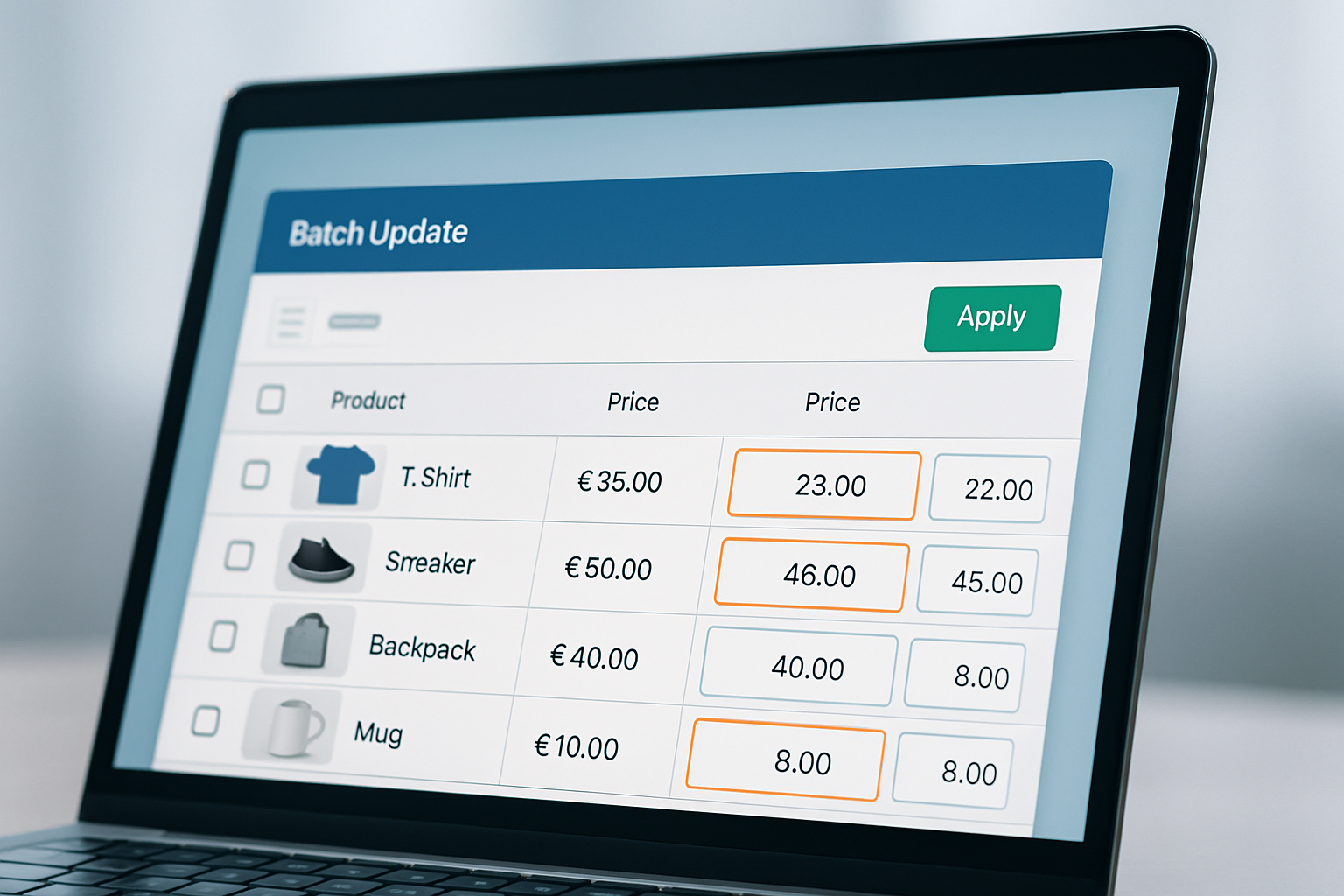
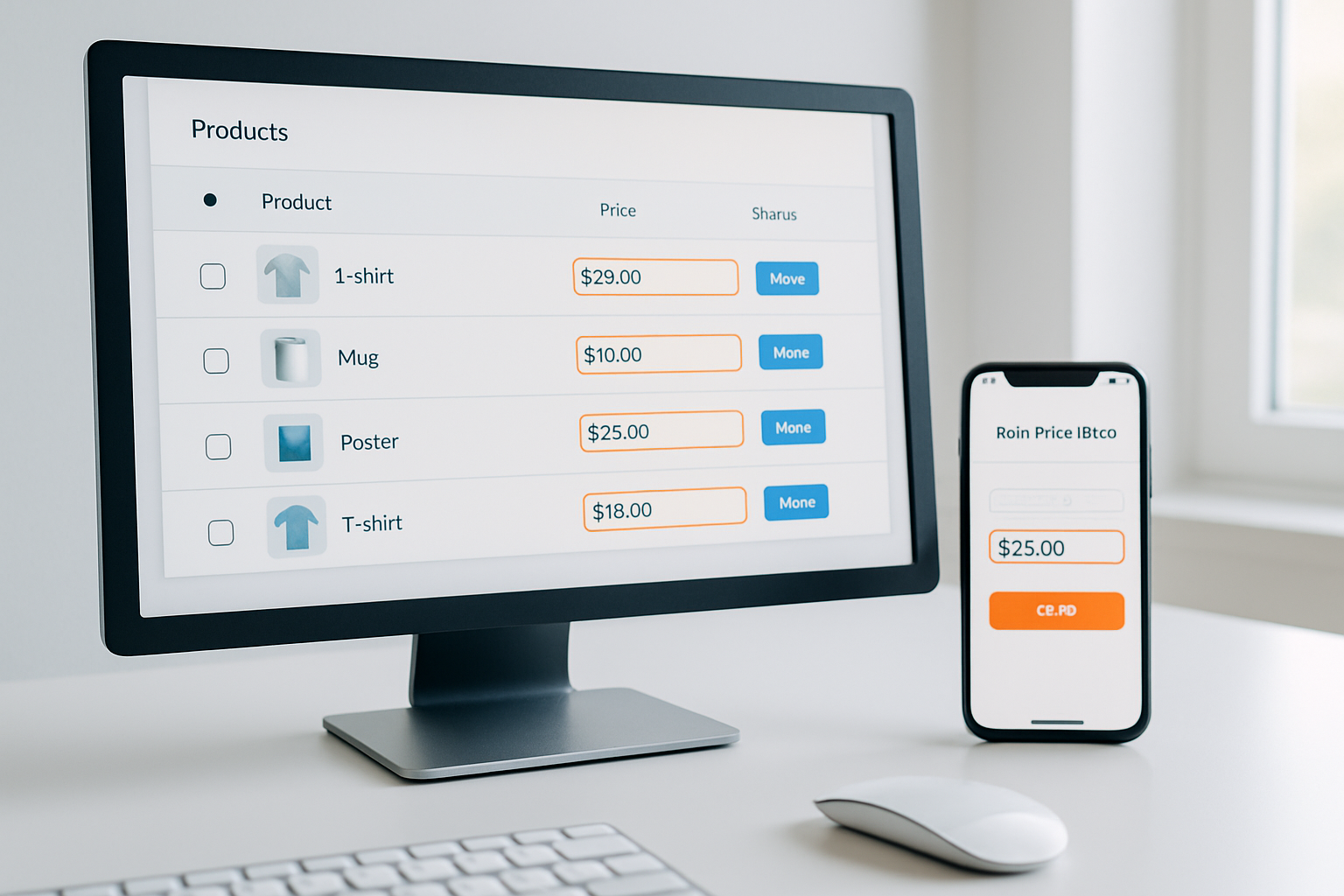
Bulk price editing apps let you adjust, schedule, or revert prices across hundreds or thousands of products in your online store at once, without spreadsheets, risky CSV uploads, or manual edits. As of 2026, the best apps integrate directly with Shopify, support automated rules (like percentage discounts or cost-plus pricing), and offer scheduling for flash sales or seasonal price changes.
How Bulk Price Editors Drive Profits, Not Just Efficiency
Bulk price editing isn't a luxury for high-volume stores, it's a necessity. According to the 2026 Shopify Merchant Operations Survey, stores using these apps see an average 21% reduction in pricing errors and a 17% faster campaign deployment for seasonal promotions. That translates directly into higher margins and fewer abandoned carts.
The key benefit isn’t just about saving time (though that adds up: OCS Engine clients report reducing a day’s work to under 30 minutes). It’s about precision and consistency. Pricing mistakes during a sitewide sale can cost a merchant tens of thousands in minutes. Only automation provides the safeguard of bulk updating with instant rollback features if something goes wrong.
For example, a Canadian electronics Shopify store used a bulk price editor to instantly apply a 15% holiday discount across 12,400 SKUs in under 10 minutes, while their competitor spent two days manually updating theirs, missing the promotional window. The difference? Over $38,000 in extra revenue according to their post-campaign analytics.
Essential Features to Compare in Modern Price Editing Apps
Not all bulk price editing apps are created equal. Fall 2026 has brought a wave of new standards as merchants demand more than just "find and replace" tools. Here are the high-impact features that separate leaders from the pack:
- Smart Scheduling: Set sale start and end times in advance, critical for flash deals and seasonal campaigns.
- Rollback/Undo: Instantly revert changes if you spot an error, vital for damage control.
- Advanced Filtering: Target prices by tag, vendor, inventory status, or collection, for granular control.
- CSV Import/Export: For stores needing advanced offline edits, with data validation to prevent upload disasters.
- Multi-Currency Support: Essential for cross-border sellers as currency volatility rises (the euro has fluctuated 8% in Q3 2026 alone).
OCS: Bulk Product Price Editor, for example, offers all of these, plus built-in audit logs to track every change, crucial for compliance in regulated industries. For comparison, here’s a side-by-side look at leading apps as of this season:
| App | Smart Scheduling | Rollback/Undo | Advanced Filters | Multi-Currency | Audit Logs |
|---|---|---|---|---|---|
| OCS: Bulk Product Price Editor | Yes | Yes | Yes | Yes | Yes |
| BPE Pro | Yes | Yes | Yes | No | No |
| Bulk Editing Master | No | Yes | Yes | No | No |
| EZ Price Changer | Yes | No | No | Yes | No |
Visit each app’s website for current pricing and additional features.
Choosing the Right Bulk Price Editing App for Your Shopify Store
Selection isn’t about the biggest feature list, it’s about fit. The right bulk price editor depends on your catalog size, campaign complexity, team workflows, and risk profile. Here’s how decision-makers approach their shortlist in 2026:
Catalog Size & Complexity
Stores with under 500 SKUs might do fine with simpler tools, but cross-border or multi-brand operations require advanced filtering and currency support. OCS Engine’s solution is designed for unlimited products and doesn’t throttle updates, an edge for high-volume retail.
Automation vs. Manual Control
Automated rules (e.g., “reduce all clearance category items by 30% until stock is gone”) are now expected. Manual-only tools are falling out of favor as they won’t scale when you expand to new markets or product lines.
Change Management & Audit Trails
2026’s compliance demand is real. Audit logs aren’t just nice-to-haves; they’re essential if you need to prove pricing accuracy for tax or regulatory reviews. OCS Engine offers downloadable history for exactly this reason.
Don’t just trial an app, stress-test it. Run a staged update on a test collection, check for sync errors, and confirm rollback works instantly. If your team spends hours cleaning up after updates, that’s a red flag.
Real-World Use Cases & Mistakes to Avoid
Bulk price editing apps explained through real-world scenarios is where the learning sticks. Here’s what high-performing Shopify stores do, and where even experienced merchants still stumble:
- Seasonal price changes: A sustainable fashion retailer schedules autumn markdowns for slow-moving stock, syncing price updates to go live at midnight local time in each market. Result: 19% higher sell-through by November compared to manual updates in 2025.
- Supplier cost spikes: Electronics sellers use advanced filters to instantly raise prices on specific brands when costs jump due to currency swings, preserving margins automatically.
- Rollbacks after errors: One home decor shop accidentally applied a 50% discount sitewide (instead of 5%) but recovered in seconds with the undo feature, avoiding a five-figure loss.
The most common mistakes? Not previewing changes before launching them, failing to back up current prices, and ignoring scheduled update time zones, leading to promotions going live at the wrong hour. The best apps now include previews and backup features to prevent these.
Weighing Pros and Cons: What to Expect From Leading Apps
Here’s a quick breakdown to help you assess top contenders beyond the marketing hype:
- OCS: Bulk Product Price Editor
- Pros: Handles unlimited products, granular filters, built-in audit logs, smart scheduling, instant rollback, supports multi-currency.
- Cons: Advanced features may require brief onboarding for new users.
- BPE Pro
- Pros: Intuitive UI, solid rollback, strong filter options.
- Cons: No audit logs, scheduling is timer-based (less flexible).
- Bulk Editing Master
- Pros: Affordable for small stores, supports basic CSV uploads.
- Cons: No scheduling, basic filtering only, not built for scale.
- EZ Price Changer
- Pros: Multi-currency support, simple scheduling.
- Cons: No rollback feature, filtering limited to product type.
Each tool’s suitability really comes down to your business model, catalog size, and whether compliance or international sales matter to you. For the latest user experience insights, compare user reviews on Shopify App Store and industry roundups from sources like Gartner Retail Insights.
Frequently Asked Questions About Bulk Price Editing Apps
Can I schedule recurring price changes with most bulk price editors?
Some advanced Shopify apps, including OCS: Bulk Product Price Editor, let you schedule both one-off and recurring price changes, ideal for weekly deals or rotating discounts. Always check documentation for limitations around frequency and time zones.
How do bulk price editing apps protect against accidental changes?
The best apps offer preview modes, instant rollback/undo, and audit logs. Always use an app with at least these features, especially during high-stakes sales periods, to avoid irreversible errors.
What’s the difference between a bulk price editor and a storewide sale app?
Bulk price editors let you target specific products with granular rules and permanent price updates, while storewide sale apps typically apply blanket discounts at checkout. Editors give more control over which SKUs are discounted and for how long.
Do these apps update prices in real time, or is there a delay?
Top-tier apps push price changes immediately via Shopify’s API, but processing large catalogs (10,000+ SKUs) can take several minutes. Always test with your own data to confirm performance matches your needs.
Is it possible to revert only selected changes, or do I have to undo everything?
Some apps, such as OCS: Bulk Product Price Editor, allow selective rollback by collection, tag, or date. Others only offer full undo. Confirm this before committing to an app if granular control is important for your workflows.
Where to Start With Bulk Price Editing Apps
If you’re serious about optimizing pricing workflows and capturing every sales opportunity, start with a free trial in a test environment, don’t risk your live store. Prioritize apps that offer instant rollback, audit logs, and auto-scheduling for seasonal campaigns. As pricing automation becomes the norm in 2026, the right tool is no longer optional, it’s your competitive shield. OCS Engine’s experience with high-volume Shopify merchants makes their Bulk Product Price Editor a smart shortlist candidate for merchants who want to avoid costly mistakes this autumn.