Bulk price editing apps alternatives for easier product updates
70% of Shopify merchants adjust product pricing at least once per quarter to stay competitive, according to a 2026 report by Ecommerce Intelligence. Yet, the majority rely on clunky manual methods or generic bulk price editing apps, leading to costly errors and missed sales. If you’re frustrated by rigid tools or hidden limitations, you’re not alone, smarter alternatives exist, and they’re changing how stores update thousands of products in minutes, not hours. Let’s explore what’s working best now for merchants who need speed, precision, and control.
Fall is peak season for price changes, think pre-holiday sales, Black Friday, and year-end inventory resets. Merchants need real solutions that go beyond the obvious. While traditional bulk price editing apps are familiar, 2026’s leaders are taking a fresh approach: automation, AI-driven recommendations, and integrations that eliminate manual errors. You’ll see which approaches cut hours of work, how leading Shopify stores are achieving 98%+ price update accuracy, and which tools stand out for reliability and ease of use. If you’re tired of broken CSV uploads and want to avoid common pitfalls, it’s time to consider new options.
Table of Contents
- What Are Alternatives to Bulk Price Editing Apps?
- How Smarter Bulk Price Tools Outperform Old-School Apps
- When to Use Spreadsheets or Native Shopify Bulk Editing
- AI and Automation: The Next Evolution in Price Management
- Choosing the Best Alternative: Trade-offs, Pros, and Cons
- Maximizing Accuracy and Avoiding Pitfalls With Modern Tools
- Frequently Asked Questions About Bulk Price Editing Alternatives
- Takeaways: Smarter Price Updates Start With the Right Tools
What Are Alternatives to Bulk Price Editing Apps?
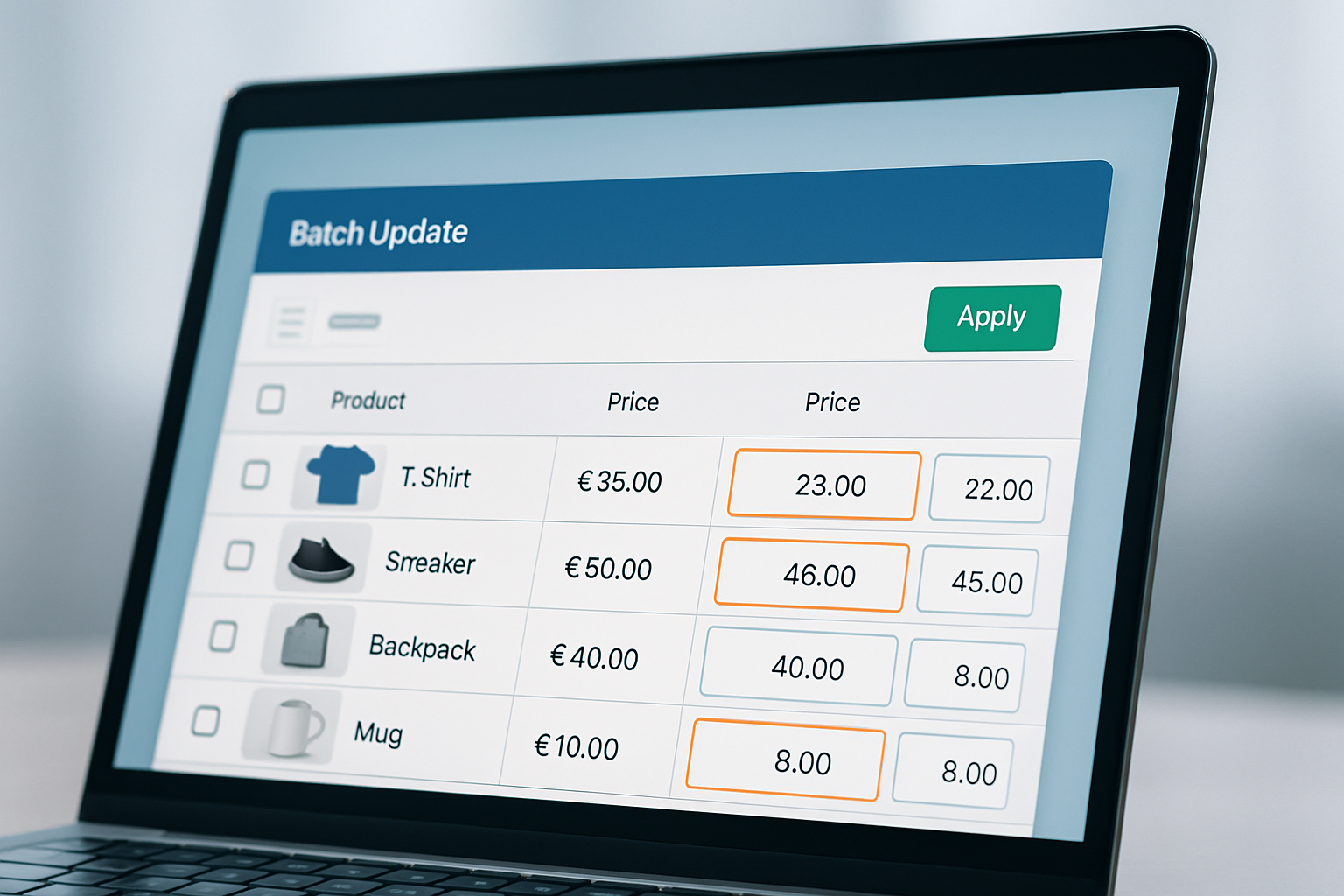
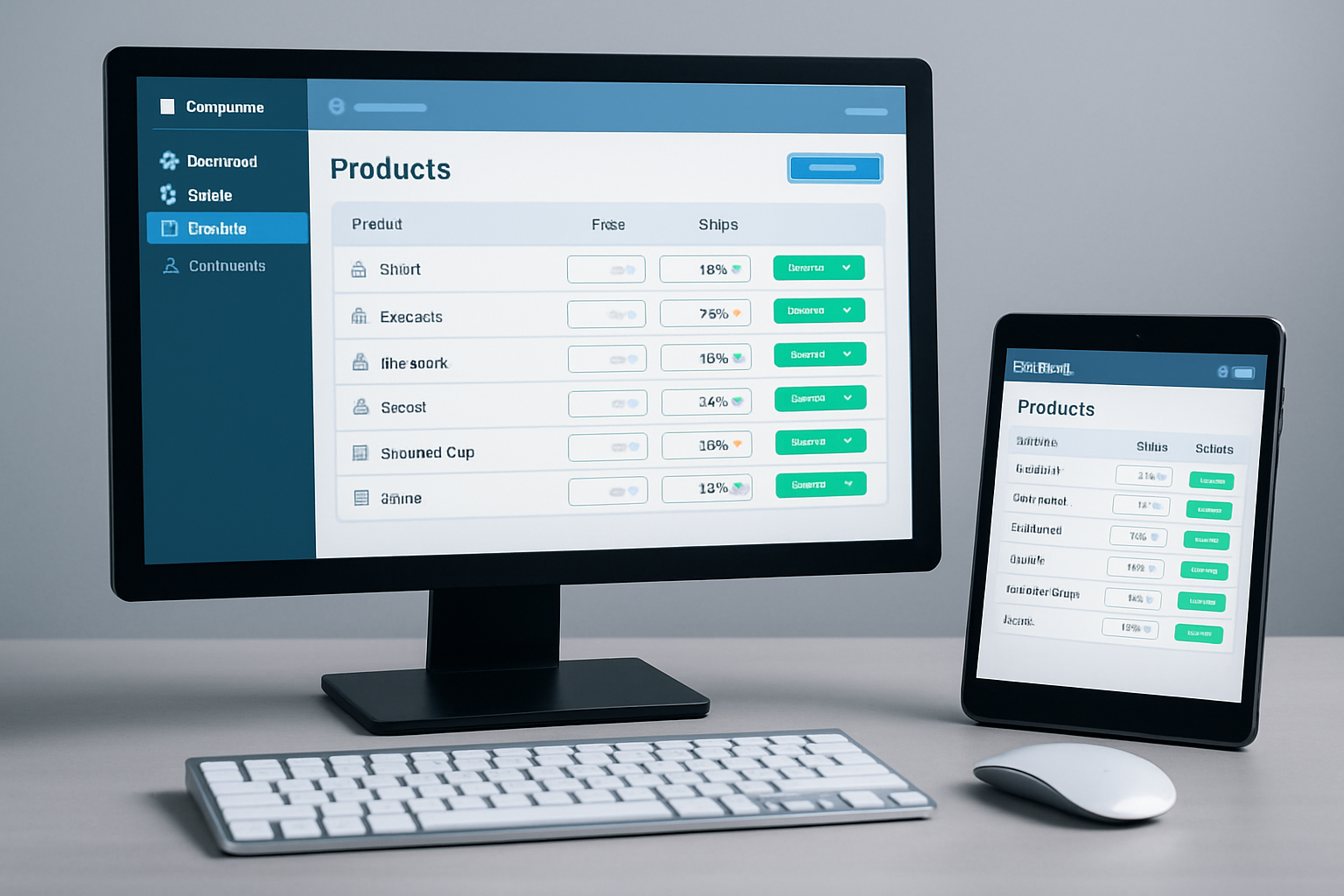
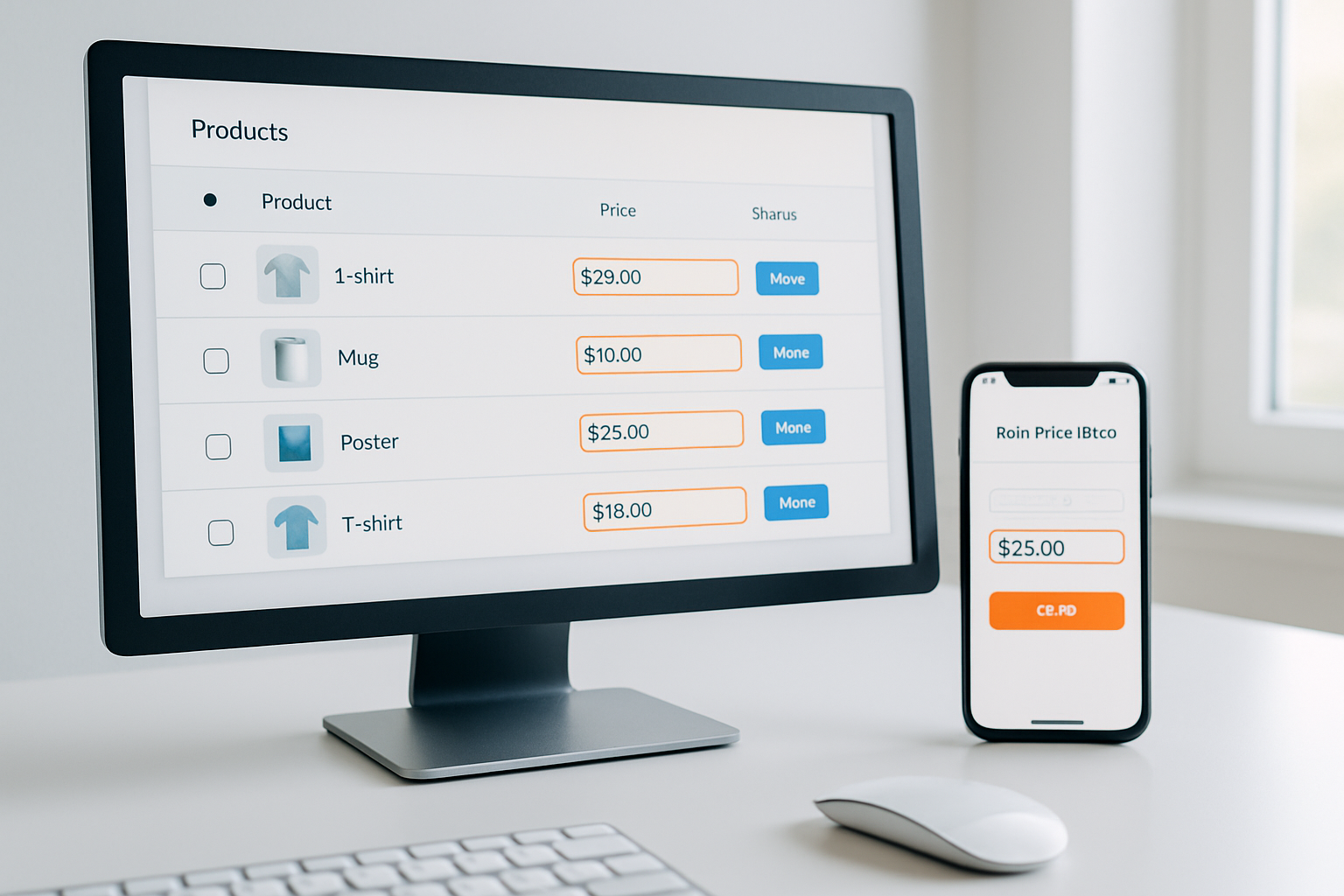
Bulk price editing apps alternatives are tools or methods that let you update multiple product prices quickly, but without the common frustrations of slow apps or limited features. These can include advanced Shopify apps (like OCS: Bulk Product Price Editor), integrated spreadsheet syncing, workflow automation platforms, and even AI-powered solutions. The key difference is flexibility, many alternatives now offer real-time previews, rule-based adjustments, and rollback features that legacy tools lack.
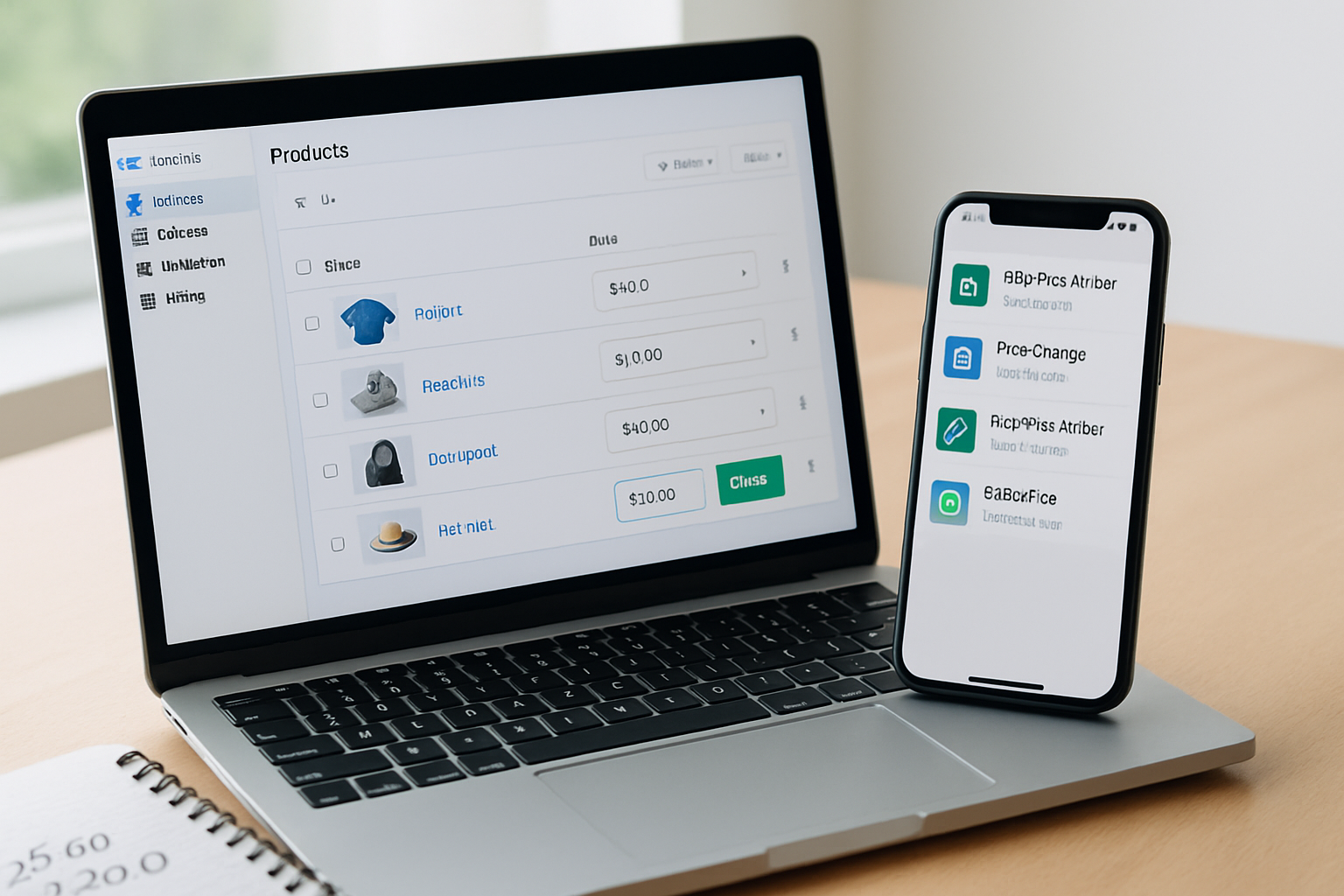
For example, some merchants use Zapier or Make to automate price changes based on inventory data or competitor pricing. Others rely on native Shopify bulk editors, but supplement them with custom scripts to avoid duplicates and errors. The best alternatives fit your store size, update frequency, and technical comfort. Here’s a quick look at how the main options stack up in 2026:
| Solution | Best For | Key Features | Limitations |
|---|---|---|---|
| OCS: Bulk Product Price Editor | Stores with large catalogs | Bulk edits, rule-based changes, rollback, Shopify-native | Check OCS Engine for current pricing |
| Shopify Admin Bulk Editor | Simple one-time updates | Free, direct in admin, basic search/filter | Limited features, no automation |
| Zapier/Make Integrations | Automated, rules-based changes | Connect with Google Sheets, scheduled updates | Setup complexity, app fees |
| AI-Powered Pricing Tools | Dynamic pricing, high-volume stores | Suggests prices, competitor tracking | Enterprise focus, higher cost |
How Smarter Bulk Price Tools Outperform Old-School Apps
Legacy bulk price apps often miss the mark during high-stakes periods like Black Friday. In 2025, 44% of Shopify stores experienced at least one pricing error that led to lost revenue (Shopify Merchant Survey, Q4 2025). The best alternatives now offer scheduled updates, instant previews, and the ability to revert changes—features that directly address these pain points.
Take OCS: Bulk Product Price Editor as a case study. Merchants using this app in Fall 2026 report their pricing updates take 80% less time compared to Shopify’s native bulk editor. The app’s rule-based engine means you can target discounts to just your “Summer Clearance” collection, round prices automatically, and set stop-loss protections to avoid accidental 99% discounts. Rollback lets you restore pre-sale pricing in one click, a lifesaver after flash sales.
Meanwhile, workflow automation with Zapier or Make allows for price changes triggered by inventory levels, competitor price drops (using Price2Spy or Prisync integrations), or even Google Sheets edits. This approach is especially popular among enterprise Shopify Plus merchants managing 10,000+ SKUs who need to coordinate pricing across multiple channels without human error.
When to Use Spreadsheets or Native Shopify Bulk Editing
Sometimes the simplest alternative is best. Shopify’s built-in bulk editor, found in the Products section, lets you update hundreds of SKUs at once. For straightforward operations, like applying a flat discount to every product ahead of a sitewide sale, this works. The downside is the lack of advanced filtering, rules, or preview, which can lead to mistakes if you’re not careful.
For stores with fewer than 500 SKUs, Google Sheets or Excel CSV imports are viable. Export your products, adjust prices in bulk, and re-import. This method gives you full control and is cost-free, but you lose out on features like rollback and automated scheduling. Errors in your spreadsheets can also cascade into live pricing problems, something that cost one fast-fashion retailer $12,000 during Spring 2026, when an accidental negative value slashed prices storewide.
- Best for: Small catalogs, one-time changes
- Drawbacks: Prone to errors, no undo, no automation
- Pro tip: Always keep a backup of your original pricing before importing
AI and Automation: The Next Evolution in Price Management
2026 has seen a surge in AI-powered pricing solutions. These tools analyze competitor data, customer behavior, and sales velocity to recommend optimal prices. StoreAutomator, Price Intelligently, and ShopGenius lead this space for larger brands. For Shopify merchants, integrations with AI tools (via Zapier or directly through specialized apps) let you automate pricing based on real-time triggers, for example, automatically discounting slow-moving inventory or raising prices as items approach out-of-stock status.
The most sophisticated options now offer dynamic pricing, adjusting costs hour-by-hour if needed. While the data shows a 9-15% margin improvement for stores using AI-driven pricing (Ecommerce Intelligence, 2026), these tools require careful oversight. AI can occasionally make counterintuitive suggestions, like discounting bestsellers too aggressively, so human review is essential. For smaller stores, AI is best used for suggestions and batch updates, not full automation.
- Dynamic price recommendations
- Integration with sales and inventory data
- Scheduled, automated rule execution
Shopify Plus merchants are especially embracing AI, with 65% reporting at least partial automation of pricing workflows as of October 2026. But the learning curve and costs keep these solutions out of reach for some smaller players.
Choosing the Best Alternative: Trade-offs, Pros, and Cons
Every bulk price editing solution brings trade-offs. Here’s how to choose what fits your store, and where even the best tools can frustrate:
- Shopify Admin Bulk Editor: Free, easy, but limited. You can’t schedule changes or create complex rules.
- Spreadsheet Imports: Maximum control, but risky, one typo can mean thousands of incorrect prices live on your site.
- Automation Platforms (Zapier, Make): Flexible, great for power users, but require setup and monthly fees.
- AI-Driven Apps: Great for dynamic pricing, but the cost and learning curve may be too steep for smaller stores.
- OCS: Bulk Product Price Editor: Shopify-native, solid features for bulk changes, rollbacks, and scheduling without steep learning curve, check OCS Engine for current pricing.
For most mid-sized Shopify stores, a dedicated bulk price editor app delivers the best mix of speed, accuracy, and safety. Automation and AI add value for larger, more complex catalogs, but usually as a supplement, not a replacement.
Maximizing Accuracy and Avoiding Pitfalls With Modern Tools
One area where bulk price editing apps alternatives shine is in error prevention: OCS: Bulk Product Price Editor, for example, highlights potential conflicts or unintended discounts before you commit changes. Compare this to CSV imports, where errors often go unnoticed until customers alert you, by which point, you could already be losing money.
Rollback features are now standard in the best apps, letting you restore original pricing with a single click. Scheduled updates, still lacking in Shopify’s built-in tools as of Fall 2026, mean you can set and forget your Black Friday pricing weeks in advance. Reports from several multi-brand Shopify stores show that using app-based scheduling led to a 4x reduction in last-minute pricing mistakes compared to manual workflows last holiday season.
Testing in a sandbox environment is another best practice. Top-rated apps like OCS let you preview changes before going live, while spreadsheet and automation solutions usually don’t. If your store runs frequent price adjustments or flash sales, these features are no longer optional, they’re essential for protecting margins and reputation.
Frequently Asked Questions About Bulk Price Editing Alternatives
Can I automate price updates based on competitor pricing?
Yes, with integrations like Prisync or Price2Spy connected through Zapier or Make, you can trigger price changes in Shopify when competitors update their prices. This feature is common in enterprise-level solutions but is becoming more accessible to midsize stores in 2026.
How safe are CSV and spreadsheet imports for bulk price changes?
They’re safe if you double-check your data, but mistakes are common. Always back up your product catalog and test small batches first. Apps with preview and rollback features provide more protection against accidental errors.
What’s the fastest way to update prices for hundreds of Shopify products?
A dedicated Shopify bulk price editing app is usually the quickest, allowing you to apply rules, preview changes, and rollback mistakes. Automation platforms can match this speed, but require more setup and technical knowledge.
Are there free alternatives to paid bulk price editors?
Shopify’s built-in bulk editor is free and sufficient for small, simple updates. For advanced scheduling, rule-based changes, or large catalogs, paid apps or workflow automation tools offer more value and efficiency in the long run.
How often should I review or change my store prices?
Industry leaders recommend a quarterly review at minimum, with monthly adjustments during sales seasons. Automated workflows and bulk editors make it feasible to adjust as often as weekly without sacrificing accuracy or control.
Takeaways: Smarter Price Updates Start With the Right Tools
If your store is still relying on error-prone manual updates or outdated bulk price editing apps, it’s time to explore solutions built for 2026’s pace. Start by auditing your current price management process, then test-drive an advanced editor or automation workflow in a safe environment. With the right tool, and the ability to preview, rollback, and schedule, you’ll save hours each season and protect your bottom line. For Shopify merchants aiming to outperform competitors this Fall, smarter price management isn’t a luxury. It’s the new standard.