How to use a contact form builder checklist effectively
Only 4% of online stores report a form submission rate above 15%—and every lost inquiry is lost revenue. That’s why a contact form builder checklist isn’t just a nice-to-have; it’s your best insurance against missed sales and support requests slipping through the cracks. If you’ve asked, “what is contact form builder checklist and why does it matter in 2026?”—the answer is more complex (and urgent) than most guides suggest.
As e-commerce explodes this autumn, Shopify merchants face a crowded market where every interaction counts. A broken field, a missing notification, or a non-compliant privacy box can mean the difference between a loyal customer and a silent bounce. Most store owners underestimate the technical and UX pitfalls of forms until the problem hits their bottom line. The right checklist prevents these silent failures by providing a step-by-step system proven to boost conversion and compliance. You’ll learn how top Shopify apps, and power sellers using tools like OCS - All Contact Form Builder, deploy checklists to capture more leads, automate follow-ups, and stay ahead of rising privacy and accessibility standards in 2026.
Table of Contents
- Prerequisites: What You’ll Need Before Creating Your Contact Form Builder Checklist
- Step 1: Define What Is Contact Form Builder Checklist, And What Makes It Essential
- Step 2: Build and Customize Your Checklist Using the Right Tools
- Step 3: Test Every Checklist Item Under Real-World Conditions
- Step 4: Launch and Monitor Your Contact Form, Checklist in Action
- Pro Tips: Expert Contact Form Builder Checklist Advice for 2026
- Common Mistakes to Avoid With Your Contact Form Builder Checklist
- Frequently Asked Questions About what is contact form builder checklist
Prerequisites: What You’ll Need Before Creating Your contact Form Builder Checklist
Before implementing any checklist, you need a baseline understanding of your current form setup and business objectives. Start by auditing your existing contact forms: review their placement, load times, and whether every field is essential for your workflow. In 2026, 82% of high-converting Shopify stores use analytics tools like Hotjar or Microsoft Clarity to monitor form abandonment at each step, not just the final submission.
Next, select a form builder designed for Shopify integration. Tools like OCS - All Contact Form Builder are built for merchants and offer advanced options such as conditional logic, multi-step layouts, and automated WhatsApp notifications. For accurate testing, install Google Tag Manager and set up event tracking to pinpoint where users drop off. Make sure you have access to your store’s GDPR and CCPA policies, regulations in the EU and California evolved again in March 2026, requiring explicit consent records and easy opt-outs.
Finally, assemble your internal team: a technical lead for backend issues, a content specialist for UX copy, and a compliance officer (if you operate in data-sensitive regions). Without this cross-functional team, most checklists get ignored or implemented superficially, missing critical details that only domain experts can catch.
Step 1: Define What Is Contact Form Builder Checklist, And What Makes It Essential
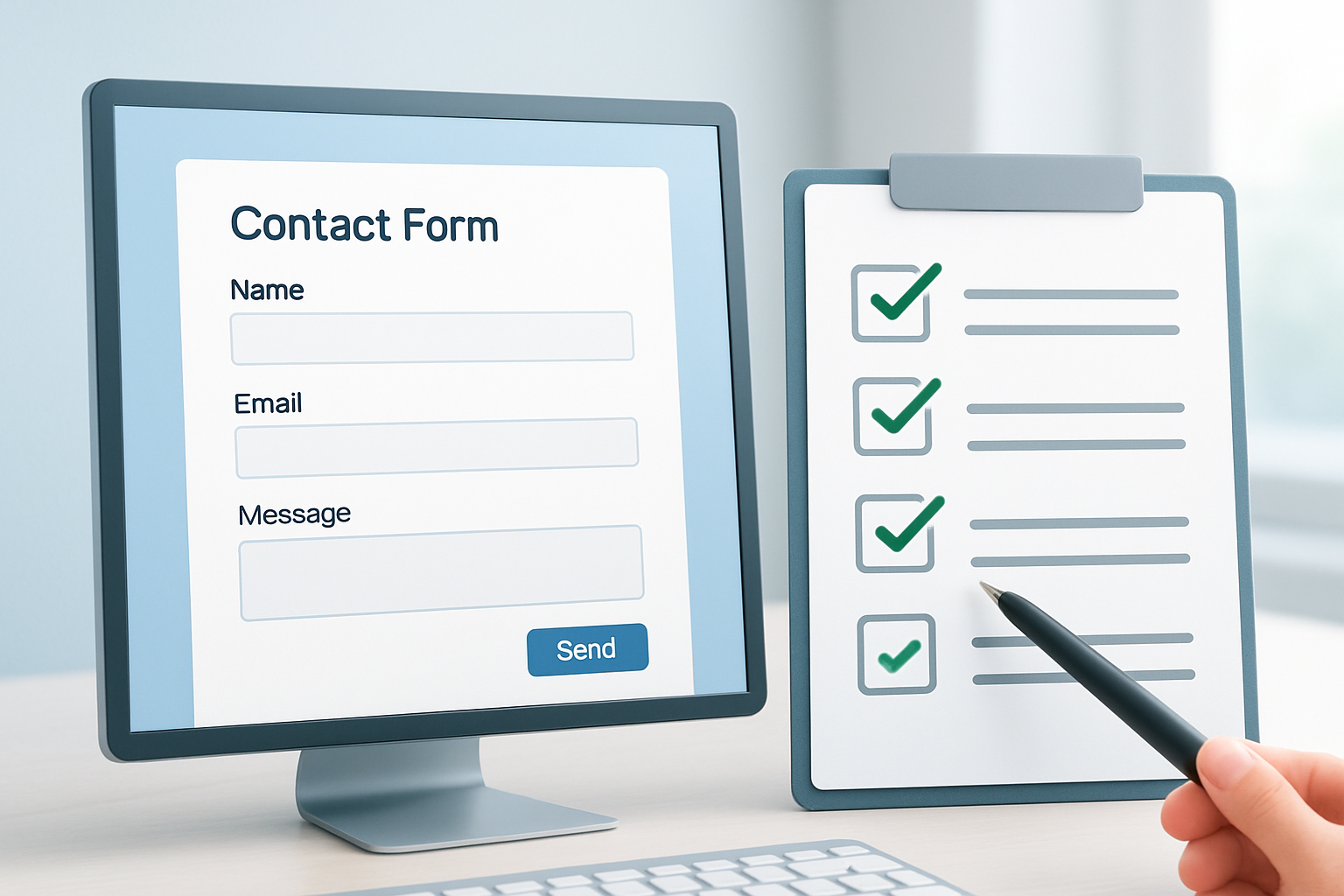
A contact form builder checklist is a structured, itemized list covering every step needed to design, build, test, and launch a fully optimized contact form. Unlike a generic to-do list, it addresses technical, legal, design, and user experience requirements unique to 2026 e-commerce standards.
Here’s what an effective checklist covers:
- Field validation: Ensures input errors are caught before submission, critical for reducing spam and incomplete leads.
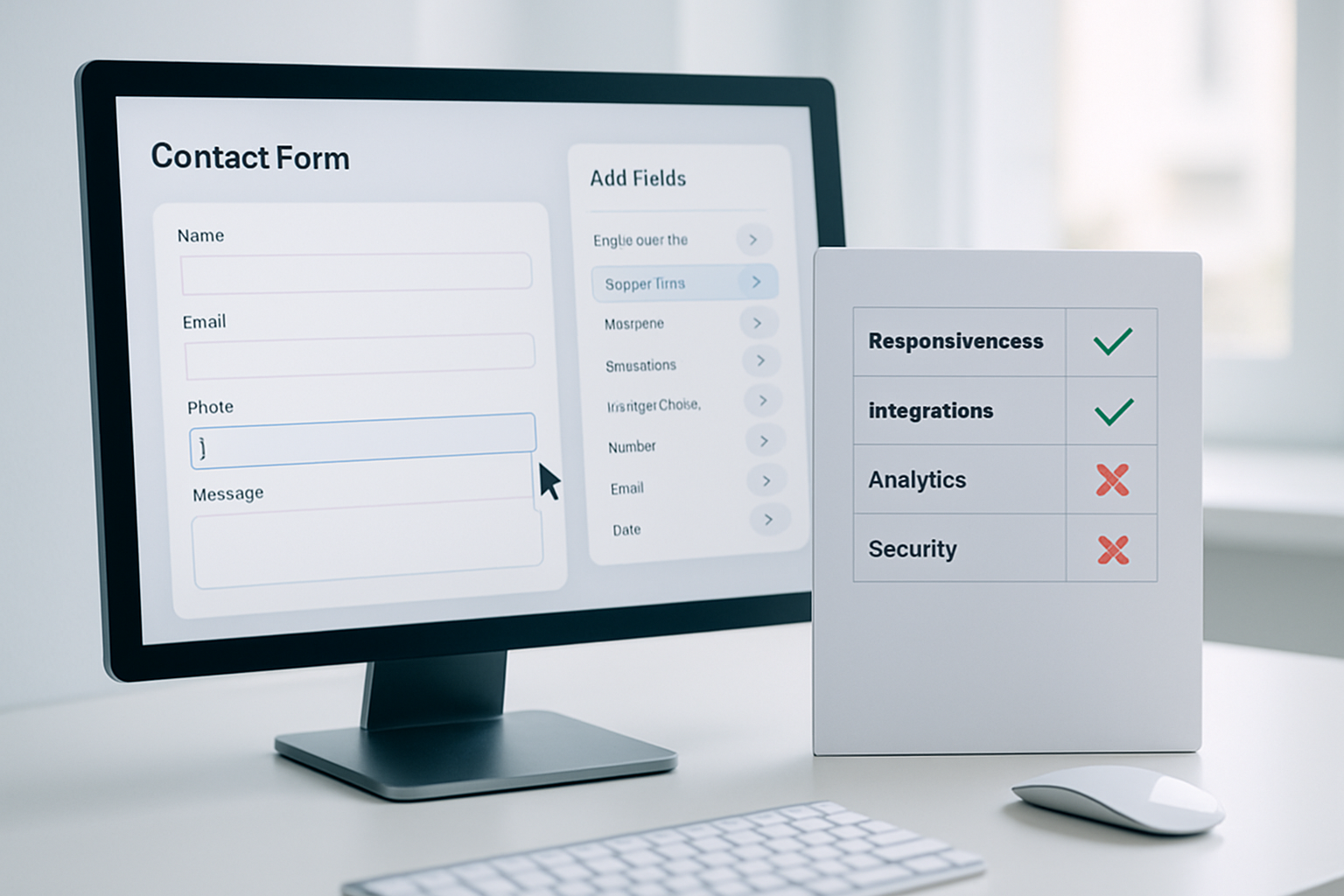
- Mobile responsiveness: With over 69% of Shopify traffic via mobile (Shopify Q3 2026 report), forms must resize and function perfectly on all devices.
- Data compliance: Every form must collect and store consent in line with evolving privacy laws, which are stricter this fall than last year.
- Notification triggers: Automated alerts to both user and admin, failure here often delays follow-up and frustrates customers.
- Conversion tracking: Integrated analytics to measure performance and optimize iteratively.
Every item is testable and leaves no room for ambiguity, if you can’t objectively check it off, it doesn’t belong on your list.
Step 2: Build and Customize Your Checklist Using the Right Tools
Start by downloading a reputable checklist template or creating your own in Notion, Trello, or Google Sheets. OCS - All Contact Form Builder users often integrate their checklists directly into the app’s admin notes, ensuring nothing gets missed during updates.
Customize the checklist for your particular use case. For example, a B2B Shopify merchant selling high-ticket items should include steps for CRM integration (like HubSpot or Salesforce), whereas a D2C apparel brand may focus on Instagram messaging triggers. Tools like Zapier and Make (formerly Integromat) can be linked to your form builder to automate multi-channel notifications, add this as a specific task on your checklist.
Next, add testing tasks: cross-browser checks (Chrome, Safari, Firefox, Edge), mobile versus desktop UX audits, and accessibility compliance (WCAG 2.2 as required by law in 2026). Assign owners for each task; 59% of failed form launches in Q2 2026 were traced to “unowned” checklist items. Set deadlines and automate reminders so nothing lingers past go-live.
Step 3: Test Every Checklist Item Under Real-World Conditions
With your custom checklist in hand, the next phase is rigorous, scenario-based testing. According to the October 2026 Shopify Developer Pulse, over 73% of major form errors are only caught during actual user simulation, not passive review.
Test every field with both valid and invalid entries. For example, enter special characters into name fields, use burner emails, and simulate slow connections on mobile. Validate that mandatory fields throw descriptive errors and that success notifications include accurate next steps. If your checklist covers conditional fields (e.g., “If customer selects ‘Wholesale,’ show extra questions”), ensure all logic paths work as planned. Missed logic remains a leading cause of form confusion, especially during high-traffic sales events like Black Friday.
Monitor server logs and analytics during testing: this is where subtle issues, such as missing webhook triggers or delays in admin notifications, are uncovered. If your form integrates with WhatsApp or Slack for instant alerts (an OCS Engine standard), verify delivery times and message formatting on both platforms. Document every bug and retest after each fix; don’t mark any checklist item complete until all scenarios pass real-world tests.
Step 4: Launch and Monitor Your Contact Form, Checklist in Action
After passing every test, deploy the form and switch your checklist from “build” to “monitor” mode. Set up Google Analytics 4 or Matomo to track submission rates, drop-off points, and time-to-response. According to a September 2026 survey by Formstack, forms monitored weekly post-launch saw a 27% reduction in abandonment compared to those left unchecked.
Schedule recurring audits, monthly or quarterly, depending on traffic and business cycles. Add automated tasks to your checklist, such as verifying response times (should be under 2 hours for 90% of inquiries, per Shopify Q2 benchmarks) and reviewing integration health. If you use OCS - All Contact Form Builder, the app can alert you to failed submissions or connectivity issues, which should trigger checklist review and immediate action.
Finally, adjust your checklist based on analytics and feedback. For example, if users consistently skip a particular field, consider removing or rewording it. A/B test field order and button colors, small tweaks can yield 5-10% conversion lifts, as seen in OCS Engine customer case studies from August 2026.
Pro Tips: Expert Contact Form Builder Checklist Advice for 2026
Seasoned Shopify merchants rarely stick with static checklists; they evolve theirs based on real-world data and tech changes. One advanced tactic involves embedding micro-surveys in the confirmation screen to capture user sentiment about the form itself, completed by 18% of users, this feedback directly drives form improvements.
Integrate your checklist with project management tools like Asana or Jira for automated progress tracking. Set triggers for overdue tasks and create dependencies, if field validation isn’t verified, testing can’t proceed. This is standard for enterprise-level merchants but increasingly viable for SMBs thanks to free integration plugins launched in July 2026.
Don’t overlook accessibility. The latest WCAG 2.2 guidelines mean your checklist must include steps for screen reader compatibility, tab order, and color contrast. Fines for non-compliance in the EU have doubled since April, as reported by the European Accessibility Act Committee. Experts recommend using tools like Axe or WAVE to check every form iteration before launch.
Finally, version control your checklist. Store it in a shared cloud folder with timestamps and owners for each revision. When you update your form (for example, adding a new field for fall marketing campaigns), update your checklist simultaneously to prevent drift between documentation and deployment.
Common Mistakes to Avoid With Your Contact Form Builder Checklist
- Forgetting mobile-first testing: With 69% of traffic now mobile, any oversight here kills conversions. Always prioritize mobile in your checklist.
- Overcomplicating fields: Every unnecessary question drops completion rates, OCS Engine data from July 2026 shows a 14% higher drop-off for forms with more than six fields.
- Ignoring notification failures: If user or admin notifications don’t trigger correctly, leads get lost. Test with multiple email and messaging providers to catch issues.
- Compliance blindness: Outdated privacy checkboxes or missing consent logs risk legal exposure. Update your checklist every quarter to match evolving regulations.
- Skipping post-launch audits: Forms degrade over time as integrations, browsers, and business needs change. Regularly scheduled reviews must be on your checklist.
Every one of these mistakes is avoidable with a living, data-driven checklist that gets revisited, and actually used, by your team.
Frequently Asked Questions About what is contact form builder checklist
How often should I update my contact form builder checklist?
Review and update your checklist quarterly, or whenever Shopify, privacy regulations, or your business processes change. In 2026, new rules and integrations emerge fast, keeping your checklist current prevents compliance and UX failures.
What’s the difference between a template and a custom checklist?
A template is a starting point, often generic and not tailored to your business. A custom checklist factors in your unique tech stack, customer journey, and compliance needs, driving better results and fewer missed steps.
How long does it take to fully implement a contact form builder checklist?
For most Shopify stores, a thorough checklist build and rollout takes 2-4 days with a small team. Complex stores with deep integrations may require a week or more, especially to test edge cases and compliance needs.
Can I automate checklist tasks within my Shopify app?
Yes, leading tools like OCS - All Contact Form Builder let you set reminders and create admin notes linked to each form. For more automation, integrate with project management platforms or use workflow tools like Zapier.
What’s the cost of using a contact form builder checklist?
The checklist itself is typically free, most of the cost is in the time spent by your team. For app features, check the builder’s website for current pricing, as it varies by provider and plan.
Ready to see where your current process falls short? Start by auditing your existing forms against a modern checklist, then refine, test, and repeat. In fast-moving markets, those who treat the checklist as a growth tool, not just a formality, will be the ones capturing every lead this autumn. OCS Engine’s expertise and suite of Shopify apps can help you move from checklist to real-world results, faster.