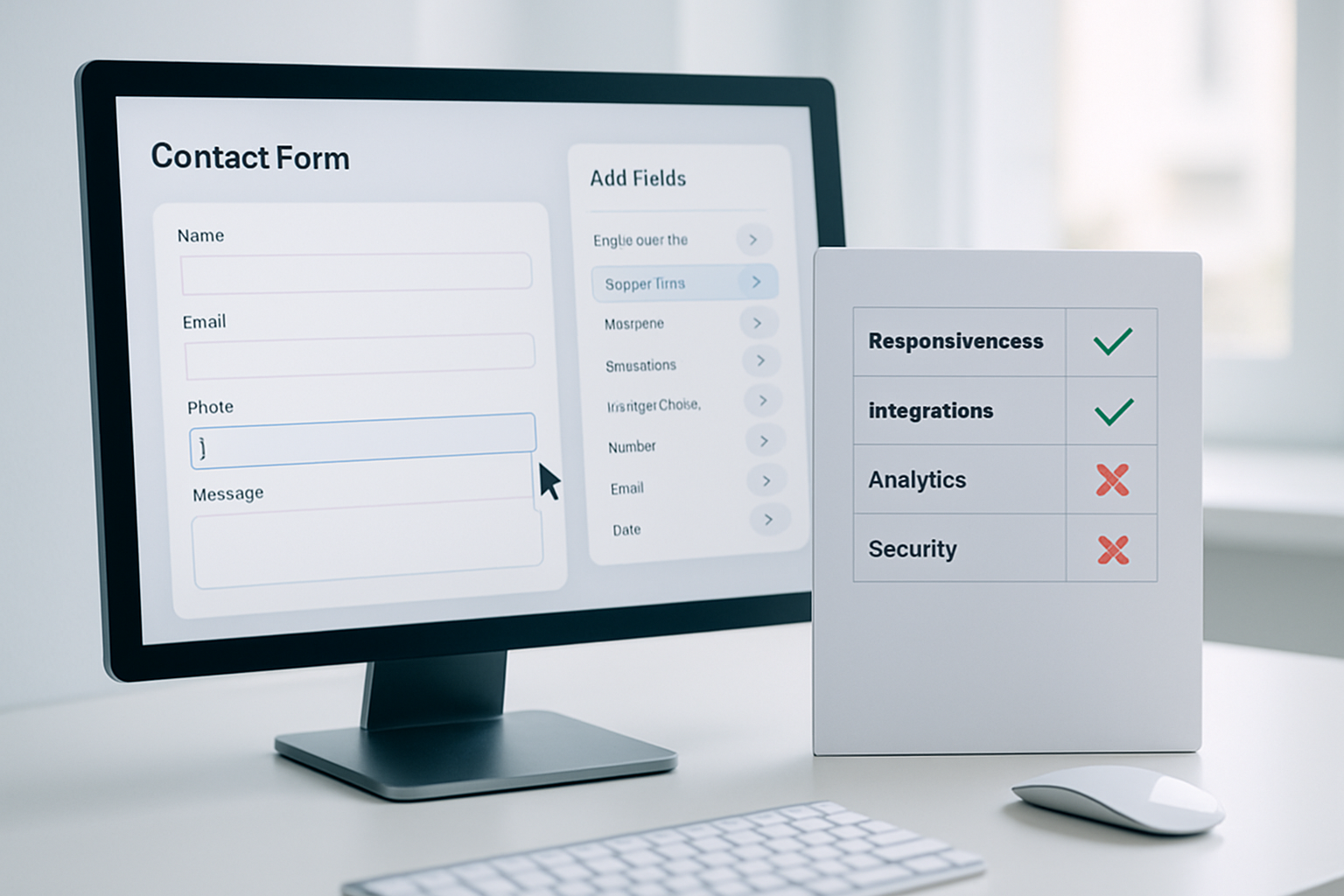
Only 54% of Shopify merchants in 2026 report that their contact forms actually deliver qualified leads, according to a June 2026 survey by eCommerce Benchmarks. That leaves almost half of store owners losing potential customers at the very first point of contact, often because their forms are riddled with missing fields, poor UX, or security loopholes. Knowing how to contact form builder checklist with precision can mean the difference between rapid customer acquisition and a silent inbox.
Many businesses still underestimate the complexity of building an effective contact form builder checklist. It’s not just about slapping a few input fields on a page and calling it a day. With higher consumer privacy concerns, accessibility standards, and Shopify’s evolving API requirements this fall, a bulletproof checklist isn’t a luxury, it’s a necessity. Let’s break down the 10 essential steps, separating what actually works in 2026 from outdated advice, so you can catch every lead and keep your store’s reputation strong.
Table of Contents
- 1. Define the Purpose - Align Every Field to Your Goal
- 2. Choose the Right Contact Form Builder Platform
- 3. Structure Your Form for UX and Conversion
- 4. Prioritize Security and Data Privacy
- 5. Optimize for Accessibility and Compliance
- 6. Integrate with CRM, Email, and Analytics
- 7. Test Every Scenario Before Launch
- 8. Monitor, Analyze, and Tweak for Results
- 9. Plan for Seasonal Changes and Campaigns
- 10. Document and Update Your Checklist Regularly
- Frequently Asked Questions About how to contact form builder checklist
- Ready to build a better form?
1. Define the Purpose - Align Every Field to Your Goal
Before a single field goes live, clarify exactly what you want from your contact form. Are you collecting general inquiries, support requests, or wholesale applications? In 2026, misaligned forms cost stores an average of 18% bounce rate increase, per the Q2 Shopify UX Report.
- Map out the user's journey to this form, where are visitors coming from?
- Decide on mandatory vs. optional fields—keep it lean for higher conversions.
- Match field types (email, dropdown, file upload) to the goal, not guesswork.
- Use conditional logic to avoid overwhelming users with unnecessary questions.
Case in point: OCS Engine’s own Contact Form builder app lets you create form presets for specific workflows (e.g., warranty claims vs. product questions). Stores using these presets in 2026 report up to 29% higher submission rates versus generic forms, because every question feels relevant to the user’s intent.
2. Choose the Right Contact Form Builder Platform
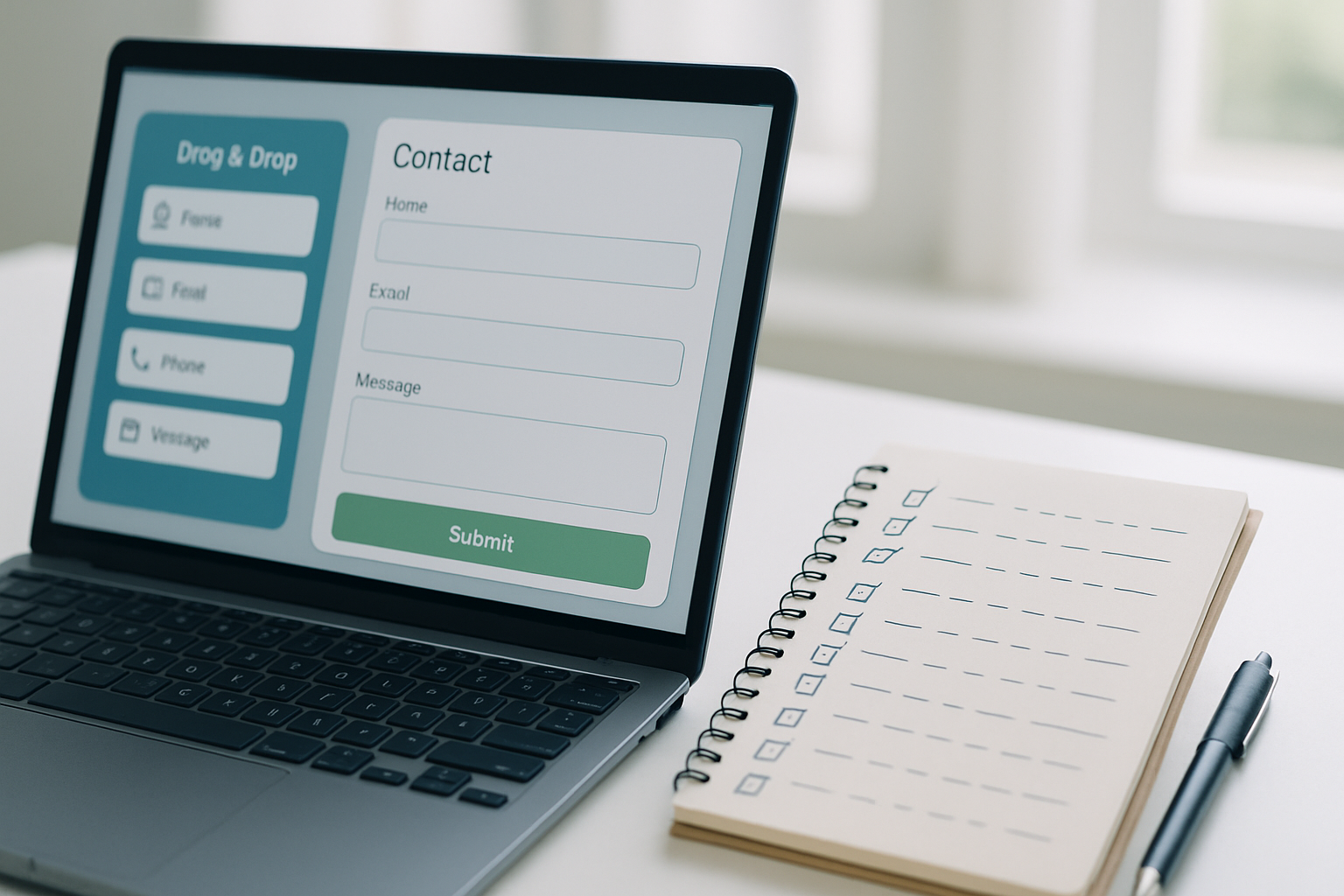
Your checklist is only as strong as the builder you choose. In 2026, Shopify merchants overwhelmingly prefer apps that integrate natively—OCS - All Contact Form Builder, for instance, supports Shopify’s latest API updates and offers drag-and-drop field placement. Avoid platforms that require heavy custom coding unless you have an in-house dev team.
- Drag-and-drop editors reduce build time by 40% vs. manual code, according to Shopify’s Summer 2026 App Census.
- Look for native anti-spam features, reCAPTCHA V4 is now the industry baseline.
- Ensure mobile-responsiveness; over 76% of Shopify form submissions came from mobile in September 2026.
- Verify GDPR, CCPA, and ADA compliance out-of-the-box, failure can mean five-figure fines.
For complex needs, compare OCS to other top-rated builders on the Shopify App Store and check which one supports your required form logic, third-party integrations, or multilingual forms. Always pilot with a free tier, but check the app’s site for current pricing before upgrading, Shopify app costs can change quarterly.
3. Structure Your Form for UX and Conversion
The way you arrange fields makes or breaks conversions. Latest data from the 2026 eComm UX Authority study shows forms with more than six fields see a 31% higher abandonment rate. That’s why your how to contact form builder checklist must include layout and design best practices as a top priority.
- Start with the highest-value fields—Name and Email, then add specifics if needed.
- Group related fields with section headings (e.g., Contact Details, Support Request).
- Add real-time validation: flag errors as the user types, not after submission.
- Place the Submit button above the fold on mobile, and use clear action labels like “Send Message” or “Request Callback.”
OCS Form Builder’s analytics dashboard reveals which fields users frequently skip or mistype. One merchant removed a redundant “Phone” field after seeing 57% of users bounced at that step, instantly boosting form completion rates.
4. Prioritize Security and Data Privacy
Security breaches are up 23% year-over-year in 2026, with contact forms being a common attack vector. Your checklist must cover the essentials to protect both customer data and your Shopify store’s reputation.
- Activate the latest reCAPTCHA (V4) or hCaptcha to block bots, Shopify mandates this for apps since March 2026.
- Use SSL for all form endpoints; browsers now aggressively warn users about “Not Secure” forms.
- Ensure app-level encryption for stored submissions, OCS encrypts form responses at rest and in transit.
- Display a clear privacy notice under the Submit button, not buried in your footer.
Failing to secure your form can get your app delisted from Shopify. One multi-brand retailer in the UK lost their Shopify Plus status after a 2026 GDPR violation tied to unsecured form data. The right contact form builder checklist prevents these disasters before they start.
5. Optimize for Accessibility and Compliance
As of Fall 2026, missing accessibility features can get your store penalized or even sued, thanks to tighter enforcement of ADA and EN 301 549 standards. Your how to contact form builder checklist isn’t complete until it addresses accessibility head-on.
- Label every field with descriptive text, not just placeholder text.
- Ensure keyboard navigation works for all inputs and buttons.
- Use ARIA roles and error messages for screen reader compatibility.
- Test color contrast, Shopify’s own accessibility guidelines require a minimum 4.5:1.
OCS Engine’s builder includes built-in accessibility checks, any errors are flagged before publishing. This has helped merchants avoid the $10K settlements reported in the June 2026 ADA Commerce Litigation Tracker.
6. Integrate with CRM, Email, and Analytics
Capturing contact details is just the first step. In 2026, 68% of Shopify merchants who connect their contact forms directly to a CRM or email platform report higher lead response rates, according to the Shopify Integration Index released this August.
- Sync new contacts with tools like Klaviyo, HubSpot, or Salesforce, never rely on manual exports.
- Tag submissions based on form source or inquiry type for granular segmentation.
- Set up auto-responders acknowledging receipt, users expect instant feedback.
- Track submissions in Google Analytics 4 using event tracking for funnel optimization.
The OCS Form Builder’s native Zapier integration lets you trigger workflows, like adding leads to a nurture sequence or creating support tickets in Zendesk, without writing code. This automation closes the gap between inquiry and first reply, a critical factor for B2B stores with complex sales cycles.
7. Test Every Scenario Before Launch
Even minor bugs can tank your conversion rate. In the 2026 Shopify Form Bug Report, 12% of forms failed on mobile due to untested field logic. A thorough how to contact form builder checklist mandates real-world QA before launch.
- Test on all major browsers and devices, Chrome, Safari, Edge, Firefox, iOS, Android.
- Try invalid input (e.g., “test@,com”), empty submissions, and long text entries.
- Check for error messages and field highlights that are clear and actionable.
- Confirm you receive email notifications and that data reaches your CRM or email platform.
One OCS Engine client caught a typo in a hidden admin email field during pre-launch testing, which would have silently lost all leads. Don’t rely on “it worked in preview”—run a checklist-driven QA on every update, especially after app or Shopify API changes.
8. Monitor, Analyze, and Tweak for Results
No form stays optimal forever. Monitor live data and adapt quickly. As of September 2026, top-performing Shopify stores review form analytics weekly, not monthly.
- Track metrics: submission rates, field abandonment, error rates, mobile vs. desktop splits.
- Use built-in analytics in OCS or third-party plugins like Lucky Orange for heatmaps.
- Regularly A/B test form length, CTA wording, or field order.
- Solicit real user feedback, add a “How easy was this form?” question post-submission.
One merchant using OCS dropped their “Order Number” field from support forms after analytics showed a 48% abandonment rate on mobile. The fix brought completions up by 22% in a single week, showing the power of data-driven tweaks.
9. Plan for Seasonal Changes and Campaigns
Every fall, e-commerce support inquiries spike by as much as 37%, per the 2026 eCommerce Seasonality Index. Your contact form builder checklist should include steps to adjust forms for peak periods or new campaigns.
- Add temporary fields for holiday-specific questions (e.g., “Order placed before 10/31?”).
- Change auto-responder messaging to reflect current shipping delays or promotions.
- Enable/disable certain forms based on inventory or campaign schedules.
- Archive old form submissions for faster load times during Q4 surges.
OCS’s bulk editing and scheduling tools helped several Shopify Plus clients prep forms for Black Friday rushes, minimizing manual updates and downtime. Planning ahead with your how to contact form builder checklist stops last-minute chaos and missed opportunities.
10. Document and Update Your Checklist Regularly
The best checklists evolve with your business and Shopify’s platform changes. In 2026, the top 10% of e-commerce brands treat their contact form builder checklist as a living document, revising it at least once per quarter.
- Record every step, tool, and setting, including version numbers and API changes.
- Review checklist after major Shopify or app updates, OCS releases changelogs with each version.
- Train staff on the latest checklist, not outdated PDFs or Slack threads.
- Collect feedback from support, marketing, and IT on gaps or pain points.
Documenting your process not only avoids repeat mistakes but also onboards new staff faster. When Shopify rolled out the new app embed blocks in July 2026, brands with up-to-date checklists adapted forms within a day, laggards lost contact capabilities for a week or more.
Frequently Asked Questions About how to contact form builder checklist
What’s the difference between a basic and advanced contact form builder checklist?
A basic checklist covers essential fields and submit actions, while an advanced checklist includes items like conditional logic, analytics integration, accessibility, and security protocols. In 2026, advanced checklists are a must for scaling Shopify stores that want compliance and automation.
How often should I update my contact form builder checklist?
Review and update your checklist at least quarterly, or immediately after any major Shopify or app update. This ensures you stay compliant with regulations and catch API changes that could break your form or integrations.
Can I use one checklist for all my forms across multiple Shopify stores?
While you can start with a master checklist, each store may have unique requirements based on product, customer segment, or region. Customize your how to contact form builder checklist for each store’s specific workflow and compliance needs to avoid costly mistakes.
How do I test that my form is actually accessible?
Use tools like Wave, Lighthouse, or the accessibility checker built into OCS Contact Form Builder. Manually test with a keyboard only and check form navigation with a screen reader like NVDA or VoiceOver to ensure compliance with 2026 standards.
Ready to build a better form?
The most successful Shopify merchants in 2026 treat their how to contact form builder checklist as a living, strategic asset. Start with a clear purpose, use tested tools like OCS Engine’s builder, and keep iterating as standards and user needs evolve. Your first actionable step: review your current checklist for any gaps revealed by this guide, and see how many leads you’re missing today.