Bulk price editing apps vs spreadsheets: which saves more time?
Retailers upgrading for Black Friday 2026 are facing a hard truth: manual price changes can eat up 10–20 hours per week, even for stores with under 1,000 SKUs. Meanwhile, automated tools promise to slash this to under 30 minutes. The debate over bulk price editing apps vs spreadsheets is heating up, especially as e-commerce enters its busiest season and Shopify merchants look for every edge.
Store owners often underestimate how quickly price management snowballs. A few collection-wide discounts, a supplier cost change, and suddenly you’ve got hundreds of rows to update, triple-check, and re-upload. For anyone scaling beyond one-person shops, the choice between bulk price editing apps and classic spreadsheets isn’t just about convenience, it’s about keeping your catalog accurate and your sanity intact. This comparison dives deep into both methods, exposing pitfalls, time savings, and the real-world impact on margin and error rates.
Table of Contents
- Quick Overview: Why the Bulk Price Editing Apps vs Spreadsheets Debate Matters
- Option A: Bulk Price Editing Apps, How They Work and Who Wins
- Option B: Spreadsheets, Classic Workflow, Modern Drawbacks
- Bulk Price Editing Apps vs Spreadsheets: Direct Comparison
- Key Differences That Matter in bulk price Editing Apps vs Spreadsheets
- The Verdict: Which Saves More Time and Reduces Risk?
- Frequently Asked Questions About Bulk Price Editing Apps vs Spreadsheets
- Ready for Faster, Safer Price Changes?
Quick Overview: Why the Bulk price editing Apps vs Spreadsheets Debate Matters
Bulk price editing apps are purpose-built tools designed for platforms like Shopify, offering automated workflows for changing hundreds or thousands of prices with a few clicks. Spreadsheets, usually Excel or Google Sheets, rely on CSV exports, manual edits, and re-imports. The stakes are high: According to Shopify’s 2026 Bulk Product Management Report, stores using manual spreadsheets are 3.5x likelier to experience pricing errors during peak sales periods. That translates directly to lost revenue, customer complaints, and in some cases, marketplace suspension.
This isn’t just a technical decision. It’s about operational risk, speed to market, and the ability to run rapid-fire promotions without blowing up your data. OCS Engine, for example, has seen merchants with 5,000+ SKUs save more than 12 hours per week after switching to dedicated apps. In autumn 2026, with competitive price monitoring tools now flagging errors in real time, the pressure to get this right is bigger than ever.
- Apps automate repetitive work and reduce human error
- Spreadsheets offer control but demand attention to detail and time
The real cost isn’t just time, but lost sales and credibility when mistakes slip through.
Option A: Bulk Price Editing Apps, How They Work and Who Wins
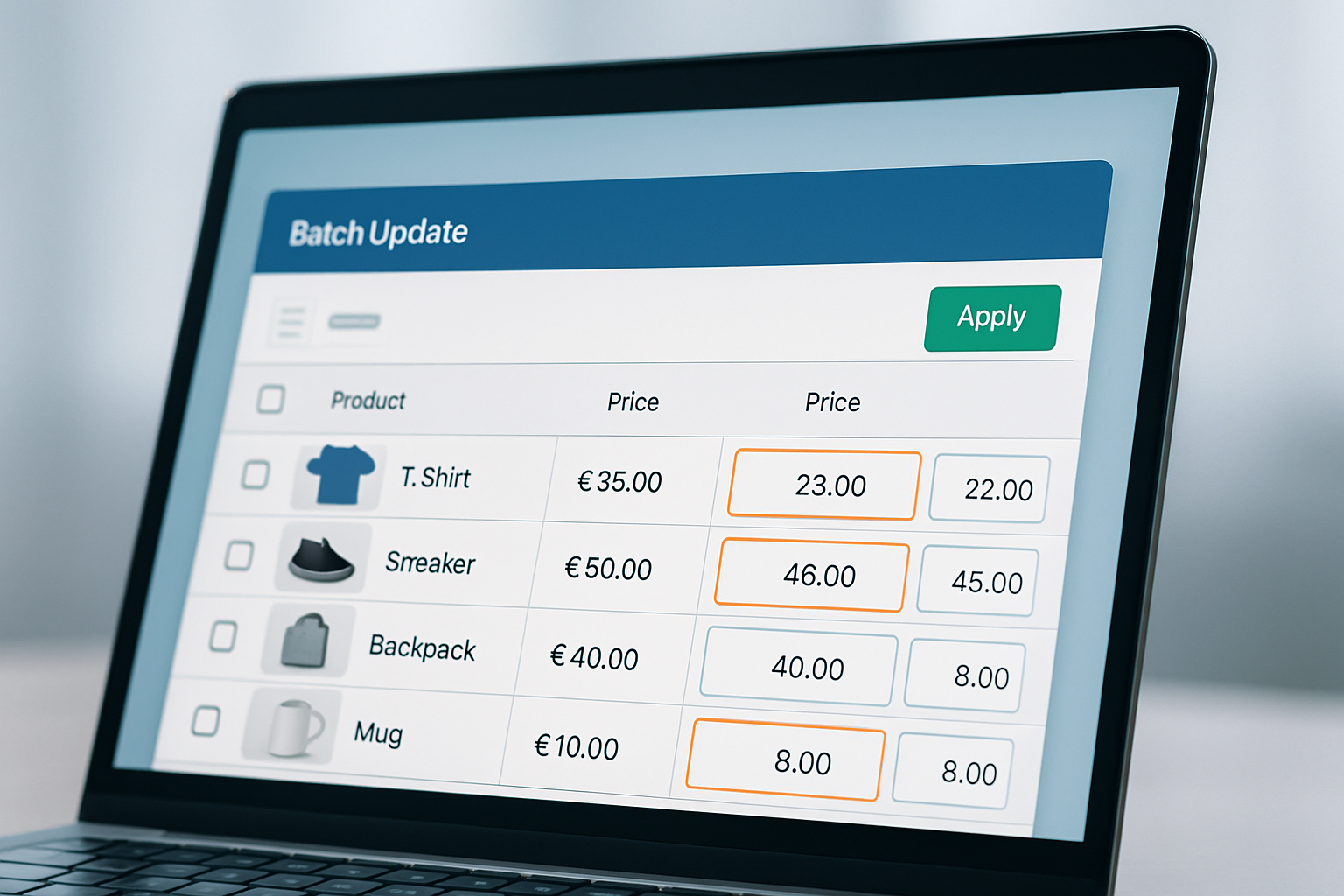
Bulk price editing apps connect directly to your Shopify store, pulling live product data and enabling instant, rules-based changes. Tools like OCS: Bulk Product Price Editor let you select collections, tags, or entire catalogs and apply increases, reductions, or fixed prices in one batch. You can schedule changes ahead, vital for flash sales or seasonal price drops common in Q4. The best 2026 apps now include rollback features, audit logs, and detailed reporting, giving both transparency and control.
Real-world data from a 2026 survey by EcommerceBytes showed that merchants using bulk price editing apps reduced catalog update times by 85% on average. For a store with 2,000 SKUs, that’s the difference between a 6-hour slog in Excel and a 45-minute workflow inside a dedicated app. OCS Engine’s app, built specifically for Shopify, now supports price rounding (e.g., ending every price in .99), margin protection rules, and even advanced filters like vendor or metafields.
Pros:
- Automated bulk changes, even across variants
- Error prevention with preview and rollback
- Scheduling for time-sensitive campaigns
- Detailed logs for audit and compliance
Cons:
- Some apps require monthly fees (see provider site for pricing)
- Integration complexity with non-Shopify platforms
This route is best for stores with 300+ SKUs, complex discounting, or high promotion frequency. If you’ve ever had to undo a Black Friday price mistake urgently, you know why automation wins.
Option B: Spreadsheets, Classic Workflow, Modern Drawbacks
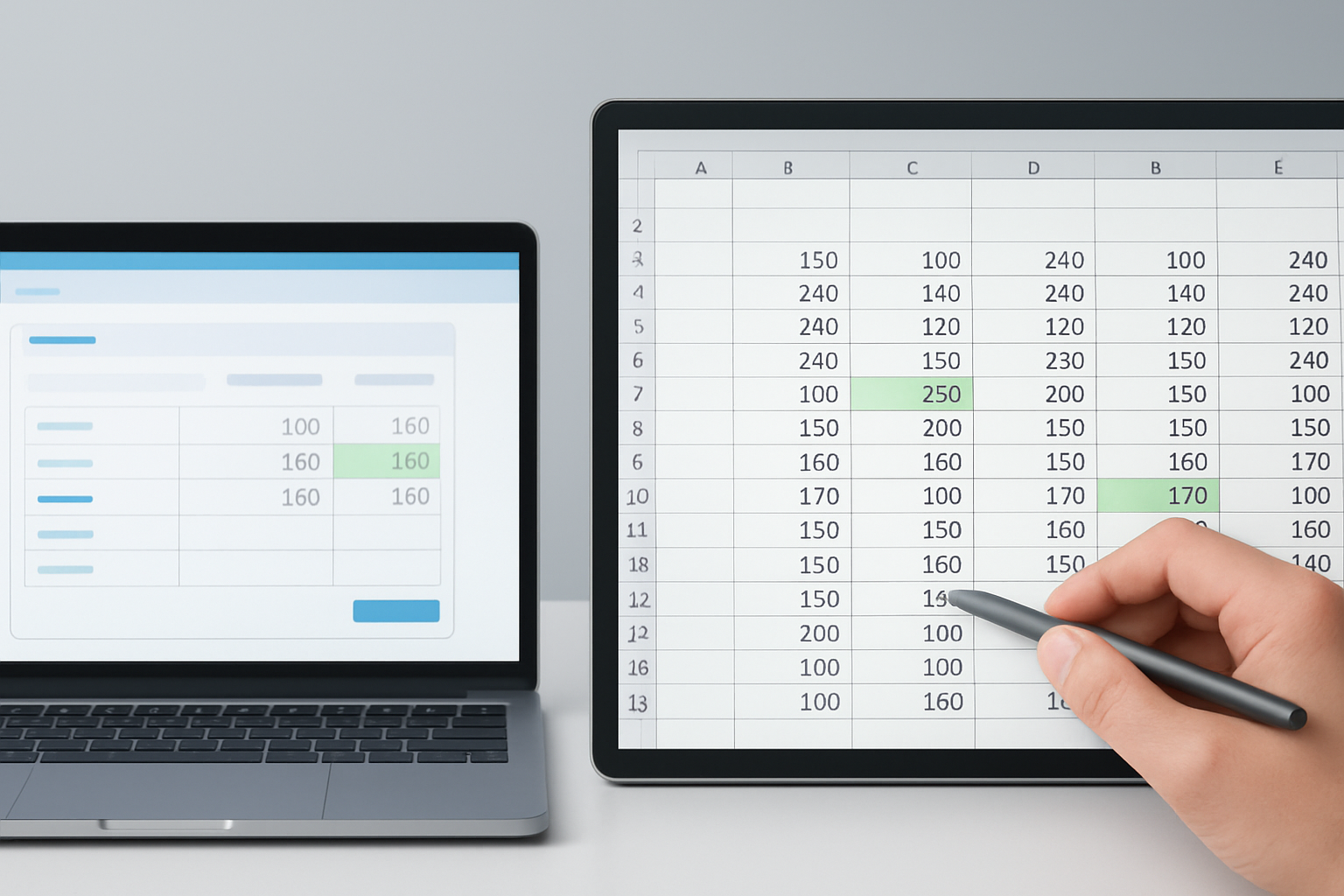
Most merchants start with spreadsheets because they’re free and familiar. The process: export your product or variant data as a CSV, open in Excel or Google Sheets, make changes (using formulas or manual entry), and then re-import into Shopify. This method works, until it doesn’t. As of 2026, Shopify’s import/export tools are more solid, but the main pain points remain: accidental overwrites, mismatched columns, and slow error detection. One misplaced decimal can wipe out your margins on hundreds of items.
An August 2026 study by BigCommerce found that 64% of pricing errors in online catalogs stemmed from spreadsheet mistakes. Even experienced managers admit double-checking every change, especially before big events like Cyber Week. And while batch formulas (like =A2*1.15 for a 15% markup) are powerful, they don’t flag outliers or catch context-specific rules, like not discounting clearance items or limiting increases to specific brands.
Pros:
- Zero software cost
- Full control over data structure and formulas
- Works with any platform, not just Shopify
Cons:
- Manual, time-consuming process
- High error risk, especially at scale
- No audit trail or rollback
- More complicated for scheduled or recurring changes
Spreadsheets still suit small catalogs or teams with advanced Excel skills. But for growing stores, the risk-reward equation shifts quickly.
Bulk Price Editing Apps vs Spreadsheets: Direct Comparison
| Criteria | Bulk Price Editing Apps | Spreadsheets |
|---|---|---|
| Speed for 1000 SKUs | 15-30 minutes | 2-6 hours |
| Scheduling | ✓ (native feature) | ✗ (manual only) |
| Error Prevention | ✓ (preview/rollback) | ✗ (limited to Excel skills) |
| Integration with Shopify | ✓ (direct sync) | Partial (CSV import/export) |
| Pricing | See app website | Free |
| Audit Trail | ✓ | ✗ |
| Best for | Stores scaling or running promotions | Small catalogs or one-off changes |
The largest gains are in speed, error reduction, and ability to handle complex sale scenarios. Apps are built for e-commerce agility; spreadsheets are built for flexibility, but demand much more diligence. The audit trail and scheduled changes alone are game-changers for larger teams or high-volume stores.
Key Differences That Matter in Bulk Price Editing Apps vs Spreadsheets
Automation vs Manual Labor
Apps automate routine bulk price changes, no more copy-paste errors or formula mishaps. This matters most during busy retail seasons, when staff bandwidth is thin and errors are most costly. In autumn 2026, more stores are prioritizing automation to avoid the domino effect of manual mistakes that can tank margins during Black Friday or Singles’ Day promotions.
Error Detection and Rollback
With spreadsheets, detecting a mispricing can take hours, or worse, reach customers before you spot it. Apps like OCS: Bulk Product Price Editor now offer instant previews and one-click rollbacks. If you apply the wrong discount to 500 items, it takes seconds to reverse. This alone justifies the switch for many high-volume stores.
Scalability as You Grow
Spreadsheets buckle as SKU count rises. A 2026 audit by Shopify Plus revealed that stores over 1,000 products saved an average of 14 hours per month after moving to apps. Bulk price editing apps vs spreadsheets isn’t just about size, though, if your business model involves frequent changes (flash sales, supplier repricing), the gap widens faster.
Compliance and Audit Logs
Many enterprise teams now require change logs for compliance. Apps provide searchable logs of who changed what, when, and why. Spreadsheets? Only as good as your manual notes. For regulated industries or stores with multiple admins, audit trails aren’t optional, they’re mandatory.
Customization and Edge Cases
Spreadsheets let you script unique scenarios, tiered markups, bundled discounts, or vendor-specific rules. If you have Excel mastery, this can be a strength. But most stores find apps now offer enough built-in logic to cover 95% of real-world needs, with far less upkeep and risk.
The Verdict: Which Saves More Time and Reduces Risk?
If you run a Shopify store with more than 300 SKUs or plan to scale, dedicated bulk price editing apps are the clear winner. They cut update times by up to 85%, prevent costly errors before they reach customers, and build in compliance features you’ll need as you grow. Their ability to schedule changes, roll back mistakes, and provide audit logs is essential for serious e-commerce operations, especially during high-stakes periods like autumn 2026.
Spreadsheets are still viable for small catalogs, one-off changes, or teams with advanced Excel skills. They offer ultimate control but demand more discipline and carry higher risk. For most Shopify merchants aiming for growth, though, apps like OCS: Bulk Product Price Editor deliver speed, safety, and peace of mind. The calculus is simple: What’s your time, and your reputation, worth?
Frequently Asked Questions About Bulk Price Editing Apps vs Spreadsheets
How do bulk price editing apps handle variant-level pricing?
Modern apps connect directly to Shopify’s product and variant APIs, allowing changes at the variant level (size, color, etc.) in a single batch. This eliminates the need for complicated filters or manual edits in spreadsheets.
Can I schedule price changes with spreadsheets?
Not natively. While you can prepare a spreadsheet in advance, you still need to manually upload it at the right time. Apps offer true scheduling, automatically activating and reverting prices at set times without manual intervention.
Are bulk price editing apps secure for sensitive product data?
Reputable Shopify apps use OAuth authentication and must pass Shopify’s 2026 security requirements. Always choose apps with strong reviews and a transparent privacy policy. Spreadsheets, in contrast, create data copies that can be lost or mishandled off-platform.
What’s the quickest way to fix a pricing mistake made via spreadsheet?
You must create a new CSV with the correct prices and re-import it, which can take valuable minutes or hours. Apps with rollback features let you revert to a prior state instantly, minimizing customer impact and stress.
How do bulk price editing apps vs spreadsheets compare in terms of reporting and audit logs?
Apps offer built-in logs showing every change, who made it, and when. This is key for compliance and troubleshooting. Spreadsheets lack this unless you set up manual tracking, which is rarely practical for larger teams.
Ready for Faster, Safer Price Changes?
Manual spreadsheets had their moment, but autumn 2026 belongs to automation. Evaluate your current workflow honestly, if price changes slow you down or keep you up at night, it's time to see what purpose-built Shopify apps can do. OCS Engine’s expertise comes from years on the front lines, helping merchants save hours while avoiding costly errors. Start by mapping your next promotion and see which method delivers results without the headaches.