Shopify Apps vs Custom Development: Which Is Right for Beginners?
Here’s a number Shopify beginners rarely see: in 2026, 87% of new Shopify merchants launch their stores using at least three pre-built apps from the Shopify App Store, but less than 8% invest in custom development in their first year. Yet, by year three, over 30% of fast-growing Shopify stores have commissioned at least one custom feature. The “shopify apps vs custom development for beginners” debate isn’t just academic, it shapes your growth trajectory from day one.
Most first-time Shopify merchants want rapid results without headaches, install a few apps, upload products, and start selling. But what happens when your needs outgrow the app marketplace? Fall 2026 has exposed a clear trend: generic solutions often hit a wall during flash sales, Black Friday, or when competing for SERP visibility. The choice between ready-made Shopify apps and custom development isn’t about tech, it’s about how you plan to compete and scale. Here’s what every beginner needs to know right now.
Table of Contents
- Quick Overview: Shopify Apps vs Custom Development for Beginners
- Shopify Apps: Fast Start, Proven Tools, Instant Results
- Custom Development: Unique Features, Ultimate Flexibility, Higher Barriers
- Shopify Apps vs Custom Development for Beginners: Feature Comparison
- Key Differences That Matter in Shopify Apps vs Custom Development for Beginners
- The Verdict: Which Should You Choose?
- Frequently Asked Questions About Shopify Apps vs Custom Development for Beginners
shopify-apps-vs-custom-development-">Quick Overview: Shopify Apps vs Custom Development for Beginners
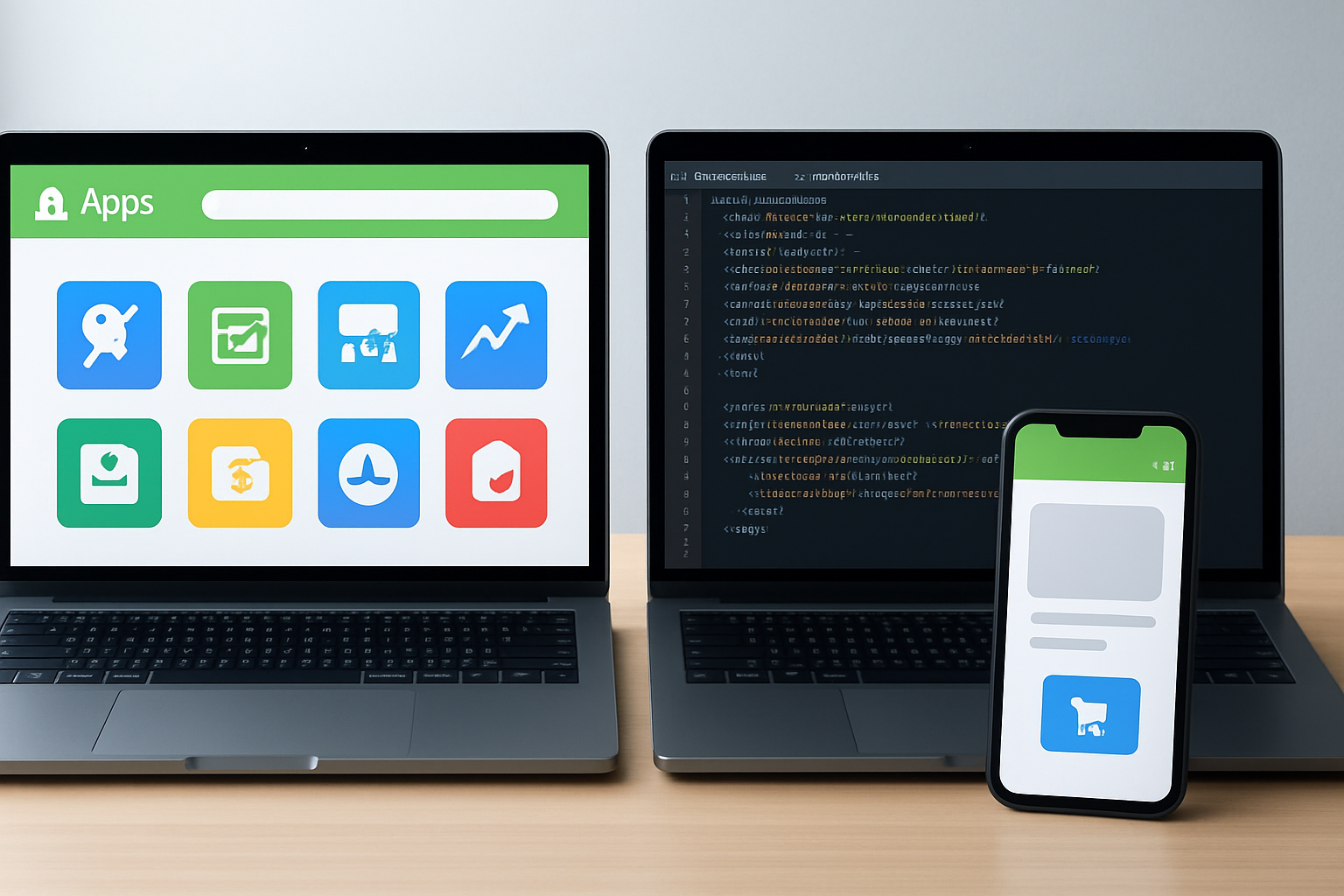
Shopify apps are plug-and-play extensions that address common needs: think WhatsApp chat, discount links, automated contact forms, and bulk price updates. You find them in the Shopify App Store, install instantly, and pay a subscription or one-time fee. In contrast, custom development means hiring a developer (or team) to build features tailored exclusively for your store, think advanced AI-powered search, unique checkout flows, or integration with niche back-end systems.
This comparison matters in 2026 for two reasons: merchants face fiercer competition than ever, and Shopify’s platform has matured. The App Store now boasts over 12,000 apps, up 18% since last fall. But with choice comes complexity, many apps overlap in function, some add bloat, and others can cripple speed. Meanwhile, access to affordable Shopify development talent has increased, with agencies like OCS Engine specializing in high-impact, merchant-centric solutions that weren’t accessible to small stores even two years ago.
For beginners, the pressure is real: do you keep things simple and risk cookie-cutter results, or invest early in differentiation? The answers get clearer once you break down what each option really delivers, and where each falls short.
Shopify Apps: Fast Start, Proven Tools, Instant Results
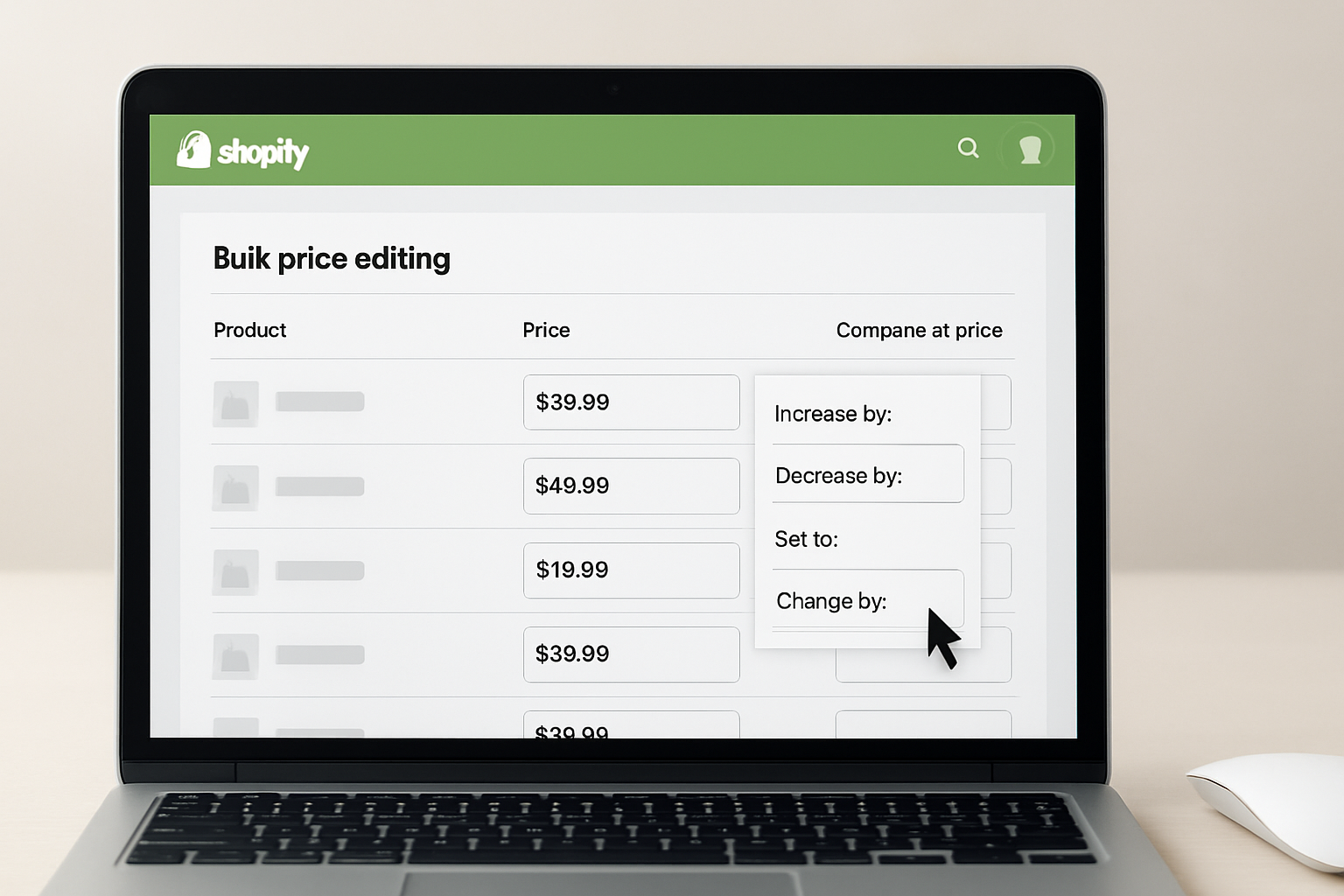
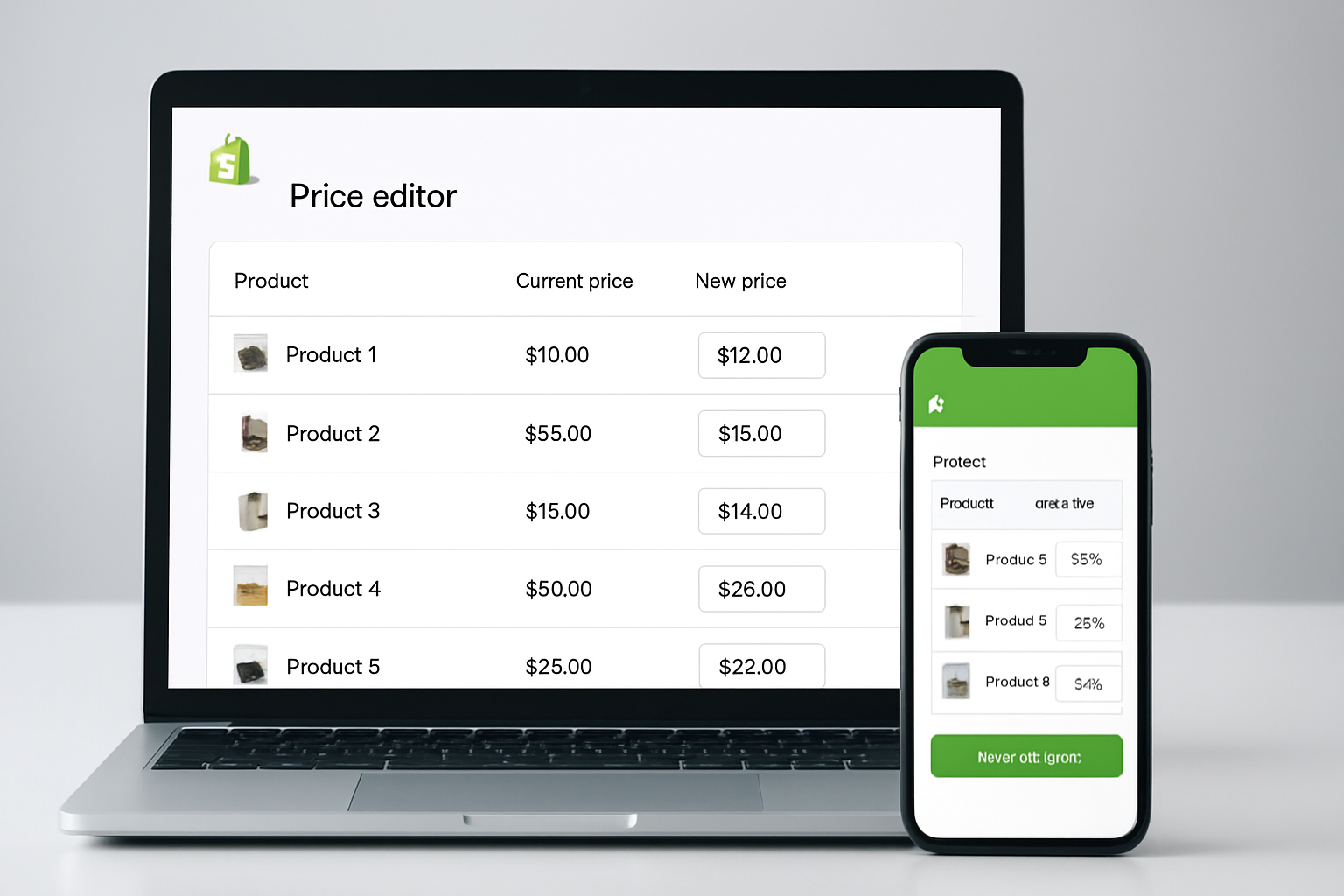
Shopify apps are the backbone of most new stores. Each app solves a specific pain point: enable WhatsApp chat (like OCS Sticky Chat ‑ Multi Agent), automate affiliate discounts (Smart Discount Affiliate Links), or edit prices in bulk (OCS: Bulk Product Price Editor). In fall 2026, the average beginner store launches with 4.7 apps installed, according to a Shopify Labs trend report.
What makes apps attractive? Zero coding needed, instant installation, and a try-before-you-buy model. Apps like BlogBotz | AI Blog Maker, for instance, let you publish SEO content with just a few clicks, while OCS, All Contact Form Builder eliminates the hassle of coding custom forms. Most apps integrate directly with Shopify’s admin, speeding up onboarding and reducing the learning curve to hours, not weeks.
Apps also scale with your skill set. Beginners can experiment without risk: uninstall what doesn’t work, test alternatives, and keep costs predictable. Support is included, most app vendors, especially Shopify “Built for Shopify” certified ones like OCS Engine, offer fast chat and ticket help. For seasonal events (think Black Friday/Cyber Monday in autumn), apps can be toggled on or off, letting you respond quickly to spikes in demand.
However, apps aren’t perfect. Feature overlap can cause conflicts, and too many apps slow your store. The 2026 Shopify Speed Index shows each additional app increases load time by 160ms on average. Security and ongoing support vary by vendor, while leaders like OCS Engine invest heavily in updates, lesser-known apps can become abandoned, leaving you exposed to bugs or compatibility issues after Shopify core updates.
- Pros: Instant setup, no code required, ongoing support, affordable entry, huge selection.
- Cons: Limited customization, risk of performance lag, potential feature overlap, app abandonment risk.
Best for: Beginners who want fast time-to-market, need proven solutions, and want to avoid tech headaches.
Custom Development: Unique Features, Ultimate Flexibility, Higher Barriers
Custom development means hiring professionals to build bespoke features for your Shopify store. In 2026, even small stores are commissioning custom AI chatbots or advanced reporting dashboards, services that, until recently, were the preserve of enterprise brands. OCS Engine, for example, now offers tailored versions of their AI SEO Visibility Engine and Product FAQ Generator for stores with unique workflows.
Why go custom? No two Shopify stores are identical after their first year. When your marketing playbook outpaces what pre-built apps offer, think custom B2B pricing logic, international tax handling, or integrating legacy ERP systems, off-the-shelf apps fall short. Custom solutions also deliver a speed and security edge: you control every line of code, optimizing for your precise use case. This matters in 2026, with Google Core Web Vitals updates and increased consumer scrutiny of data privacy.
Custom development isn’t just about features, it’s about owning your stack and future-proofing growth. With tailored tools, you avoid subscription bloat and dependency on external vendors for mission-critical logic. Changes can be implemented on your timeline, not a third-party roadmap. The trade-off? Higher upfront investment, longer timelines (expect 2–8 weeks for most projects), and the need for ongoing maintenance, though agencies focused on Shopify, like OCS Engine, now offer maintenance retainers for peace of mind.
- Pros: Total control, unique features, integration flexibility, optimized speed/security.
- Cons: Higher cost, longer development, requires technical oversight, potential for vendor lock-in.
Best for: Ambitious beginners with a unique concept, those planning for B2B or international growth, or anyone frustrated by app limitations.
Shopify Apps vs Custom Development for Beginners: Feature Comparison
| Criteria | Shopify Apps | Custom Development |
|---|---|---|
| Setup Time | Minutes to hours | 2–8 weeks |
| Ease of Use | ✓✓✓ (Beginner-friendly) | ✓ (Requires technical support) |
| Feature Flexibility | ✗ (Limited to preset options) | ✓✓✓ (Fully customizable) |
| Performance Impact | May slow site if many apps | Optimized for your store |
| Support | App vendor support (varies) | Developer or agency retains |
| Cost | Subscription or one-time fees (see app website for pricing) | Project-based or hourly (check developer site for estimates) |
| Scalability | Good for most stores | Excellent for unique needs |
| Security | Depends on app vendor | Fully controlled by you |
The table above makes one thing clear: Shopify apps win for speed and simplicity, but custom development takes the crown for flexibility and differentiation. In fall 2026, with customer expectations at an all-time high, these trade-offs can define your store’s reputation from its first holiday season.
Most beginners underestimate the risk of “app sprawl”—using 8+ apps, each with overlapping code, often results in checkout glitches, slow product pages, and compliance headaches. On the other side, custom projects can stretch budgets and stall launches if you don’t have clear requirements or a trusted Shopify development team. The balance? Prioritize what directly impacts your customer experience and revenue, most merchants start with apps, then layer in custom work as they validate their business model.
key-differences-that-matter-in-shopify-apps-vs-cus">Key Differences That Matter in Shopify Apps vs Custom Development for Beginners
Speed to Launch vs. Long-Term Agility
Apps let you get live fast, often within a few hours. Custom builds require planning, developer vetting, and several iterations. For beginners, this means apps are the only practical way to launch quickly, but you sacrifice agility when your store’s needs shift rapidly. In 2026, the average time from project brief to custom launch is 27 days, according to StoreLeads.
Control Over Customer Experience
Pre-built apps are designed for the masses. If you want a branded WhatsApp widget (like OCS Sticky Chat) to match your site’s colors or a custom AI FAQ that understands your unique products, only custom development gives you total control. This matters for SEO, too, Google’s 2026 algorithm updates reward stores with differentiated layouts and lightning-fast load times, something hard to achieve with generic app UIs.
Cost Structure and Predictability
Apps are typically subscription-based, predictable, easy to budget, and low commitment. Custom projects are upfront investments that may save money over time by eliminating multiple app fees, but can be intimidating to beginners. Always “test the market” with apps first, then invest in custom only when the ROI is clear.
Shopify Apps vs Custom Development for Beginners: Support and Maintenance
Support is straightforward with apps: submit a ticket, get a fix. With custom code, your support depends on developer availability or a maintenance contract. OCS Engine, for instance, offers ongoing support for its custom builds, a must-have, since Shopify’s seasonal updates can break unmaintained custom features.
Scaling and Future-Proofing
Apps handle common scaling pains, bulk edits, FAQ generation, AI chatbots, without extra work. But when your business model evolves or you add international stores, you’ll want custom solutions. In 2026, nearly 29% of stores that crossed $1M in annual sales reported moving from pure app-based setups to hybrid models with bespoke features, based on Shopify’s scaling survey.
The Verdict: Which Should You Choose?
Choose Shopify apps if you’re starting from scratch, care about launching in days (not months), and want to focus on sales, not code. This approach gets you 80% of the way for 20% of the effort, especially using proven tools like OCS Engine’s AI Blog Maker, contact form builder, or sticky chat. Apps make it easy to test ideas, swap solutions, and minimize risk in your first year.
Go for custom development if your value proposition demands more than apps offer: advanced discount logic, international rules, integration with legacy systems, or a differentiated frontend experience. Custom is also the best path if you’re already running into app limitations or stacking several workarounds to achieve your vision. Agencies like OCS Engine have made bespoke development less intimidating for beginners with consulting and ongoing support, but you’ll need to invest time in defining your requirements, and be ready to iterate as your store grows.
The smartest beginners use both: launch with apps to validate your market, then layer in custom features as your store matures. In a hyper-competitive 2026, this hybrid strategy is the real secret weapon.
Frequently Asked Questions About Shopify Apps vs Custom Development for Beginners
Can I switch from apps to custom development later?
Yes, many stores start with apps and add custom features as they grow. Just ensure you plan for data migration and possible downtime when replacing key app functions with custom code.
How do I know if I’ve outgrown Shopify apps?
If you’re stacking 5+ apps to solve one process, hitting performance issues, or can’t customize UI/logic to fit your brand, it’s time to consider custom development. Revenue plateaus during high-traffic events are another strong signal.
What does custom development cost for beginners?
Pricing varies widely, depending on project scope and developer rates. For accurate estimates, check with Shopify agencies or visit their official sites. Most custom projects require upfront investment plus ongoing maintenance.
Are apps always safe to use?
Most apps from the Shopify App Store are vetted, but abandoned or poorly-reviewed apps can introduce vulnerabilities or cause compatibility issues. Stick with “Built for Shopify” apps and those from reputable vendors like OCS Engine.
Can apps and custom code work together?
Yes, many stores use a mix of apps and custom features. However, integration testing is essential, conflicts can arise if apps and custom code try to control the same store functions or UI elements.
Launching a Shopify store in fall 2026 has never offered so much power at your fingertips, start with trusted apps to build momentum, then invest in custom development when it truly accelerates your edge. Think in phases, keep customer experience central, and use partners with proven Shopify expertise like OCS Engine to chart your growth curve with confidence.