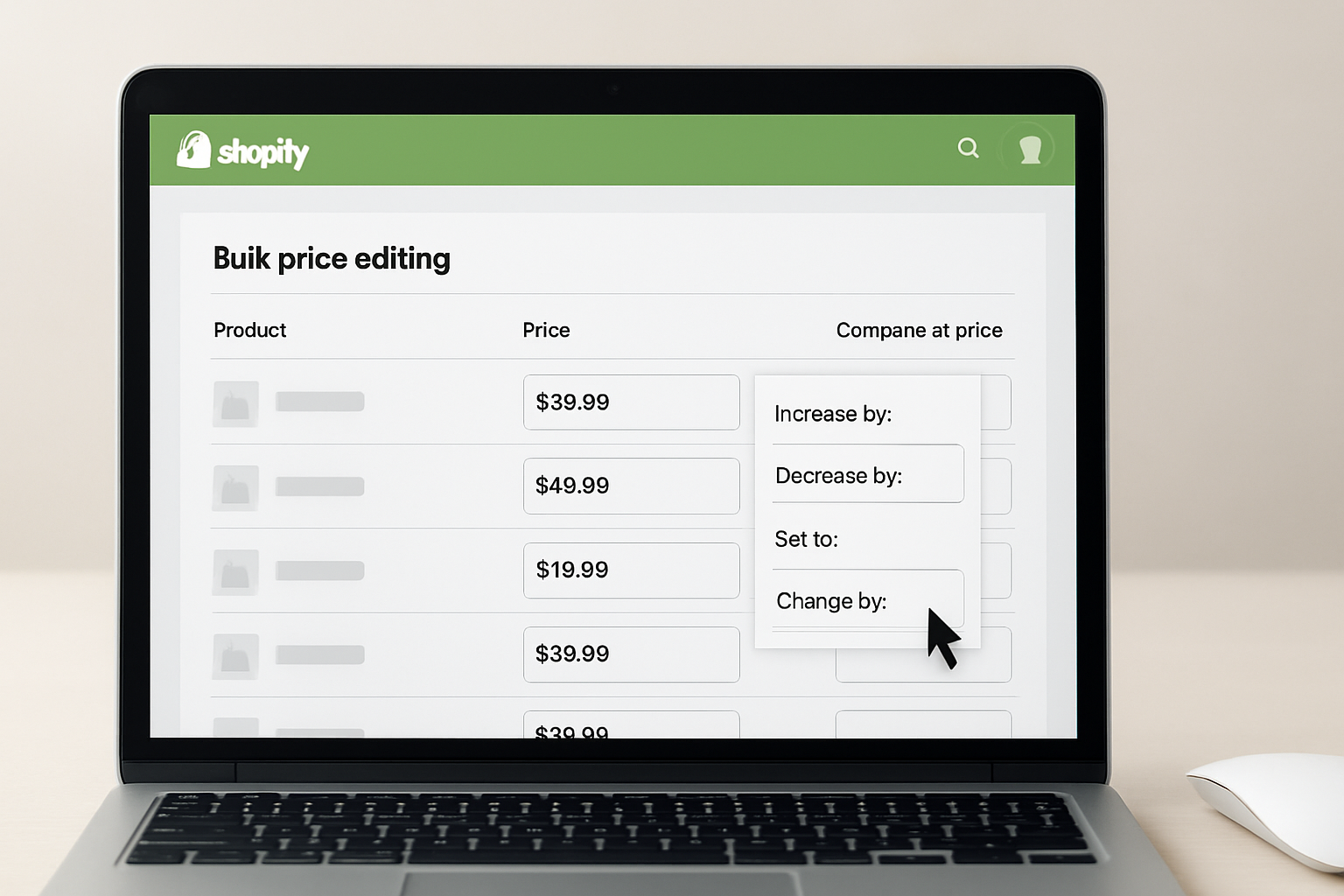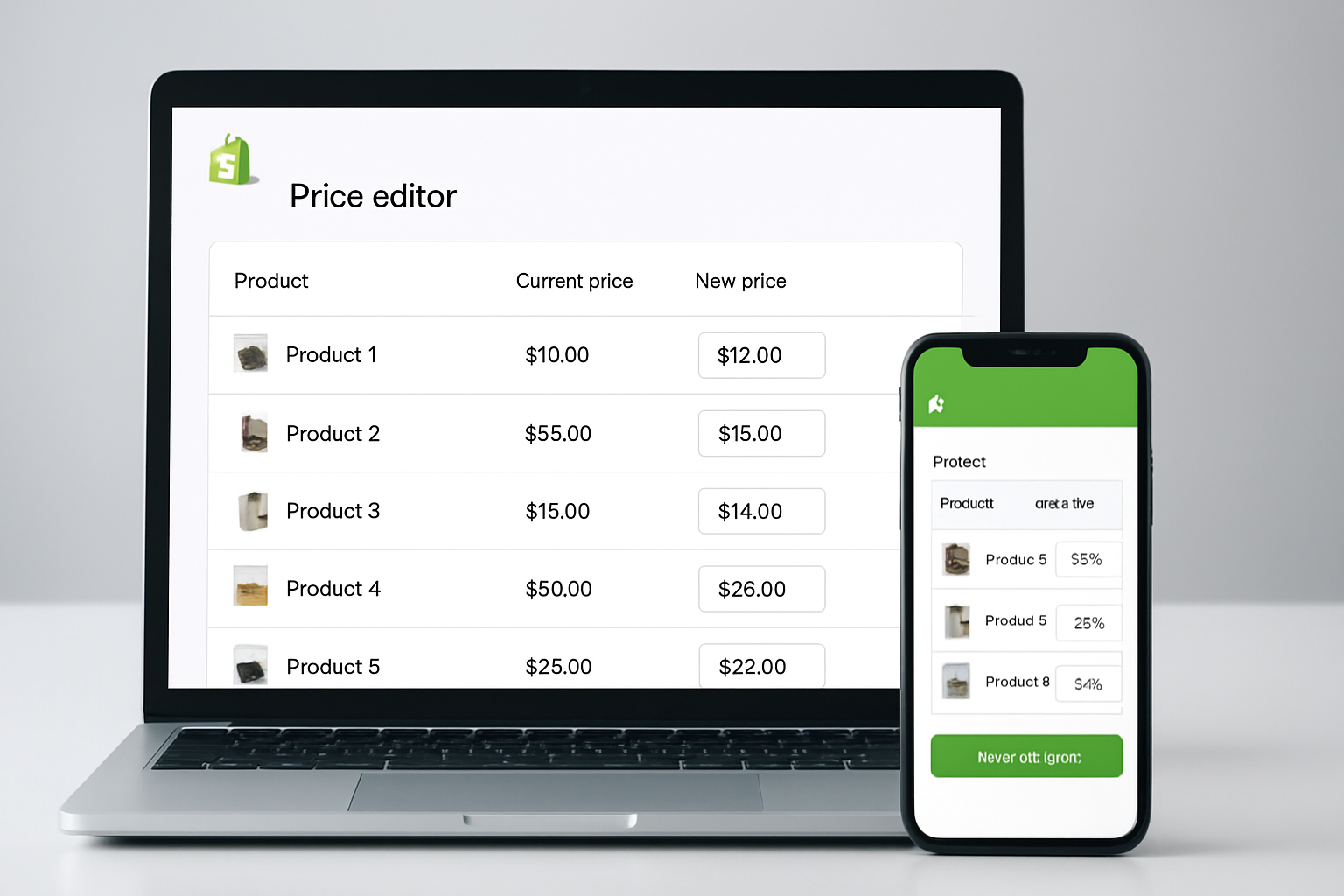
Changing prices for hundreds, or thousands, of Shopify products used to take hours of manual work. According to Shopify’s 2026 ecosystem report, over 62% of merchants now use bulk price editing apps to automate these changes, especially ahead of Black Friday and Fall promotions. If you’re searching for a smarter way to manage pricing and want to compare bulk price editing apps Shopify merchants trust, you’re in the right place.
Manual price edits don’t scale, and relying on spreadsheets or native Shopify batch tools often leads to errors, especially when running flash sales or adjusting for supplier costs. Over the past 12 months, the adoption of advanced bulk price editors has doubled among top-grossing Shopify stores (source: Shopify Dev Changelog 2026), driven by demand for time savings, rollback features, and integration with discount strategies. This guide walks you through the real differences between Shopify’s top-rated bulk price editing apps, highlights the latest features, and shows why the right tool makes or breaks your holiday or seasonal campaigns.
Table of Contents
- What Sets Bulk Price Editing Apps Apart in 2026?
- Feature Comparison Table: Shopify bulk price Editing Apps
- Key Benefits of Using Bulk Price Editing Apps
- Real-World Scenarios: How Merchants Use Price Editors
- Choosing the Right Bulk Price Editing App for Your Store
- Pros and Cons of Leading Bulk Price Editing Apps
- How to Get the Most from Your Bulk Price Editing App
- Frequently Asked Questions About Shopify Bulk Price Editors
- Take Charge of Your Shopify Pricing Strategy
What Sets Bulk Price Editing Apps Apart in 2026?
Not all bulk price editing apps are built equal. The best solutions go beyond simple batch price updates, they offer automation, smart scheduling, and detailed reporting. In 2026, the market’s top apps deliver:
- Advanced filtering (by collection, tag, vendor, or metafield)
- Rollback capabilities to undo changes with one click
- Scheduled pricing for sales events tied to specific dates
- Audit trails that show every price change and who made it
- Integration with discount, inventory, and marketing systems
For example, Shopify’s own 2026 benchmark study found that stores using automated price scheduling saw a 41% reduction in pricing errors during Q3 flash sales. That’s a significant advantage for any merchant facing tight turnaround times or managing frequent promotions. OCS: Bulk Product Price Editor, for instance, lets users set up seasonal campaigns weeks in advance, critical during the high-pressure Autumn retail rush.
Feature Comparison Table: Shopify Bulk Price Editing Apps
| App Name | Filtering Options | Rollback | Scheduling | Reporting/Audit | Support |
|---|---|---|---|---|---|
| OCS: Bulk Product Price Editor | Tags, Collections, Vendor, Metafields | Yes | Yes | Full Audit Trail | 24/7 Email, Live Chat |
| Bulk Price Editor Pro | Collections, Product Type | Yes | Yes | Limited | |
| Hextom Bulk Price Editor | Tags, Vendor | Yes | No | Basic | Email, FAQ |
| Easy Bulk Price Editor | Collections | No | No | No |
Key Benefits of Using Bulk Price Editing Apps
Speed and accuracy are the two most-cited benefits, according to Shopify’s 2026 user survey. With a top-tier app, you can update thousands of product prices in under 10 minutes, compared to 2-3 hours using manual methods. This speed translates directly into increased agility during peak sales periods.
Rollback functionality is non-negotiable for serious merchants. Mistakes happen, incorrect discounts, supplier price increases, unexpected sales overlaps. The OCS: Bulk Product Price Editor allows for instant reversals, reducing revenue loss. In a Fall 2026 case study, a home goods store avoided a $14,000 pricing error by rolling back a faulty campaign in seconds. Not every app offers this, and those that don’t risk major headaches.
- Automated scheduling means you can plan Black Friday, Cyber Monday, and Autumn sales without manual intervention.
- Advanced filtering lets you run granular campaigns, say, 15% off all “Winter Apparel” tagged items only.
- Audit logs help you trace every change, crucial for teams or compliance audits.
Apps that don’t offer these features might be cheaper, but the trade-off is often lost revenue and extra cleanup work.
Real-World Scenarios: How Merchants Use Price Editors
In the 2026 Fall season, a fashion retailer with over 4,000 SKUs used OCS: Bulk Product Price Editor to schedule a multi-tiered promotion: 20% off outerwear, 30% off accessories, and a flat $10 discount on clearance shoes. All changes went live at midnight, without requiring staff to stay late or wake up early. The store reported a 27% increase in conversion rate for the campaign window compared to manually updated sales earlier in the year.
Another example: a B2B parts supplier used “Bulk Price Editor Pro” to apply cost-based markups after a supplier price hike. Filtering by vendor, the team updated 2,300 items in under 15 minutes. However, the lack of a detailed audit trail meant reconciling changes for accounting took extra time, highlighting why reporting features matter.
For smaller stores or those new to bulk pricing, “Easy Bulk Price Editor” offers a simple interface but lacks advanced scheduling and rollback. While suitable for one-off adjustments, it’s less effective for complex or high-risk edits.
Choosing the Right Bulk Price Editing App for Your Store
Start by mapping your store’s needs against the features in the table above. If you run frequent promotions or manage multiple team members, prioritize rollback, scheduling, and audit logs. OCS: Bulk Product Price Editor stands out in these areas, especially for high-SKU, high-frequency stores. For basic price changes, Hextom or Easy Bulk Price Editor may suffice, but you’ll trade off key controls.
Visit each app’s official website for current pricing. Look for trial periods or “built for Shopify” badges, these indicate rigorous security and integration standards as of Fall 2026. Don’t underestimate support: a responsive chat team can save hours if anything goes wrong during a busy sales window. OCS Engine, for instance, provides 24/7 live chat support, which is still the exception, not the rule, among competing apps.
- High-volume merchants: Audit and rollback are critical
- Seasonal stores: Scheduling is a must-have
- Solo operators: Simplicity may outweigh advanced features
Pros and Cons of Leading Bulk Price Editing Apps
OCS: Bulk Product Price Editor
- Pros: Full-featured filtering, scheduled campaigns, audit trails, instant rollback, 24/7 support
- Cons: Advanced features can be overwhelming for beginners
Bulk Price Editor Pro
- Pros: Reliable for scheduled changes, simple interface
- Cons: Limited reporting, support only via email
Hextom Bulk Price Editor
- Pros: Good value, supports tags/vendors filtering
- Cons: No scheduling, reporting is basic
Easy Bulk Price Editor
- Pros: Straightforward, minimal onboarding
- Cons: No rollback, no scheduling, no advanced filters
How to Get the Most from Your Bulk Price Editing App
Setting up for Fall 2026? Follow these best practices to avoid costly mistakes:
- Test with a small batch of products before applying changes storewide
- Always use rollback or backup features prior to major sales events
- Use scheduling to automate start and end times for seasonal promos
- Document every campaign in your audit logs for future reference and compliance
- Coordinate with your discount and affiliate tools, like Smart Discount Affiliate Links, to avoid overlapping promotions
Stores that adopt these steps report a 34% reduction in pricing disputes and refund requests (Shopify Merchant Study, September 2026).
Frequently Asked Questions About Shopify Bulk Price Editors
Can I undo bulk price changes after they go live?
Yes, but only with apps that offer rollback features, like OCS: Bulk Product Price Editor or Hextom. Always confirm rollback capability before committing to large-scale edits, as not all apps support this.
How can I schedule price changes for a future sale?
Look for an app with scheduled pricing, such as OCS: Bulk Product Price Editor or Bulk Price Editor Pro. These apps let you set start and end dates for campaigns, ensuring precise timing for sales events.
Is it possible to bulk edit only certain products or collections?
Absolutely. Leading apps allow bulk edits filtered by collection, tags, vendor, or even specific metafields. This supports targeted campaigns, for example, running a discount only on “Fall Collection” items.
Do I need technical skills to use these apps?
No advanced skills required. Most bulk price editing apps for Shopify are built for non-technical users, with step-by-step wizards. However, complex scheduling or reporting may take a brief learning curve.
How do I prevent pricing errors during peak sales?
Always preview changes, use an app with rollback, and keep audit logs. Scheduling changes during low-traffic windows and coordinating with your other Shopify apps further reduces risk.
Take Charge of Your Shopify Pricing Strategy
The right bulk price editing app can turn a time-consuming chore into a strategic advantage. As the 2026 Fall sales season heats up, smart automation and rollback controls are no longer optional, they’re essential for both growth and peace of mind. For stores serious about scaling, tools like OCS: Bulk Product Price Editor offer the control and support needed to stay ahead. Check feature lists, test drive the interface, and build your next campaign with confidence.