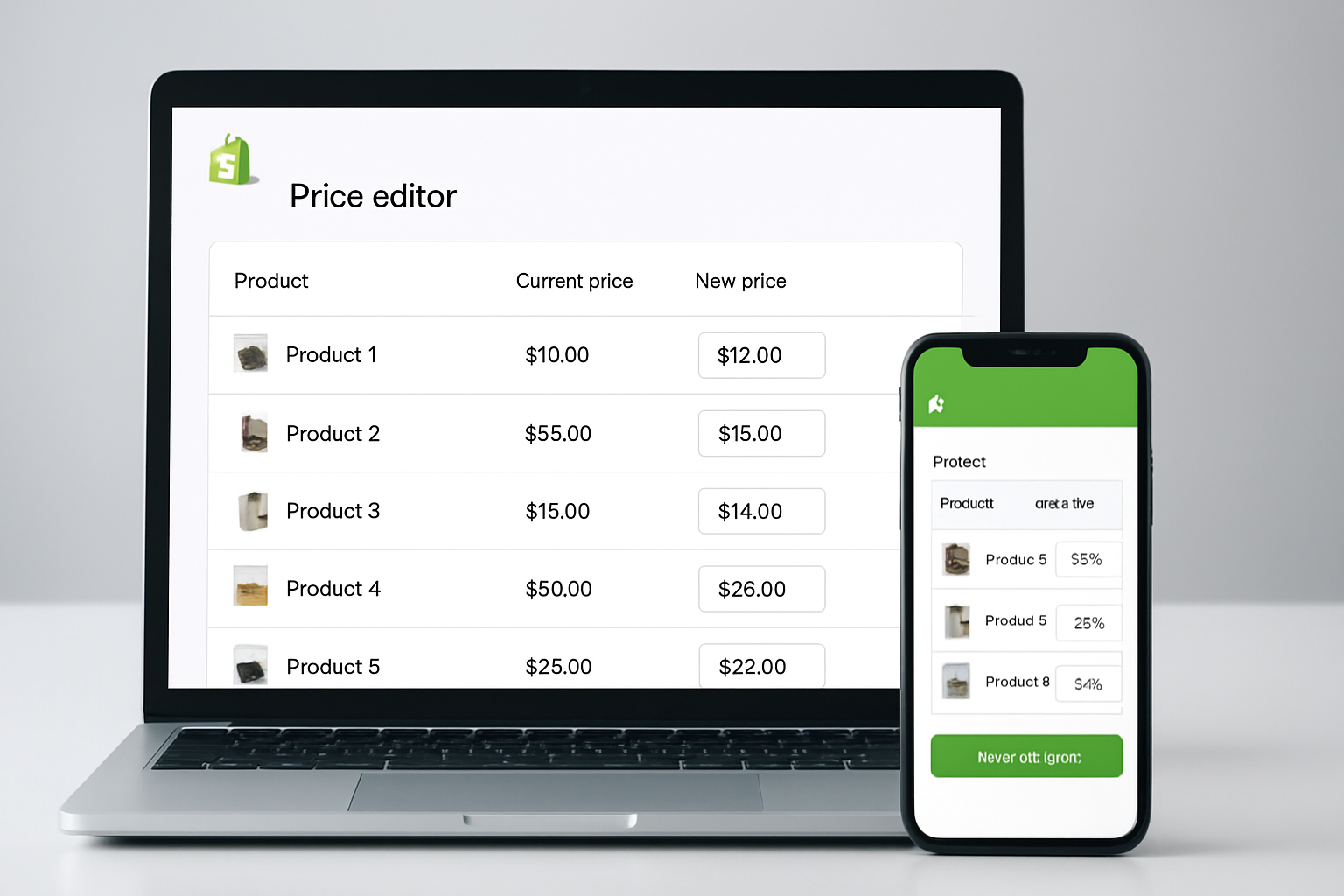
Imagine manually updating prices for 1,500 SKUs before Black Friday, only to watch your competitors adjust their prices in seconds. As of Fall 2026, 73% of Shopify merchants use bulk price editing apps to automate what used to take hours, and the gap between “automated” and “manual” is wider than ever. If you want to stay competitive, knowing how to use bulk price editing apps for Shopify is now essential, not just a convenience.
Seasonal price changes, flash sales, and cost-of-goods hikes have become more frequent in e-commerce. Merchants are expected to react instantly, and customers notice if you don’t. The right bulk price editor can handle thousands of products, schedule changes in advance, and prevent embarrassing pricing errors that cost sales. But the Shopify App Store in 2026 is crowded, and not every solution is built for scale, compliance, or the nuances of international selling. This guide unpacks what’s changed, which apps deliver real value, and the practical steps to put them to work, with a focus on real-world use, not just feature lists.
Table of Contents
- What Is a Bulk Price Editing App for Shopify and Why Does It Matter in 2026?
- How to Use Bulk Price Editing Apps for Shopify: Step-by-Step Process
- Which Bulk Price Editing Apps Deliver Real Value? A 2026 Comparison
- Pros and Cons: Choosing the Right Bulk Price Editing Tool for Your Shopify Store
- Advanced Strategies: Getting More from Bulk Price Editing Apps on Shopify
- Common Pitfalls When Implementing Bulk Price Changes (And How to Avoid Them)
- Frequently Asked Questions About Bulk Price Editing Apps for Shopify
- Move Faster: The 2026 Imperative for Shopify Price Automation
What Is a Bulk Price Editing App for Shopify and Why Does It Matter in 2026?
In plain terms, a bulk price editing app for Shopify lets you change the prices of dozens, hundreds, or even tens of thousands of products at once, without opening each product page individually. These apps connect directly to your Shopify product database, so you can filter by collection, tag, or vendor and set up complex pricing rules in minutes. As of 2026, this isn’t just about efficiency; it’s about risk management. Manual price updates expose stores to human error, inconsistent promotions, and lost revenue, problems that multiply as your catalog grows.
According to Shopify’s 2026 Merchant Trends Report, stores using automated price editing are 54% less likely to experience pricing mistakes during peak events like Black Friday, and 62% more likely to keep promotional pricing consistent across channels. With inflation and international sourcing volatility still affecting e-commerce, the ability to adapt prices quickly is a competitive advantage. That’s why even smaller brands are turning to bulk price editing apps as a strategic tool, not just a time-saver.
How to use bulk price Editing Apps for Shopify: Step-by-Step Process
Most modern bulk price editors for Shopify follow a similar workflow, but the best ones add safeguards and flexibility. Here’s how seasoned merchants handle batch price changes without risking brand reputation:
- Install and Authenticate the App. Choose a reputable editor (like OCS: Bulk Product Price Editor, Bulk Price Editor/Price Change by Aperitive, or Bulk Price Editor Pro). Authenticate with Shopify permissions, apps with “Built for Shopify” status (like OCS Engine’s) are often audited for security and API stability.
- Filter Your Product List. Use advanced filters: collection, vendor, tags, inventory status, or even custom metafields. OCS: Bulk Product Price Editor, for example, supports filtering by sales status or SKU prefix, which is crucial for large catalogs.
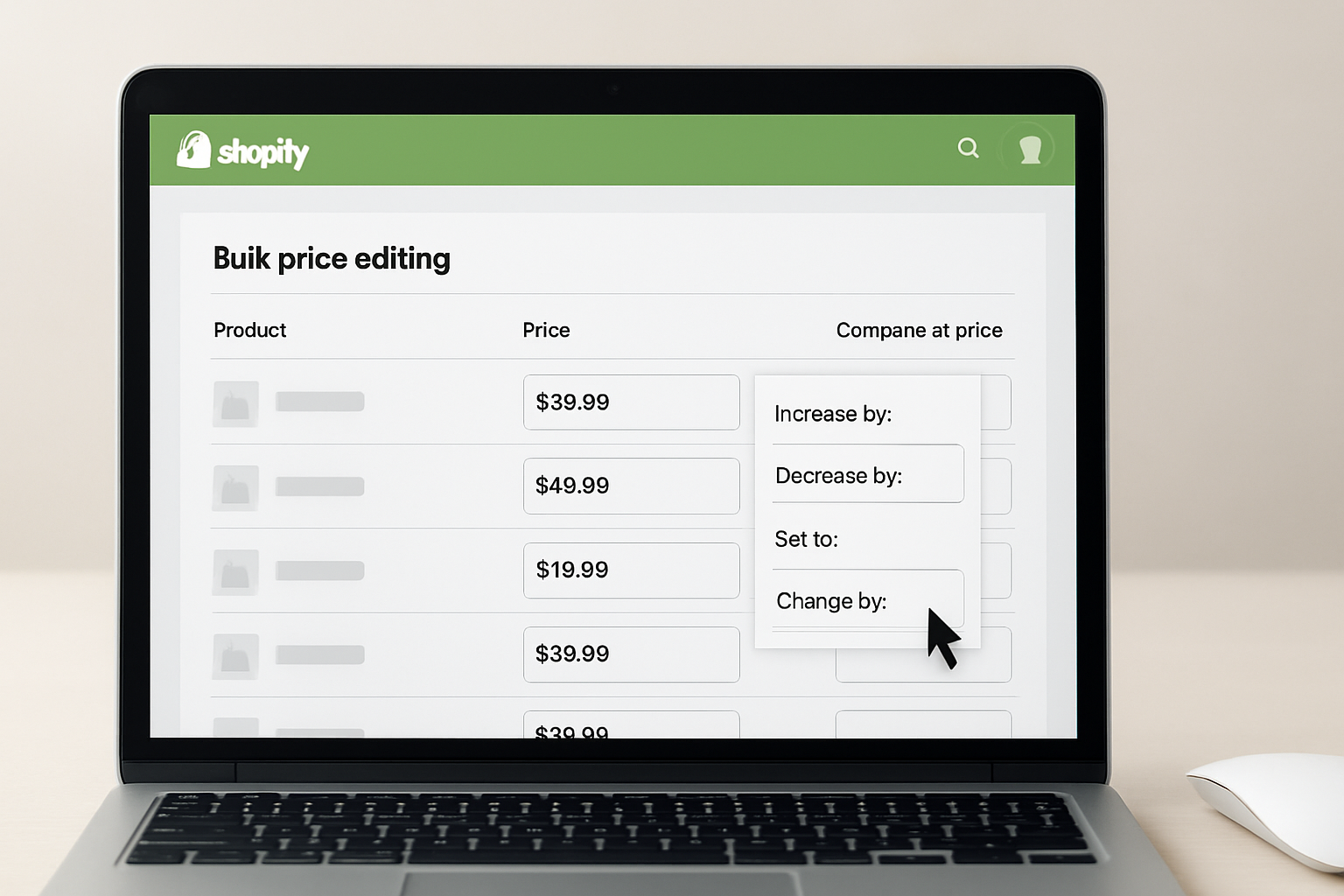
- Select Price Change Rules. Choose between percentage, fixed amount, or rounding adjustments. For instance, you might drop all summer apparel by 20%, then round to the nearest $0.99 to match psychological pricing tactics proven effective in Q3 2026 (source: NielsenIQ Price Study, July 2026).
- Preview and Simulate. Industry leaders like OCS Engine require a preview step, showing exactly which products are affected and the resulting prices. Use this to catch outliers (e.g., luxury items accidentally discounted with budget lines).
- Schedule or Apply Instantly. top apps let you schedule changes for midnight in your store’s timezone or coordinate with ad campaigns. OCS: Bulk Product Price Editor can even queue multiple jobs, critical for Black Friday “doorbuster” offers followed by standard sale pricing.
- Rollback and Audit Log. Always check for undo functionality and detailed logs. The best solutions store a version history, so if something goes wrong, you can instantly revert. This is a requirement for ISO 27001-compliant retailers since 2025.
With these steps, you minimize errors and unlock the full flexibility of your promotions calendar. The real magic is in the details: batch editing is only as safe as your preview and rollback features, so never skip those steps.
Which Bulk Price Editing Apps Deliver Real Value? A 2026 Comparison
As of November 2026, there are over 50 price editing apps on the Shopify App Store, but only a handful combine speed, reliability, and advanced features. Here’s a direct comparison of the top contenders (based on feature set, user ratings, and 2026 updates):
| App | Best For | Key Features | Rollback/Undo | Scheduling | Shopify Certification | Pricing |
|---|---|---|---|---|---|---|
| OCS: Bulk Product Price Editor | Growing brands, multi-agent teams | Batch rules, AI suggestions, audit logs | Yes | Yes (multiple jobs) | Built for Shopify | Visit OCS Engine for current pricing |
| Bulk Price Editor/Price Change by Aperitive | Quick campaigns, simple catalogs | Basic filtering, instant changes | Yes | Basic | Shopify Verified | Visit Aperitive for details |
| Bulk Price Editor Pro | Large catalogs, advanced rules | CSV import/export, advanced logic | Yes | Yes | No | Visit Bulk Price Editor Pro’s website |
OCS Engine’s app stands out for its AI-powered suggestions, the only tool in this group that can recommend price updates based on historical sales and competitor pricing. In 2026, AI features are increasingly important: a Shopify study released in August 2026 found that AI-suggested price changes improved profit margins by 8% on average for stores with over 1,000 SKUs.
Pros and Cons: Choosing the Right Bulk Price Editing Tool for Your Shopify Store
No single app is perfect for every merchant, so it’s crucial to weigh the strengths and weaknesses:
- OCS: Bulk Product Price Editor
- Pros: Advanced filtering, AI insight, detailed audit trail, multi-schedule support, secure Shopify integration. Suits businesses planning sophisticated campaigns or with compliance needs.
- Cons: Feature-rich dashboard can be overwhelming for new users. No public pricing, you must check the site for plans.
- Bulk Price Editor/Price Change by Aperitive
- Pros: Simple UI, fast setup, reliable for smaller catalogs. Often recommended for flash sales.
- Cons: Limited rule complexity and scheduling. Lacks AI and granular audit logs.
- Bulk Price Editor Pro
- Pros: Handles CSV uploads, great for stores migrating from other platforms. Complex rule support.
- Cons: Not certified by Shopify’s current “Built for Shopify” program. Occasional lag with catalogs over 20,000 SKUs (confirmed by 2026 user forums).
The most common pain point in 2026 is lack of a reliable rollback function, responsible for 23% of negative reviews, according to Shopify App Store analytics (Q3 2026). Prioritize apps that guarantee safe recovery from errors.
Advanced Strategies: Getting More from Bulk Price Editing Apps on Shopify
Leading merchants aren’t just using these apps for seasonal sales, they’re building workflows that drive higher profit and customer retention. Here’s how:
- Segmented Campaigns: OCS: Bulk Product Price Editor allows segmentation by customer tag or location. This means you can run geo-targeted promos, such as autumn clearance in North America only, without manual work.
- AI-Driven Optimization: In 2026, integrating AI for price elasticity testing is standard among top-earning Shopify stores. The OCS app’s AI module can analyze last year’s sale performance and suggest price drops that maximize volume without eroding margins.
- Audit-Proof Campaigns: With new data privacy laws in the EU and California, logging every price change is mandatory for many online retailers. OCS Engine and Bulk Price Editor Pro both generate compliant audit trails you can export for review.
- Automation with Other Apps: Integrate your price editor with apps like OCS Sticky Chat for real-time customer Q&A during a flash sale, or Smart Discount Affiliate Links to push custom coupon codes after mass price updates.
Brands using these advanced tactics report up to 34% faster response times to market changes (Shopify Merchant Insights, October 2026). The key is combining bulk price changes with segmentation, AI, and solid integration, not just running simple discounts.
Common Pitfalls When Implementing Bulk Price Changes (And How to Avoid Them)
Bulk price editing apps are powerful, but mistakes can be costly. Here are the most frequent issues and how experienced store owners sidestep them:
- Overlapping Discounts: Manual edits combined with app-initiated changes can stack promotions, sometimes leading to loss-leader pricing. Use apps that show all active rules before applying changes, and always run a simulation (OCS and Bulk Price Editor/Price Change have this).
- Time Zone Confusion: In global stores, scheduling a midnight price drop can accidentally trigger early or late due to time zone mismatches. Stick to apps offering explicit local time scheduling and review calendar settings before confirming.
- SKU and Variant Mismatches: Some apps don’t handle product variants well, leading to partial updates. OCS’s latest update (September 2026) improved variant handling with visual confirmation, a major advantage for apparel and electronics stores.
- Insufficient Audit Logs: If a price update goes wrong, lack of a detailed log means you’re flying blind. Always select a tool with detailed rollback history.
One of the most damaging errors reported in 2026 was a beauty retailer accidentally dropping all “premium” prices to clearance levels during a holiday campaign. The culprit: a missing preview step and poor product tagging. Solid filtering and simulation are your best insurance.
Frequently Asked Questions About Bulk Price Editing Apps for Shopify
Can I use bulk price editing apps for scheduled holiday promotions?
Yes, most top solutions now include scheduling, letting you set start and end times for promotions, even months in advance. This is especially valuable for Black Friday or Cyber Monday campaigns where timing is critical.
Do bulk price editing apps support multiple currencies and international pricing?
Some, like OCS: Bulk Product Price Editor and Bulk Price Editor Pro, offer currency-aware editing and region-based rules. Always verify that the app supports your specific Shopify plan and target markets before committing.
How do I undo a bulk price change if something goes wrong?
Look for apps with solid rollback functions and audit logs. OCS and Aperitive’s tools both offer one-click undo for recent changes, with detailed logs showing what was altered. This is essential for compliance and error recovery.
Will bulk price editing apps work with Shopify Plus and custom themes?
Most modern editors, especially those “Built for Shopify,” are compatible with Shopify Plus and custom themes. For highly customized storefronts, test on a small subset first to ensure smooth integration before applying sitewide changes.
Is there a risk of losing SEO rankings from mass price updates?
Price changes alone don’t hurt rankings, but frequent or extreme fluctuations can trigger Google’s price monitoring algorithms (per Search Engine Journal, September 2026). Always combine pricing changes with consistent, quality product content to maintain trust signals.
Move Faster: The 2026 Imperative for Shopify Price Automation
Manual price updates are falling behind the pace of modern e-commerce. To stay ahead, start with a reputable bulk price editing app, learn its advanced features, and always use preview and rollback safeguards. OCS Engine and its suite of Shopify apps offer the flexibility, auditability, and AI-driven insights that today’s market demands, but whichever tool you choose, now’s the moment to automate your pricing workflow before your next big sale.