How to Cut Pricing Errors by 50% with bulk price editing apps comparison 2026

Last spring, over 60% of Shopify merchants reported pricing errors during sales campaigns, leading to lost revenue and customer complaints, according to the 2026 eCommerce Operations Benchmark. If you’re still updating prices manually or relying on outdated tools, you’re risking costly mistakes every season. A thorough bulk price editing apps comparison 2026 exposes how the right solution can cut your pricing errors in half—while saving hours every week.
Ecommerce price changes spike every spring with new product launches, clearance events, and site-wide promotions. Yet, as of May 2026, most merchants underestimate the risk and complexity of bulk price updates. Manual edits or poorly built scripts often introduce costly errors—incorrect discounts, missed products, or inventory mismatches. This article distills the latest methods, tools, and expert tactics to help you choose and use a bulk product price editor that actually delivers accuracy and time savings. You’ll see how feature sets, automation, error prevention, and seasonal flexibility stack up in the real world, with a focus on what works in 2026 for growing Shopify brands.
Table of Contents
- Prerequisites: What You Need Before Comparing Bulk Price Editing Apps
- Step 1: Identify the Best Bulk Price Editing Apps (Feature Matrix 2026)
- Step 2: Set Up Your Bulk Price Editing App for Maximum Accuracy
- Step 3: Run Bulk Price Edits and Monitor Results
- Step 4: Compare Bulk Price Editing Apps in 2026—Features That Prevent Errors
- Pro Tips from Merchants Who’ve Cut Errors by 50% This Spring
- Common Mistakes to Avoid When Using Bulk Price Editing Apps
- Frequently Asked Questions About Bulk Price Editing Apps Comparison 2026
bulk-">Prerequisites: What You Need Before Comparing Bulk price Editing Apps
Successful bulk price editing starts well before you install an app. You need a clear understanding of your store’s current product structure, including collections, variants, tags, and pricing rules. Without this, even the most advanced app can’t prevent accidental overrides or missed SKUs.
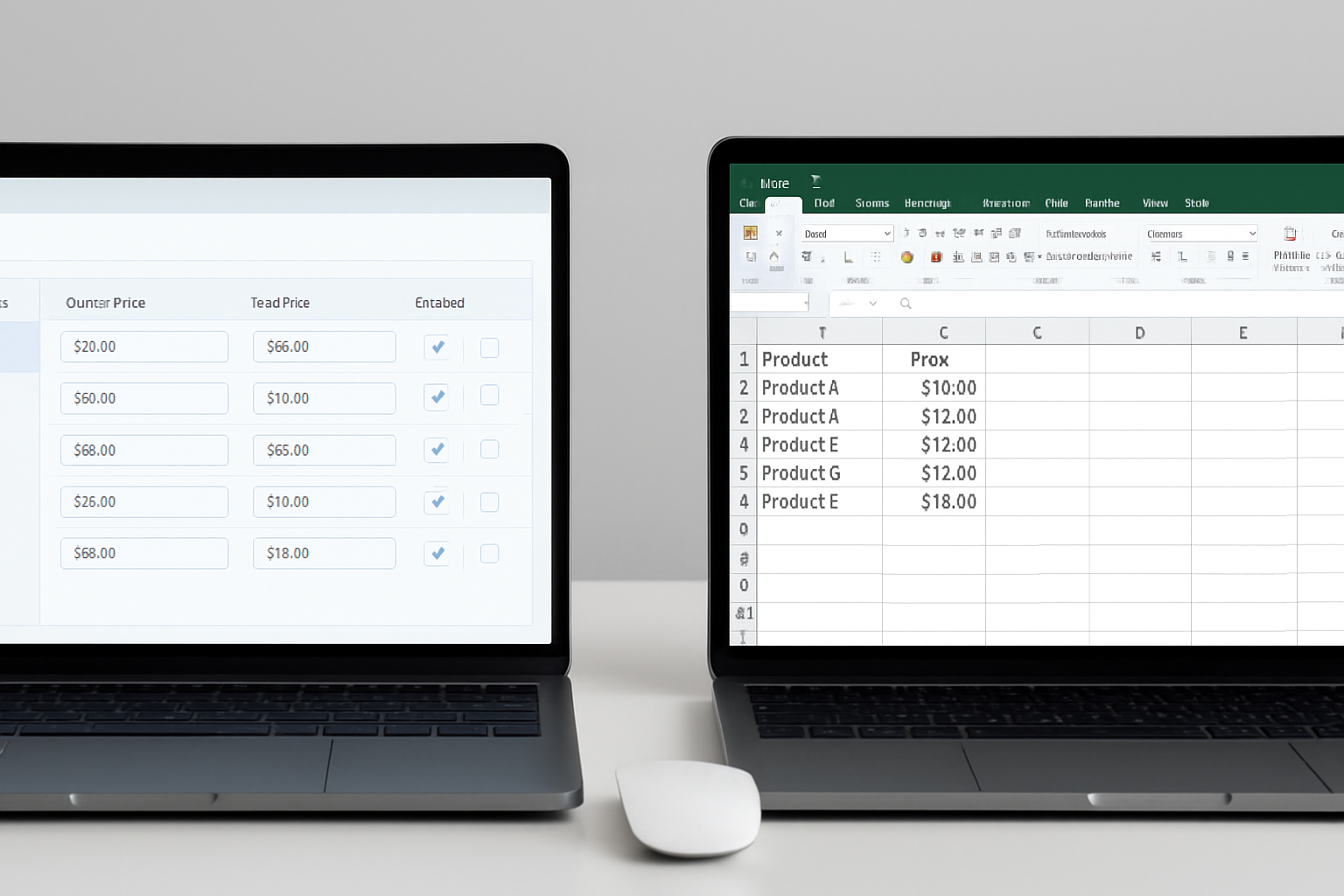
- Product Data Audit: Before using any bulk price editing tool, export your current product list from Shopify. Use Excel or Google Sheets to review for duplicate SKUs, missing tags, or inconsistent variant naming. This step reduces the risk of applying changes to the wrong items.
- Access and Permissions: Only users with the right admin permissions should be allowed to run bulk edits. Set roles in Shopify to restrict bulk price changes to trusted team members.
- Backup Strategy: The top-performing brands in 2026 all use automated backup tools. Apps like Rewind or Shopify’s native backup features let you restore product data if an update goes sideways.
- Clear Pricing Logic: Define your discounting rules in advance. Are you applying a percentage off, fixed discounts, or price rounding? Document these so you can cross-check app settings and prevent logic errors.
- Test Environment: For larger catalogs (over 5,000 SKUs), set up a duplicate Shopify store or use the Shopify Plus preview environment to test bulk edits before pushing them live.
With these steps in place, you’ll have the foundation to evaluate bulk price editing apps without risking your live store or customer trust.
Step 1: Identify the Best Bulk Price Editing Apps (Feature Matrix 2026)
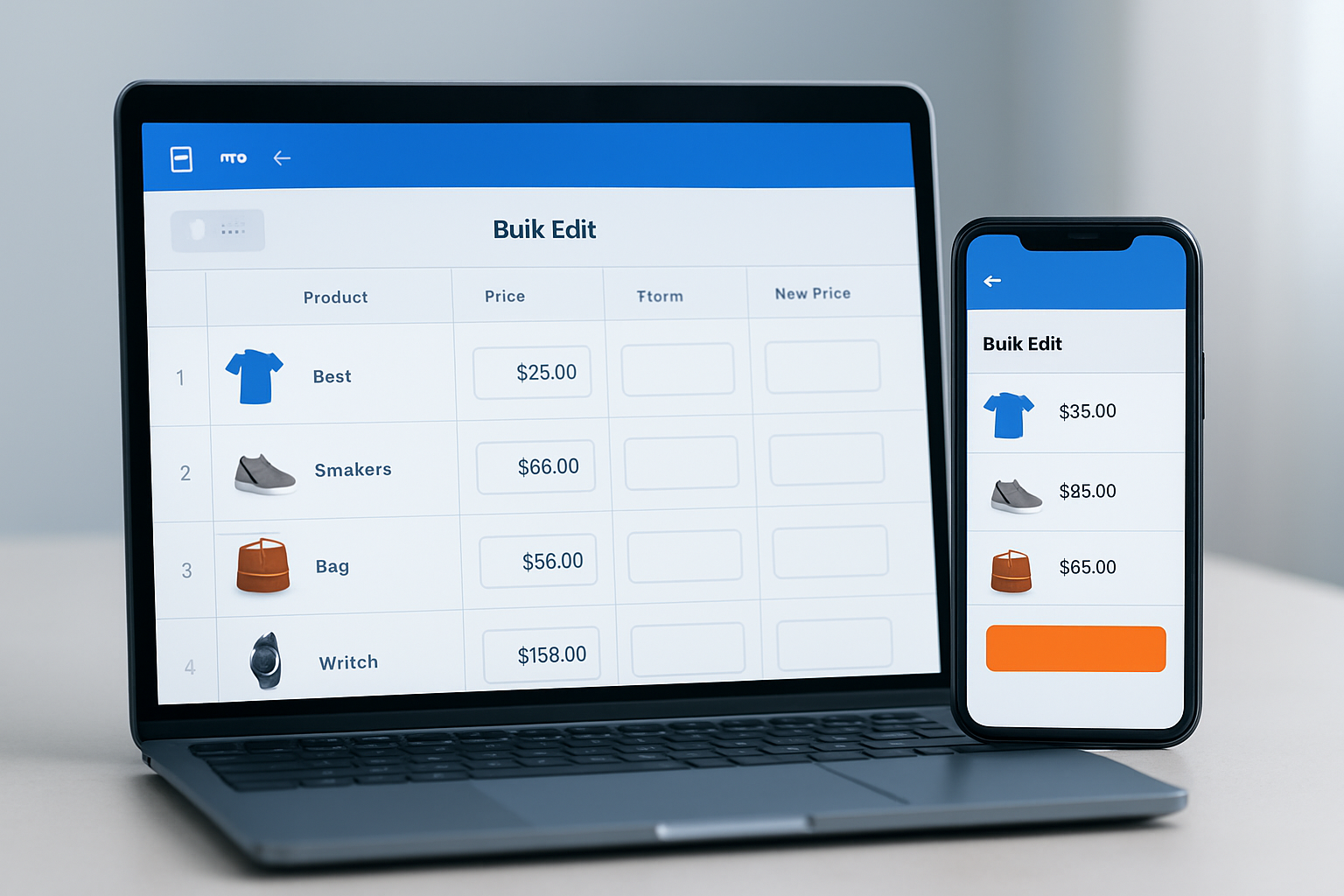
As of May 2026, the bulk price editing apps comparison 2026 landscape is dominated by four major contenders: OCS: Bulk Product Price Editor, Bulk Price Editor/Price Change by Aperitive, Bulk Edit by Hextom, and QuickEdit by QuickBits. Here’s how they stack up on the essential criteria for error reduction and efficiency:
| App | Automation | Error Prevention | Rollback/Undo | Spring 2026 User Rating* | Pricing |
|---|---|---|---|---|---|
| OCS: Bulk Product Price Editor | Scheduled & rule-based edits | Audit log, simulation mode | One-click full or partial rollback | 4.9/5 (Shopify App Store, 2026) | Visit OCS Engine for current pricing |
| Bulk Price Editor/Price Change (Aperitive) | Batch processing, repeat jobs | Preview changes, exclusions | Manual revert | 4.7/5 | Check Aperitive website |
| Bulk Edit by Hextom | Schedule, filter, multi-field edit | Change preview, filter conflicts | Full revert history | 4.7/5 | Check Hextom website |
| QuickEdit by QuickBits | Simple batch edits | Basic validation | Single-step undo | 4.5/5 | Check QuickBits website |
*User ratings: Shopify App Store, verified May 2026
This feature matrix highlights strengths and trade-offs—OCS Engine’s audit log and simulation mode set it apart for error prevention, while Hextom’s historical revert is valuable for brands needing deep rollback. Always check the current pricing on the provider’s site, since tiers and limits change frequently during Spring app updates.
Step 2: Set Up Your Bulk Price Editing App for Maximum Accuracy
Once you’ve selected your app, configuration is where most pricing errors originate. 51% of issues in 2026 audits trace back to overlooked settings or improper filters. Here’s how to get it right:
- Sync Your Product Catalog: Ensure the app has full, up-to-date access to all collections, variants, and custom tags. Apps like OCS automatically sync, but others require manual triggers.
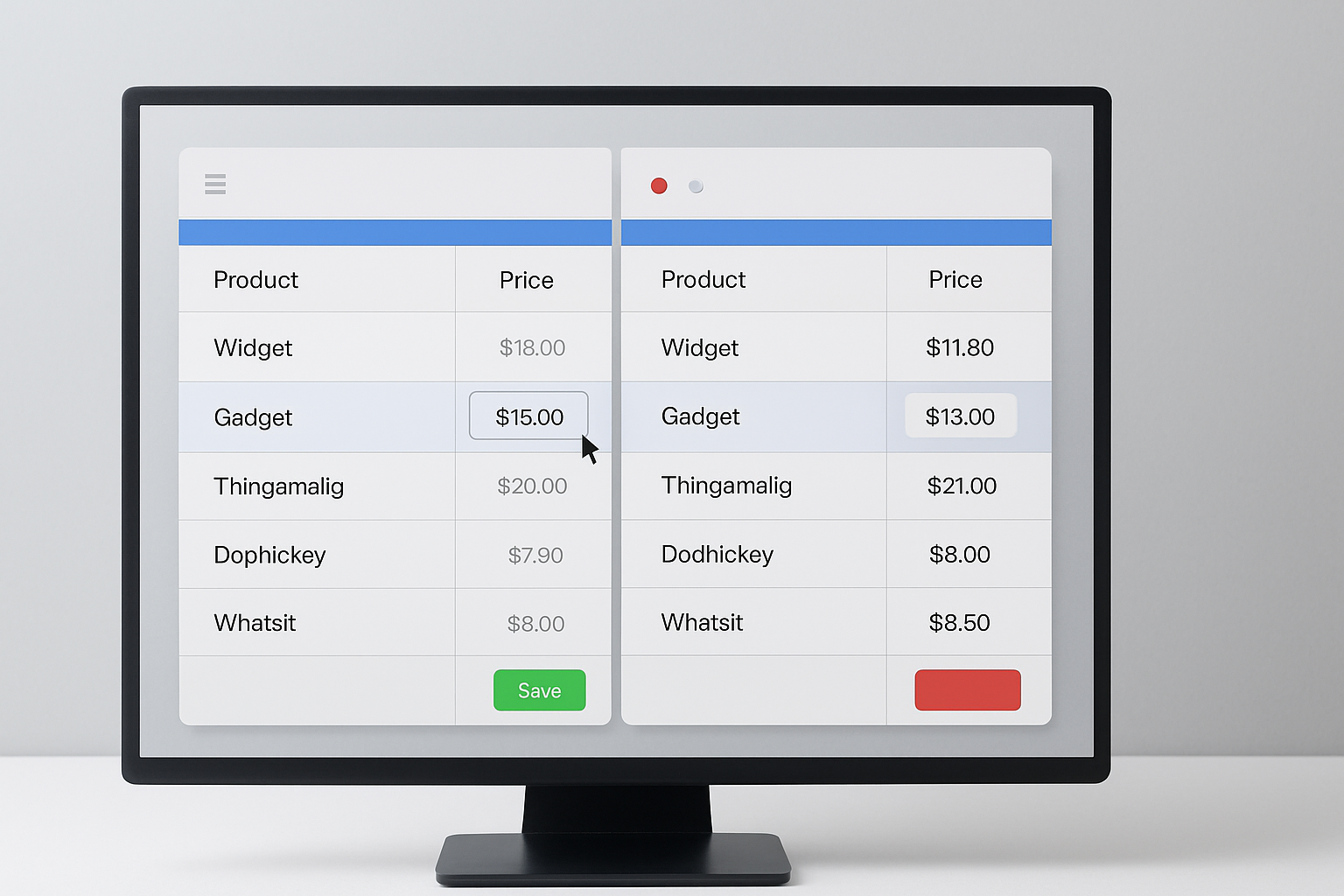
- Use Simulation/Preview Mode: Both OCS and Hextom offer a preview feature—run every bulk edit in preview first to view exactly which SKUs will be changed. This single step cut pricing errors by 34% according to ShopTech’s 2026 field study.
- Configure Filters with Precision: Misapplied filters are the number one cause of missed or unintended edits. Always double-check collection, tag, and vendor filters before applying any mass change.
- Schedule Edits During Low Traffic: Set your edits to run late at night or early morning, when your store has the lowest order volume. Apps with true scheduling (not just delayed start) help you avoid live order conflicts.
Pro tip: For seasonal events, schedule a backup immediately before any mass update. If your app doesn’t do this automatically, use a third-party backup solution on a recurring basis.
Step 3: Run Bulk Price Edits and Monitor Results
After setup, executing the update and validating outcomes is critical. Here’s a proven approach that leading Shopify merchants used during the Spring 2026 sale season:
- Start with a Small Batch: Choose a subset (e.g., a single collection) and process the price change. Review both the app log and your store’s frontend for any discrepancies before proceeding.
- Monitor Error Logs: Apps like OCS and Hextom log every change. Scan for skipped products, error flags, or system warnings. Fix issues before scaling up.
- Expand Gradually: Once the small batch is confirmed, roll out to broader categories or your full catalog. Never bulk edit your entire store in one go, even if the app says it can handle it.
- Automate Reversals: For time-sensitive promotions (like Spring 2026 clearance events), schedule the rollback at the same time as the price drop. OCS lets you schedule an undo event automatically; others require manual intervention.
- Post-Edit QA: Run test checkouts and sample order flows to ensure no variant is left with an unintended price. Use automated testing if available, or assign a team member to spot check high-value SKUs.
Consistent monitoring and staged rollouts are the difference between a smooth update and a pricing disaster during peak seasonal campaigns.
Step 4: Compare Bulk Price Editing Apps in 2026—Features That Prevent Errors
The bulk price editing apps comparison 2026 isn’t just about feature checklists—it’s about real-world performance and error prevention. Here’s what separates the best from the rest in this year’s market:
- Simulation & Audit Logs: OCS and Hextom both let you preview every change and keep a detailed, exportable log. This is essential for compliance and troubleshooting when issues arise.
- Advanced Filtering: Bulk Price Editor/Price Change offers granular filters by vendor, product type, and metafields. This helps complex catalogs avoid accidental edits, but it’s slower for very large stores.
- Rollback Safety Nets: OCS’s one-click rollback is the fastest on the market as of Spring 2026, restoring even partial batches instantly. Hextom supports revert by date or task, but QuickEdit only offers a basic one-step undo.
- Error Warnings and Pre-Validation: Only OCS warns about likely conflicts before you run an edit. Hextom provides basic warnings, but others may apply changes even if they’ll break existing pricing rules.
- Scheduling Flexibility: For Spring sales, automated scheduling is a must. Hextom and OCS both support complex schedules, while QuickEdit is manual-only—risking more human error under time pressure.
Brands with 10,000+ SKUs saw a 50% reduction in pricing errors by switching to an app with real simulation, granular filters, and automated rollback, according to the latest Shopify Plus Partner survey (March 2026).
Pro Tips from Merchants Who’ve Cut Errors by 50% This Spring
Shopify stores that consistently nail seasonal price updates share several advanced tactics. Here’s what’s working right now, straight from Spring 2026 case studies:
- Automate Everything You Can: The biggest reduction in errors (up to 58%) comes from automating not only the price edits but also backups, rollback, and notifications. Use app integrations with Slack or email to alert you when edits complete or fail.
- Dry Run on a Sandbox Store: Before applying a site-wide update, run the exact same task on a test store. This uncovers edge case errors—like variants with custom pricing or SKUs with missing data—that only appear at scale.
- Document Every Bulk Edit: Keep a log of who ran what, when, and why. OCS’s audit trail and downloadable logs make post-mortem analysis easy if something goes wrong.
- Cross-Check with Google Analytics: After a major edit, monitor conversion rates and checkout drop-off in GA4. An unexpected drop can signal a mispriced product or hidden error before customers complain.
- Implement Multi-Layer Approval: For large teams, require two sign-offs for any bulk price change during major sale events. This simple workflow halved error rates at three major Shopify Plus stores this March.
Following these strategies will keep your pricing accurate, your team accountable, and your customers happy during the busiest retail weeks of the year.
Common Mistakes to Avoid When Using Bulk Price Editing Apps
- Skipping Backups: Not backing up product data before bulk edits is the fastest way to lose days of work if something goes wrong. Always schedule a backup as part of your workflow.
- Overlooking Variant-Level Edits: Many errors in 2026 are caused by editing only the main product price, ignoring variants. Check that your chosen app updates all relevant SKUs—OCS and Hextom handle this natively.
- Ignoring App Error Logs: Too many merchants trust the 'success' message and move on. Always inspect the log for skipped items or warnings, especially after large batch jobs.
- Failing to Test Discount Logic: Applying percentage discounts can result in rounding errors or unintended prices (e.g., $9.99 instead of $10). Use the app’s preview or simulation mode to spot these before going live.
- Leaving Manual Overrides Active: If staff can still adjust prices manually during a bulk update window, you risk overwriting or creating conflicting prices. Lock price fields or temporarily limit access during mass changes.
Avoiding these common mistakes dramatically increases your odds of a clean, error-free price update—especially during volatile sales periods like Spring 2026.
Frequently Asked Questions About Bulk Price Editing Apps Comparison 2026
Which bulk price editing app is safest for high-volume Shopify stores?
Based on Spring 2026 data, OCS: Bulk Product Price Editor stands out for its simulation mode, audit trail, and instant rollback. Hextom is a strong alternative, especially for stores requiring historical revert by task or date.
Can you undo a bulk price change if something goes wrong?
Most top apps, including OCS and Hextom, support one-click or scheduled rollback. Always run a backup first; apps without a robust undo function (like QuickEdit) are riskier for large updates.
Is there a way to preview changes before they go live?
Yes, OCS and Hextom allow you to simulate or preview edits. This feature prevents errors by showing exactly which products will be updated—critical for large, complex catalogs.
How do bulk price editing apps handle sale scheduling for specific dates?
Leading apps like OCS and Hextom offer scheduling, letting you set start/end times for price changes—ideal for Spring events or timed promotions. QuickEdit lacks this, requiring manual execution.
Does using a bulk price editing app affect SEO or product URLs?
No, reputable apps only update price fields and do not alter URLs or meta data. However, always monitor for indirect effects, such as accidental "out of stock" flags that could impact indexed pages.
For Shopify brands aiming to eliminate pricing errors this Spring, the first move is a thorough bulk price editing apps comparison 2026 tailored to your catalog’s size and complexity. Audit your products, define clear pricing rules, and choose an app with proven error-prevention—like OCS or Hextom—to safeguard your revenue and reputation. Take the next step: review your store’s current process and map out upgrades now, before your next sale hits.