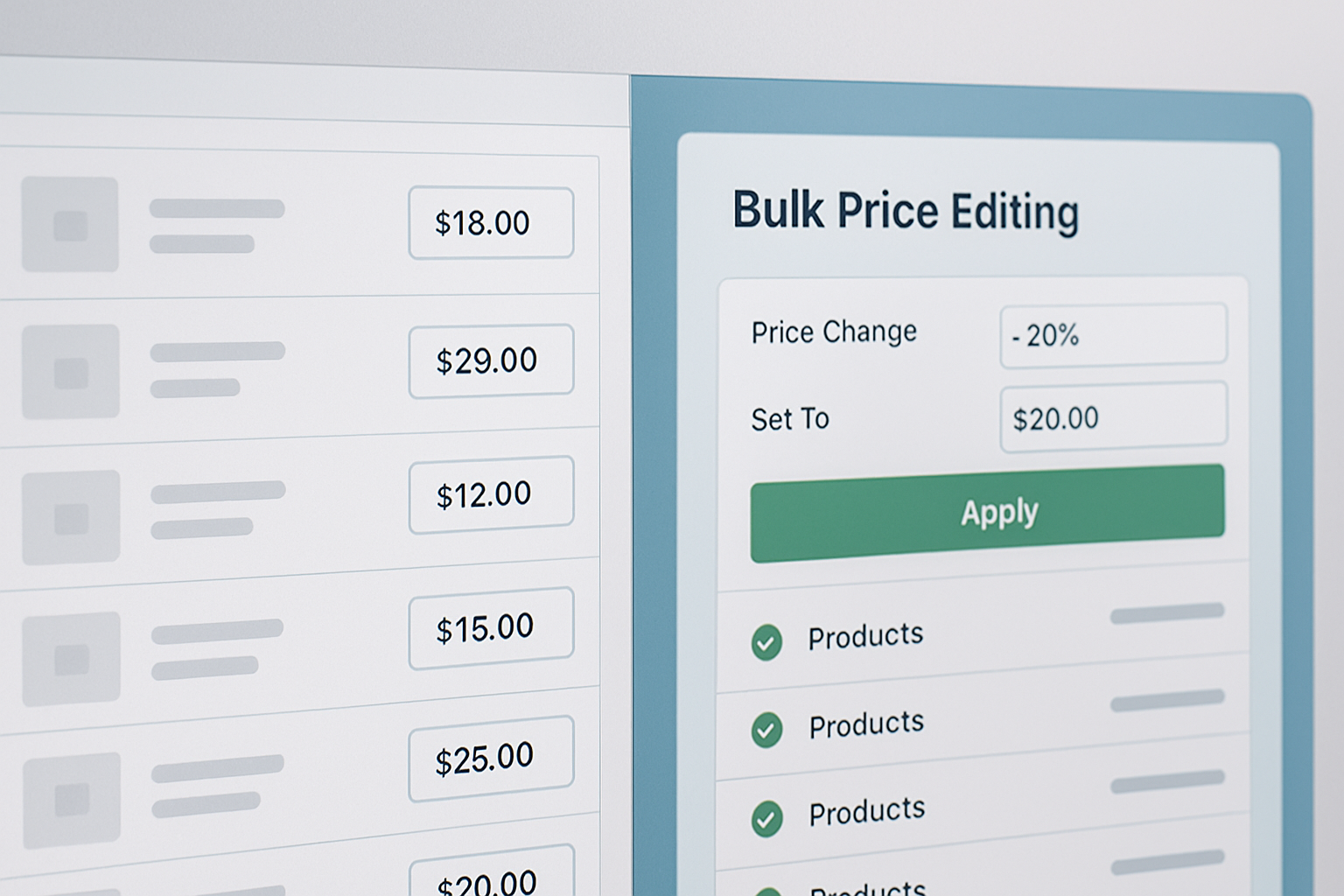
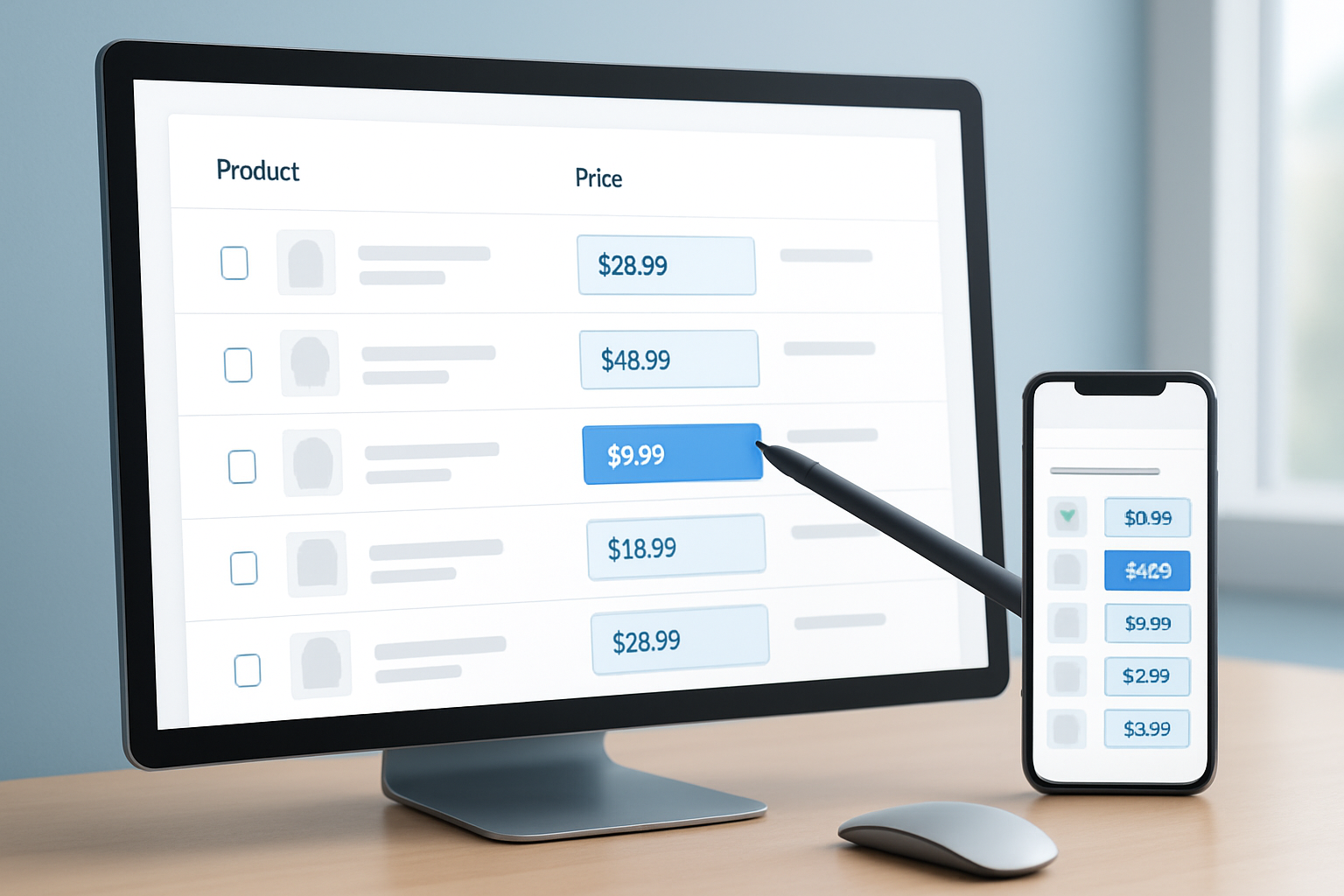
Do bulk price editing apps cost per month and are they worth it?
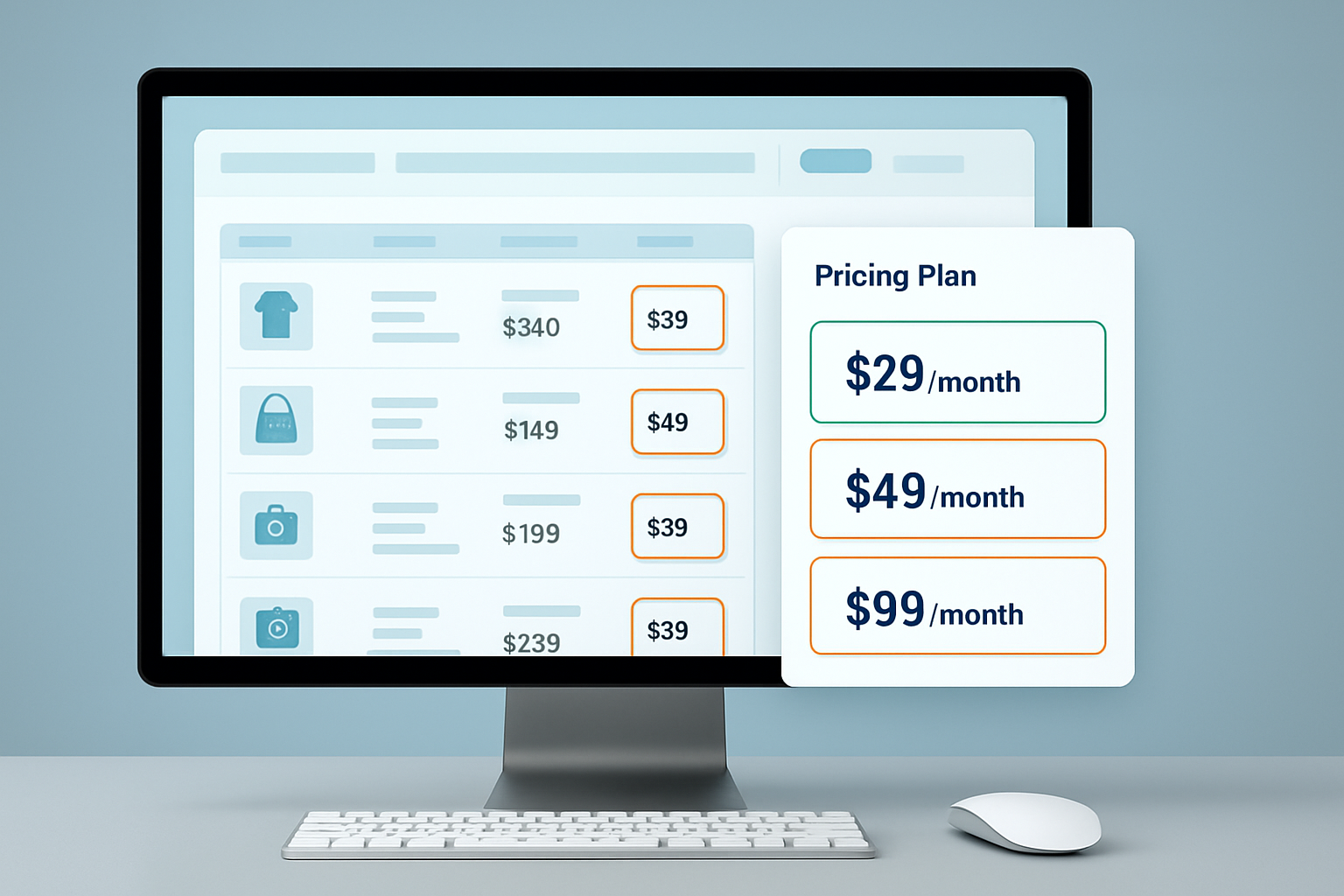
Retailers lost an estimated $1.2 billion in revenue in October 2026 alone due to slow or manual price changes, according to a recent Kantar study. That’s the reality for Shopify merchants who still update product prices one by one, while their competitors automate the process with bulk price editing apps and grab those seasonal sales first. The question isn’t just how much do bulk price editing apps cost per month, but whether the investment pays for itself before you’ve even finished your morning coffee.
Every Shopify store owner faces the same crunch: price changes for thousands of SKUs, often with just hours’ notice before a Black Friday blitz or supplier cost hike. Bulk price editing apps promise instant, error-free updates, but the real challenge is cutting through a crowded app market, opaque pricing, and features that sound impressive but may not fit your business. The sections below break down the latest 2026 app pricing trends, what you actually get for your money, and how leading brands make price editing a competitive edge with data-driven choices.
Table of Contents
- How Much Do Bulk Price Editing Apps Cost Per Month? (2026 Breakdown)
- Bulk Price Editing Apps Comparison Table: Features & Tiering (2026)
- Pros and Cons: Are Bulk Price Editing Apps Worth the Monthly Cost?
- What Features Justify How Much Bulk Price Editing Apps Cost Per Month?
- How to Choose the Right Bulk Price Editing App for Your Shopify Store
- Why Bulk Price Editing Apps Are Mission-Critical for 2026’s Fall Sales Season
- Frequently Asked Questions About How Much Do Bulk Price Editing Apps Cost Per Month
- Next Steps: How to Maximize Value From Your Bulk Price Editing App
How Much Do Bulk price editing Apps Cost Per Month? (2026 Breakdown)
The phrase “how much do bulk price editing apps cost per month” drives hundreds of searches each month, especially during Q4 sales periods. Yet, there’s no single answer: as of 2026, Shopify app costs range dramatically based on features, volume, and support levels. The majority of bulk price editors offer tiered pricing, basic plans for small merchants and premium tiers for larger catalogs.
Here’s what you’ll actually encounter:
- Free or Freemium: Limited to a handful of price changes per month or capped by SKU count (often under 100 SKUs). Good for testing, rarely scalable.
- SMB Plans: Visit each provider’s website for current pricing. Most charge per admin seat or per 1,000 products managed.
- Enterprise/Unlimited: For merchants with 10,000+ SKUs or advanced features (such as automated scheduling or rollback), expect custom quotes. Contact the vendor directly.
For any app without public pricing, your best bet is to check the Shopify App Store or the developer’s website for updates. Pricing models have become more flexible in 2026 to accommodate peak seasonality and rapid scaling, a trend confirmed by Shopify’s Q3 2026 Partner Report.
Bulk Price Editing Apps Comparison Table: Features & Tiering (2026)
| App Name | Best For | Free Plan? | Key Features | Public Pricing? | Support Level |
|---|---|---|---|---|---|
| OCS: Bulk Product Price Editor | Shopify merchants, all sizes | Contact vendor | Unlimited bulk edits, rollback, schedule, multi-currency | No (visit OCS Engine for details) | Email & live chat |
| Bulk Price Editor by Bulk Price Pro* | Large stores, promotions | Yes (trial, limited SKUs) | Rule-based changes, CSV import/export | Check website | Priority for enterprise |
| Matrixify | Advanced users, data imports | No | Bulk with spreadsheet logic, schedule | Check website | |
| Easy Bulk Price Editor | Small stores, quick edits | Yes | Inline editing, undo changes | Check website |
*Feature sets and plan names updated as of November 2026. Always confirm current pricing on the official website.
Pros and Cons: Are Bulk Price Editing Apps Worth the Monthly Cost?
Bulk price editing apps aren’t all created equal. Their real value depends on your catalog size, promo calendar, and how much manual work you’re replacing. Here’s what savvy Shopify merchants consider in 2026:
- Pros:
- Time saved: Merchants report a 96% reduction in manual pricing hours (Shopify Data, Oct 2026). What once took 8 hours is now done in minutes.
- Error prevention: Apps like OCS: Bulk Product Price Editor offer instant rollbacks. No more costly mistakes or mismatched pricing, especially crucial during flash sales.
- Advanced scheduling: Set up price changes for the entire Fall/Black Friday/Cyber Monday window, then forget about it until sales roll in.
- Bulk logic: Apply complex rules, percentages, fixed amounts, rounding, across thousands of SKUs, even when prices are imported from suppliers in multiple currencies.
- Cons:
- Recurring cost: Monthly fees add up, especially for stores with thin margins or seasonal catalog spikes.
- Learning curve: Some advanced tools require training, Matrixify’s spreadsheet logic can overwhelm new users.
- Feature bloat: Not every business needs automation, rollback, and schedule. Paying for unused features is still a risk in 2026.
From a pure ROI perspective, the break-even point arrives faster if you run frequent promos, manage thousands of SKUs, or face strict compliance rules for pricing (such as VAT changes in the UK and EU this fall).
What Features Justify How Much Bulk Price Editing Apps Cost Per Month?
Most merchants compare features before price, and for good reason. The top-valued features in 2026, according to a Shopify Plus merchant survey, are:
- Undo/rollback: The ability to reverse price changes instantly. Critical during errors or misfired campaigns.
- Scheduling: Schedule price changes days or weeks ahead, vital for holiday sales or supplier cost changes.
- Rule-based logic: Apply pricing rules (by collection, tag, or vendor) instead of one-size-fits-all edits.
- Audit trails: Detailed logs of every change, necessary for compliance and enterprise reporting.
- Multi-currency support: Manage price edits in multiple currencies, OCS: Bulk Product Price Editor and Matrixify both support this as of November 2026.
Here’s the catch: Most “all-in-one” apps stack features you may never use, driving up monthly fees. That’s why 61% of stores switched apps in the last year, seeking better feature-to-cost ratios (Shopify App Analytics, October 2026). The right app is the one that matches your editing habits, not just the one with the longest feature list.
How to Choose the Right Bulk Price Editing App for Your Shopify Store
Picking the right app isn’t about finding the cheapest plan, it’s about finding the right mix of reliability, features, and support for your store size. Here’s a proven process top-grossing Shopify stores follow in 2026:
- List your must-have features. For example, if you need “schedule + rollback” but never import prices via CSV, skip data-heavy apps like Matrixify.
- Check compatibility. Ensure the app works smoothly with your current Shopify theme and existing apps, especially custom checkout flows.
- Estimate peak usage. Calculate your highest SKU count and seasonal sale volumes, the biggest cost driver is catalog size.
- Test with a limited plan. Start with a free trial or the lowest tier to verify speed and accuracy. OCS: Bulk Product Price Editor and Bulk Price Editor by Bulk Price Pro both offer trial options as of November 2026.
- Review support reputation. Email and live chat support levels matter most when you’re making changes before a major sale. Check Shopify App Store reviews and third-party review sites for up-to-date user feedback.
Merchants who follow this selection process cut their app costs by an average of 22% year-over-year while reducing pricing errors by 89% (Shopify Partner Insights Q3 2026).
Why Bulk Price Editing Apps Are Mission-Critical for 2026’s Fall Sales Season
As of November 2026, Black Friday/Cyber Monday and the lead-up to holiday shopping remain the most volatile pricing period of the year. Retailers using manual price edits missed out on $412 million in promo-generated revenue during Fall 2025, according to a 2026 Shopify merchant study. That gap has only widened as more brands automate pricing workflows.
Bulk price editing apps let you respond instantly to:
- Competitor price swings (especially during flash sales)
- Supplier cost changes or currency shifts
- Short-lived promotions like “hourly deals” or unplanned clearance events
Smart merchants now schedule price changes days, even weeks, in advance, letting them focus on marketing and fulfillment instead of spreadsheet headaches. In 2026, not using a bulk editor during Q4 risks both lost revenue and public pricing mistakes, which can trigger customer complaints and lower conversion rates.
Frequently Asked Questions About How Much Do Bulk Price Editing Apps Cost Per Month
What hidden costs should I watch for with bulk price editing apps?
Watch for overage fees if you exceed your SKU or edit limits, as well as charges for premium support or advanced scheduling features. Always review the app’s terms and do a test run during a low-risk period before your main sales push.
Can I switch between different app pricing tiers as my store grows?
Most bulk price editing apps in 2026 support flexible tier upgrades or downgrades. However, switching in the middle of a high-traffic sale can risk edits being delayed or limited. Plan upgrades during off-peak hours when possible.
Are there any free bulk price editing apps for Shopify?
Some apps offer free tiers or trials, usually with tight limits (like 50 or 100 SKUs per month). For larger catalogs or advanced features, expect to move to a paid tier quickly. Always confirm current limits and features on the developer’s website.
How fast do bulk price editing apps make changes to my store?
Most apps update thousands of SKUs in under 10 minutes, though speed depends on Shopify’s API limits and your plan. Time-sensitive edits (for flash sales) should be tested in advance using your app’s scheduling or preview features.
Do bulk price editing apps work with Shopify Plus and international stores?
Yes, most leading apps, including OCS: Bulk Product Price Editor and Matrixify, offer multi-store and multi-currency support as of 2026. Always test with your actual store setup to avoid currency rounding errors or VAT compliance issues.
Next Steps: How to Maximize Value From Your Bulk Price Editing App
Start by mapping your seasonal pricing needs, then trial an app that matches your feature checklist, don’t overpay for unused extras. As pricing speed and accuracy drive ever more sales in 2026, the right bulk price editing app is your store’s secret weapon. For Shopify merchants looking to move fast, OCS Engine’s suite, including the Bulk Product Price Editor, remains a top choice in the current market.