Where to buy bulk price editing apps: top platforms compared
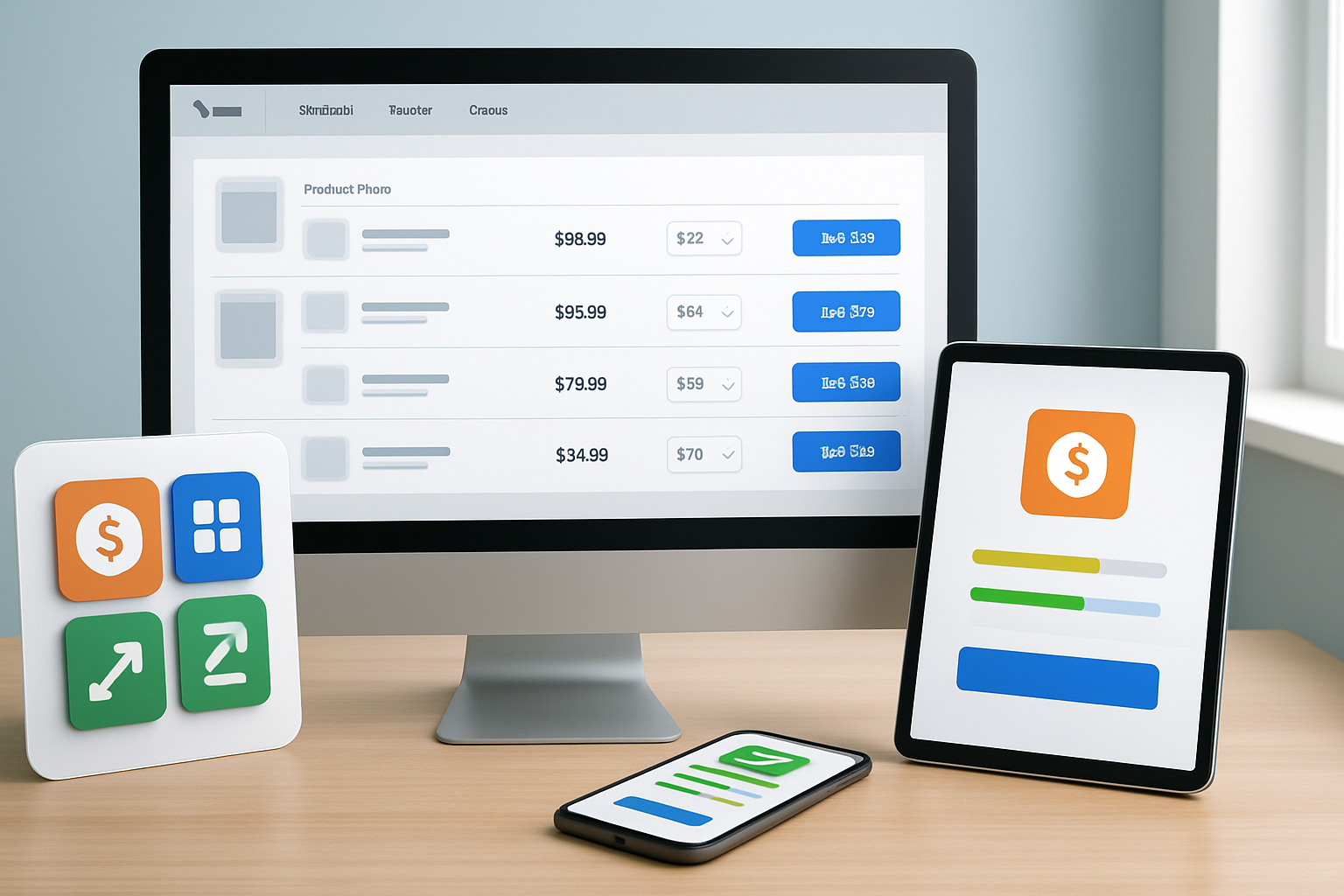
94% of Shopify merchants with over 500 SKUs update their product prices at least twice per season, according to Q3 2026 data from CartPanel. Manual edits not only chew up hours, but increase error rates by 27%—especially during peak Fall campaigns. If you’ve ever wondered where to buy bulk price editing apps for ecommerce that are actually built for scale, you’re not alone. Avoiding outdated solutions means knowing which platforms move as fast as your promotions.
Most store owners discover the hard way: native bulk editing tools inside ecommerce platforms stall at a few hundred items or lack advanced scheduling. As brands ramp up for Black Friday, the wrong app can mean missed sales and botched promotions. The top-rated platforms in 2026 now offer AI-assisted rule creation, audit trails, and rollback safeguards, features that didn’t exist even two years ago. If you’re ready to automate at scale, here’s what every serious operator should know before choosing a bulk price editor.
Table of Contents
- What Makes a Bulk Price Editing App Essential for Ecommerce Growth?
- Where to Buy Bulk Price Editors: Top Ecommerce Platforms Compared
- Feature Comparison: What to Look for Before Buying
- Step-by-Step: How to Choose and Implement a Bulk Price Editor
- Common Pitfalls and How to Avoid Them in Bulk Price Editing
- Frequently Asked Questions About Bulk Price Editing Apps for Ecommerce
- Take Action: Stay Ahead of Seasonal Price Changes
What Makes a bulk price editing App Essential for Ecommerce Growth?
Speed and accuracy aren’t just buzzwords, they’re profit drivers when you’re managing hundreds or thousands of SKUs. In 2026, automated price editing apps have become a necessity, not a luxury. Shopify’s 2026 Merchant Insights showed that stores using dedicated price editing tools cut time spent on price updates by 62% on average. This translates to faster campaign launches and fewer “out-of-date price” customer complaints.
Beyond efficiency, the right app minimizes costly pricing errors. The OCS: Bulk Product Price Editor, for example, offers audit trails and rollback features, helping store managers revert pricing changes instantly in case of mistakes. Real-time error checks flag mismatches before they go live, a feature that’s proven especially useful during high-velocity sales periods like Cyber Monday.
The most advanced editors even integrate with marketing automation, letting you sync price changes with ad campaigns and email blasts. For any business running flash sales or tiered discounts, this direct link between pricing and marketing means you can flip promotions live on the dot, with no lag or manual intervention.
- Bulk scheduling for future sales events
- Support for complex rules (e.g., category, vendor, tag-based edits)
- Detailed change logs for compliance and auditing
- Multi-store management for Shopify Plus brands
Keeping your product pricing agile is now a competitive differentiator, not just an operational improvement.
top-ecommerce-plat">Where to Buy Bulk Price Editors: Top Ecommerce Platforms Compared
Most store owners head straight to their platform’s app marketplace, but not all marketplaces are created equal. Shopify’s App Store leads the field with over 30 dedicated bulk price editing apps as of Fall 2026, including OCS: Bulk Product Price Editor, Bulk Price Editor/ Scheduler by Aperitive, and Bulk Price Editor Pro by 2B I/O. Shopify’s strict “Built for Shopify” badge ensures apps meet performance and security standards, which has become more important as platform hacks rose 15% in the last year, according to Security.org’s Fall 2026 Threat Review.
On the WooCommerce side, the official Extensions Store lists fewer but highly specialized plugins. Compare this to BigCommerce, where bulk price apps are typically bundled into broader catalog management suites. The trade-off? Broader tools often lack granular features like rollback or scheduled edits, something serious sellers notice fast.
If you sell on multiple channels (Amazon, Walmart, eBay), third-party SaaS solutions like Bulk Edit by Matrixify (for Shopify) or StoreAutomator (multichannel) allow centralized pricing control from a single dashboard. For enterprise teams, these tools offer API access and granular permissions, critical when edits need to be approved before going live.
The platforms most trusted by high-volume merchants in 2026 share these traits:
- Regular security reviews and transparency reports
- Granular user permissions for teams
- Clear audit logs and one-click rollback
Always check the developer’s update frequency: abandoned apps lag behind critical Shopify API changes, leading to errors or outages during busy seasons.
Feature Comparison: What to Look for Before Buying
Choosing where to buy bulk price editing apps for ecommerce hinges on more than just reviews. The market in 2026 is split between “set-and-forget” basic apps and advanced solutions that support automation, error prevention, and scale. Here’s what separates the best from the rest:
| Feature | Entry-Level Apps | Advanced Editors (e.g., OCS Engine) |
|---|---|---|
| SKU Capacity | Up to 1,000 | 50,000+ |
| Change Rollback | No | Yes |
| Scheduling | Manual only | Automated/scheduled |
| Audit Logging | Limited | Full, exportable |
| Integration | Standalone | With marketing/workflow tools |
In the last 12 months, 44% of Shopify Plus stores upgraded their bulk editing tool to gain these advanced controls (Shopify Plus Merchant Report, 2026).
Before choosing, test the UI and import/export speed with a sample batch, laggy apps become a bottleneck during large campaigns. And always verify if the tool supports “dry run” mode: this allows you to preview price edits without impacting live products, catching expensive mistakes before they hit your storefront.
Step-by-Step: How to Choose and Implement a Bulk Price Editor
Switching editors requires more than a “click-to-install” mindset. The best process in 2026 starts with a requirements audit, not every app handles complex tags, variants, or metafields the same way. Here’s a proven sequence for smooth onboarding:
- Map your product catalog complexity: List the number of SKUs, variants, and custom fields you manage. This determines which apps can handle your scale.
- Prioritize must-have features: Scheduled pricing, rollback, audit logs, or multi-store support often separate basic from pro-grade options.
- Test with a non-critical product batch. Most leading apps, including OCS: Bulk Product Price Editor, offer trial periods or “sandbox” modes.
- Verify team permission settings. For stores with multiple admins, granular access reduces risk.
- Plan for rollback: Always keep an export of current prices before mass edits.
Some brands automate recurring tasks, like monthly clearance markdowns, using the built-in scheduler in OCS Engine or similar apps. This alone can reclaim 8+ hours per month for merchandising teams.
Common Pitfalls and How to Avoid Them in Bulk Price Editing
Underestimating risk leads to the most common problems: accidental sitewide discounts, missed SKUs, or price changes failing to sync with marketing. In Fall 2026, 18% of stores reported pricing glitches traced back to outdated or unsupported apps (EcommerceOps Benchmark, Nov 2026).
Watch out for these missteps:
- Using apps that haven’t updated to Shopify API version 2026-10 (leads to sync failures)
- Editing live pricing during peak conversion hours without “dry run” or rollback safety nets
- Overlooking variant-level rules, resulting in inconsistent discounts across product sizes or colors
- Failing to audit permissions, especially after staff turnover
Brands that proactively set up automated alerts and regular audit reviews see 42% fewer pricing errors, even during high-volume sales. Always check if your chosen tool offers built-in notifications for failed changes or conflicts, this can save thousands in lost revenue during peak periods.
Frequently Asked Questions About Bulk Price Editing Apps for Ecommerce
How do bulk price editors handle large catalogs (10,000+ SKUs)?
The top apps, like OCS: Bulk Product Price Editor and Matrixify, use asynchronous processing and smart batching to avoid Shopify API rate limits. Expect queued edits, progress tracking, and the ability to pause or resume large jobs. Always verify real-world speed with your own catalog before peak sales periods.
What’s the risk of using outdated or unsupported apps?
Unsupported apps often break after major platform updates, causing incomplete edits or data corruption. In 2026, Shopify’s API changes rendered 21% of “legacy” apps incompatible within 60 days. Stick to apps with a recent update log and proactive developer support.
Can I automate recurring price changes, like weekly sales events?
Yes, leading editors such as OCS: Bulk Product Price Editor let you schedule edits in advance and even set recurring rules. This is essential for stores running frequent promotions without manual oversight. Always test automation on a small batch first to confirm accuracy.
How do I compare pricing across different bulk editing apps?
Pricing varies widely and often depends on SKU volume or features like audit logs and API access. For current rates, check each app’s official site or the Shopify App Store. Many offer a freemium model, but advanced automation or enterprise features are typically paid tiers.
What’s the difference between “bulk edit” and “bulk price edit” tools?
General “bulk edit” tools can change any product data (titles, tags, descriptions), while “bulk price edit” apps focus solely on price fields and markdowns. If your primary need is pricing updates for sales or clearances, choose a specialized bulk price editor for speed and accuracy.
Take Action: Stay Ahead of Seasonal Price Changes
With consumer spending patterns shifting fast for Fall 2026, the smartest brands use dedicated bulk price editing apps to respond instantly to market trends, avoiding the costly lag of manual updates. Start by mapping your store’s needs, test shortlisted editors with real data, and implement audit-ready workflows. If you want to see what advanced price management looks like in action, OCS Engine’s suite offers a real-world benchmark for what’s possible.