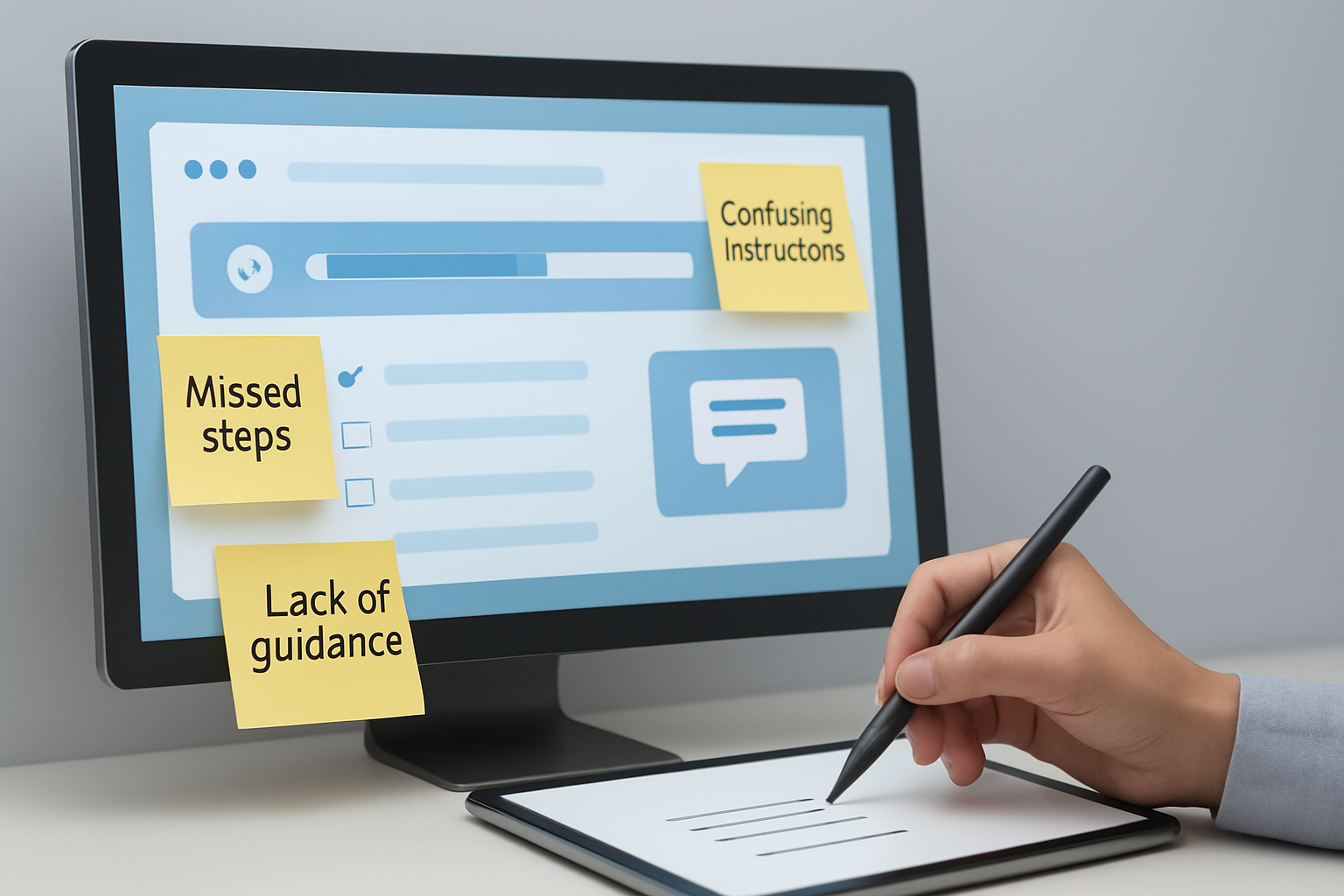
67% of SaaS users quit within the first week if onboarding stumbles, according to a September 2026 ChurnZero survey. That’s not a typo, two-thirds gone before you’ve even shown them your product’s real value. If you’re struggling with how to fix common mistakes that kill SaaS onboarding, you’re not alone. The gap between flawless onboarding and silent churn is razor-thin, and in 2026, the bar is higher than ever.
Most SaaS companies pour resources into acquisition, but overlook the one process that makes or breaks lifetime value: onboarding. Fall’s new cohort of Shopify merchants launching with OCS Engine apps proves this. When onboarding isn’t intuitive, even power users bounce. What separates the apps with 4.9-star ratings from those who vanish from the App Store isn’t features, it’s how quickly they get users to “aha” with zero confusion. If you want explosive trial-to-paid conversions, you need a blueprint for how to fix common mistakes that kill SaaS onboarding, using today’s standards, not yesterday’s playbook.
Table of Contents
- Prerequisites: What You’ll Need Before Optimizing SaaS Onboarding
- Step 1: Audit Your Current Onboarding Flow Ruthlessly
- Step 2: Remove, Shorten, or Automate Every Non-Essential Step
- Step 3: Personalize Onboarding by Use Case, Not Persona
- Step 4: Embed Support and Social Proof at Every Friction Point
- Step 5: Test, Iterate, and Obsess Over Activation Metrics
- Pro Tips: Expert Advice on How to Fix Common Mistakes That Kill SaaS Onboarding
- Common Mistakes to Avoid
- Frequently Asked Questions About How to Fix Common Mistakes That Kill SaaS Onboarding
- Start Small, Win Big
Prerequisites: What You’ll Need Before Optimizing SaaS Onboarding
Before you overhaul onboarding, gather a concrete toolkit and baseline data. You’ll need more than gut instinct, 2026 onboarding is about precision and iteration.
- User journey analytics: Tools like Heap, Mixpanel, and OCS: AIO - AI SEO Visibility Engine (for Shopify-focused onboarding) help map every click, skip, and dropout. You can’t fix what you can’t track. Set up event tagging for your activation milestones, think: first message sent, first product edited, or first discount link created.
- Customer feedback loops: Use Hotjar or UsabilityHub for real-time feedback. But don’t ignore Shopify’s in-built survey integrations; OCS - All Contact Form Builder automates this for e-commerce SaaS. Collect qualitative insights after each onboarding step.
- Clear onboarding KPIs: Define metrics by cohort. For example, your October 2026 cohort might have a “time-to-value” under 6 minutes for OCS Sticky Chat users. Anything above this benchmark signals friction.
- Access to your onboarding flows: Whether built in-house or via tools like Userpilot or Appcues, ensure you can edit, A/B test, and personalize flows. For Shopify app developers, Shopify’s Admin API (2026 version) now supports dynamic onboarding content per store type.
- Cross-team collaboration: In 2026, successful onboarding isn’t a product team silo. Schedule working sessions with support, growth, and even sales (if you’re B2B). Customer success should feed user pain points directly into your onboarding review.
Check these boxes before you even glance at your onboarding script. Otherwise, you’re optimizing in the dark.
Step 1: Audit Your Current Onboarding Flow Ruthlessly
The first step in how to fix common mistakes that kill SaaS onboarding: dissect your existing process like a user who’s never seen your app. Forget assumptions, watch real customer sessions via FullStory or Smartlook, and note where frustration appears. According to a Q3 2026 UserOnboard study, 41% of SaaS onboarding flows include at least one dead-end (a step with no clear next action).
List every step in your onboarding: installation, welcome message, first setup, feature tours, and activation triggers. For each, track:
- Drop-off rates (where users leave)
- Time spent per step
- Support tickets generated by onboarding friction (tagged via your helpdesk, Zendesk or Shopify’s built-in support tools)
Pro tip: For Shopify merchants, align this audit with your App Store listing’s top complaints. If users mention “confusing setup” or “missing instructions,” your onboarding flow has visible cracks.
End the audit by running a 5-user usability test. Watch for moments where users hesitate or guess. Record every question they ask. This is the raw material for your fixes.
Step 2: Remove, Shorten, or Automate Every Non-Essential Step
The biggest onboarding killer in 2026 is friction masquerading as “education.” Each unnecessary field, video, or tooltip slashes your activation rate. Shopify App Store data from August 2026 shows a 27% higher conversion for apps with onboarding that takes under 3 minutes.
Map your onboarding to the absolute minimum: what does a user need to do to get value? For OCS Engine’s Smart Discount Links, that means “create a live discount link in 2 clicks”—not a 9-step tutorial. Use conditional logic to show advanced options only when relevant.
Automate wherever possible:
- Pre-fill fields using Shopify API data (store name, currency, product types).
- Use single sign-on (SSO) so users don’t re-enter credentials.
- For OCS: Bulk Product Price Editor, auto-detect product categories so first-time users edit prices with zero configuration.
Warning: Don’t hide critical setup steps, like permissions or billing, in an effort to hit time targets. Instead, explain why those steps matter, or provide instant support via embedded chat (see OCS Sticky Chat for Shopify).
Step 3: Personalize Onboarding by Use Case, Not Persona
Generic onboarding kills engagement. In 2026, personalization means adapting flows to what the user wants to accomplish, not who they “are.” Segment by intent: is the merchant here to launch a seasonal Black Friday sale or automate customer support with Vatdi, AI Chatbot Support?
Trigger different onboarding tracks based on:
- Plan type (free vs. paid, premium users expect advanced features upfront)
- Store size (single-product vs. 10,000-SKU catalog)
- Immediate goal (create a contact form vs. set up multi-agent chat)
Use branching logic in your onboarding tool. For OCS Engine apps, this often means loading different tutorials or checklists based on the Shopify store’s installed apps or selected goals at signup. According to a June 2026 Appcues report, apps with goal-based onboarding see a 42% lift in week-one retention.
Practical tip: Ask one smart “What’s your main goal today?” question at onboarding. Then show only the steps needed for that outcome. This slashes confusion and feels tailored, not overwhelming.
Step 4: Embed Support and Social Proof at Every Friction Point
Users get stuck, 2026’s top apps expect it and react instantly. Embedding help is a core part of how to fix common mistakes that kill SaaS onboarding. Don’t make users hunt for documentation; surface it contextually.
- Use in-app chat (like OCS Sticky Chat) right where confusion peaks, on pricing settings, integrations, or permissions.
- Show micro–video demos (< 30 seconds) for complex features. According to Wyzowl’s 2026 Video in SaaS report, 85% of users prefer micro-videos over written guides during onboarding.
- Display real customer quotes or use cases at activation moments. “Merchants who used Bulk Price Editor increased sales by 18% over Black Friday 2026” is more convincing than generic encouragement.
Expert warning: Resist the urge to bury users in help docs. Instead, use OCS: Product FAQ Generator to answer top questions right in-app, and update these monthly based on new support data.
Step 5: Test, Iterate, and Obsess Over Activation Metrics
Onboarding is not “set and forget”—if you aren’t running A/B tests, you’re falling behind. Set up experiments on:
- Onboarding step order (move “invite teammates” after first value, not before)
- Copy variations (“Start editing prices” vs. “Begin your first campaign”)
- Visual cues (progress bars, checklists, or confetti upon activation)
Monitor activation rate weekly, your North Star. For OCS Engine, a “successful onboarding” means the merchant uses a core app feature within 5 minutes. When you see a dip, run user interviews within 72 hours. Rapid iteration is what enabled Shopify’s top 10% of app partners to drive double-digit retention growth in Fall 2026 (source: Shopify Partner Insights, Oct 2026).
Expert tactic: Share onboarding metrics across the whole company. Celebrate incremental wins, and make churn everyone’s problem, not just product’s.
Pro Tips: Expert Advice on How to Fix Common Mistakes That Kill SaaS Onboarding
- Set a “time-to-first-value” goal: In 2026, top SaaS apps aim for under 5 minutes. Time how long it takes a new user to reach meaningful value, then shave off seconds wherever possible.
- Use live onboarding webinars, automated, but personal: Offer these weekly and let users ask questions live. OCS Engine clients who did this post-October 2026 saw a 19% increase in activation rates.
- Don’t assume onboarding is over after setup: Trigger “what’s next?” in-app nudges based on inactivity. Use AI, like BlogBotz, to recommend auto-generated next steps or resources tailored to each user’s recent activity.
- Measure the impact of every change: Roll out onboarding tweaks to 10% of users, measure activation and retention, then scale. Blind overhauls without metrics waste weeks.
- Make onboarding part of your marketing: Share “how fast can you get started?” in your app listing and landing pages. The 2026 SaaS market rewards clarity over complexity.
Common Mistakes to Avoid
- Ignoring onboarding analytics: Skipping setup of Mixpanel, Heap, or OCS: AIO means you’re blind to friction points. Data-less onboarding is guesswork, not optimization.
- One-size-fits-all onboarding: Treating every user the same ignores intent and undermines activation. 2026’s best Shopify apps tailor onboarding to each merchant’s immediate needs.
- Overloading users with features: Feature dumps cause confusion, not delight. Instead, surface advanced tools only after users master basics.
- Failing to embed real-time support: Making users email support or wait for documentation kills momentum. Use live chat and in-app FAQs to answer questions instantly.
- Neglecting post-onboarding engagement: If you don’t nudge users with next steps, you lose them after setup. Activation is a journey, not a checkbox.
Frequently Asked Questions About How to Fix Common Mistakes That Kill SaaS Onboarding
How do I measure if my onboarding is actually working?
Track activation rate (users who reach the first meaningful outcome), time-to-value, and early churn rates. Use tools like Mixpanel or Shopify’s analytics to monitor these weekly. Compare against your previous cohort’s benchmarks for a true read on improvement.
What’s the fastest way to improve onboarding for a Shopify app?
Start by removing every unnecessary step. Automate data entry using Shopify APIs and pre-fill fields. Test onboarding with five brand new users, watch them live, and fix whatever slows them down.
How much should I personalize onboarding, and what’s too much?
Personalize by use case, show users only what’s essential for their goal. Don’t try to guess personality traits or overwhelm with irrelevant options. Goal-based branching (per OCS Engine’s best apps) hits the sweet spot.
Can AI help with onboarding optimization in 2026?
Absolutely. Tools like BlogBotz or Vatdi use AI to adapt onboarding flows, surface real-time help, and trigger nudges based on behavior. AI-driven personalization is now an industry norm for high-performing SaaS products.
What’s the difference between onboarding for B2B and B2C SaaS?
B2B onboarding often requires inviting teams, permissions, and integrations. B2C focuses on instant gratification and simplicity. Both must minimize friction, but B2B can surface advanced features sooner without overwhelming solo users.
Start Small, Win Big
The fastest way to transform SaaS onboarding is to fix one real mistake this week, watch users, remove a speed bump, and see retention climb. In 2026, relentless iteration wins. OCS Engine’s success with Shopify apps proves that onboarding is your ultimate growth lever, if you treat it as a living system, not a checklist.